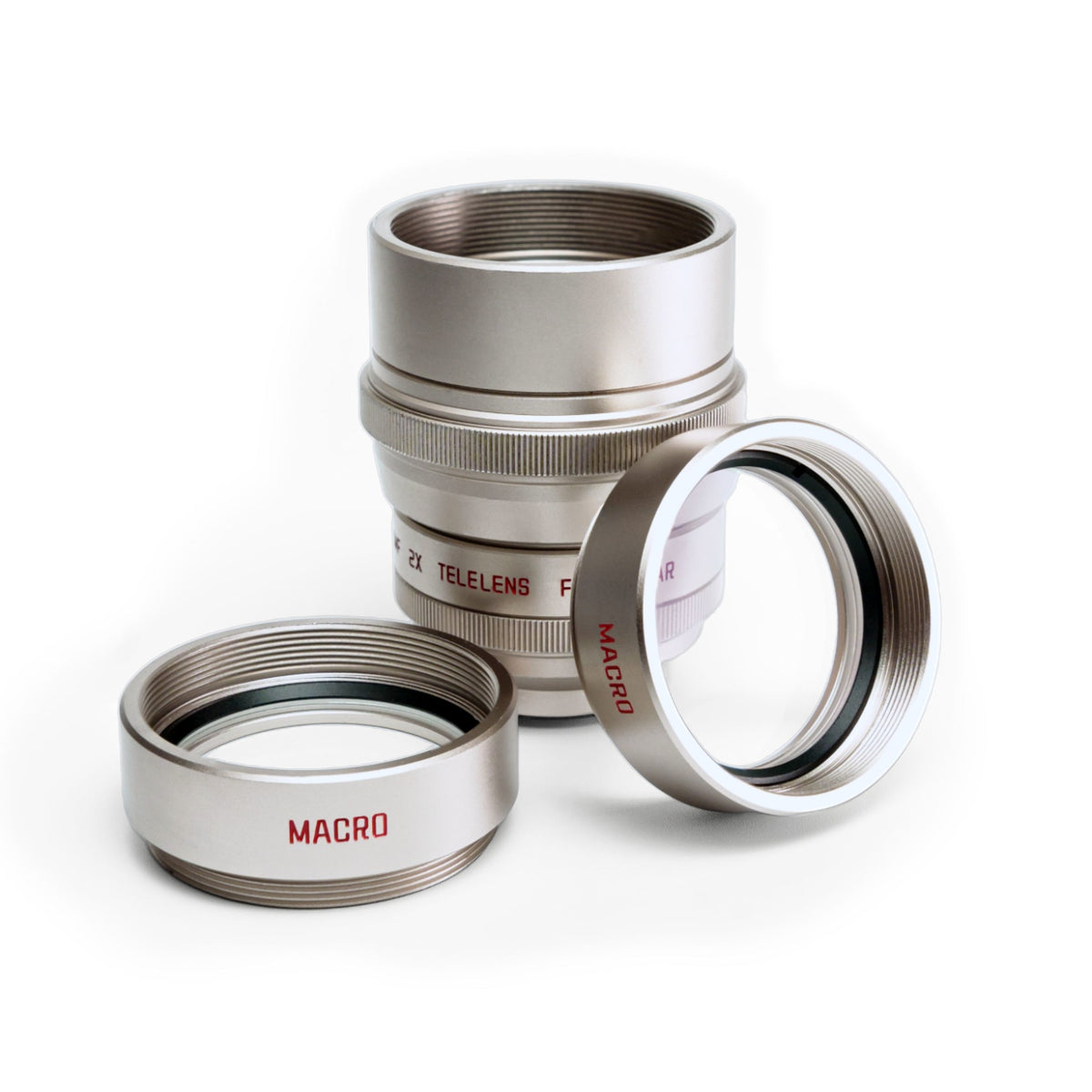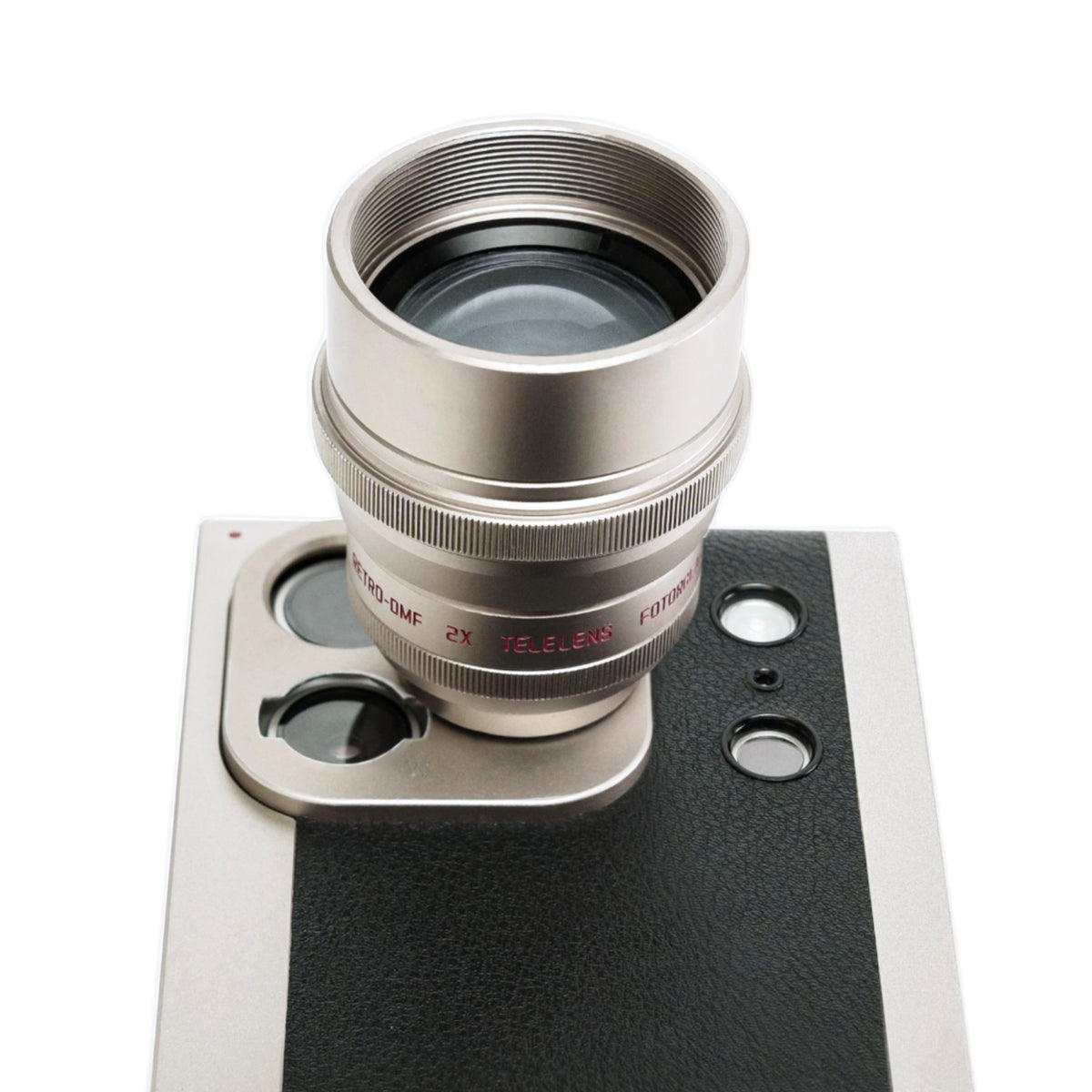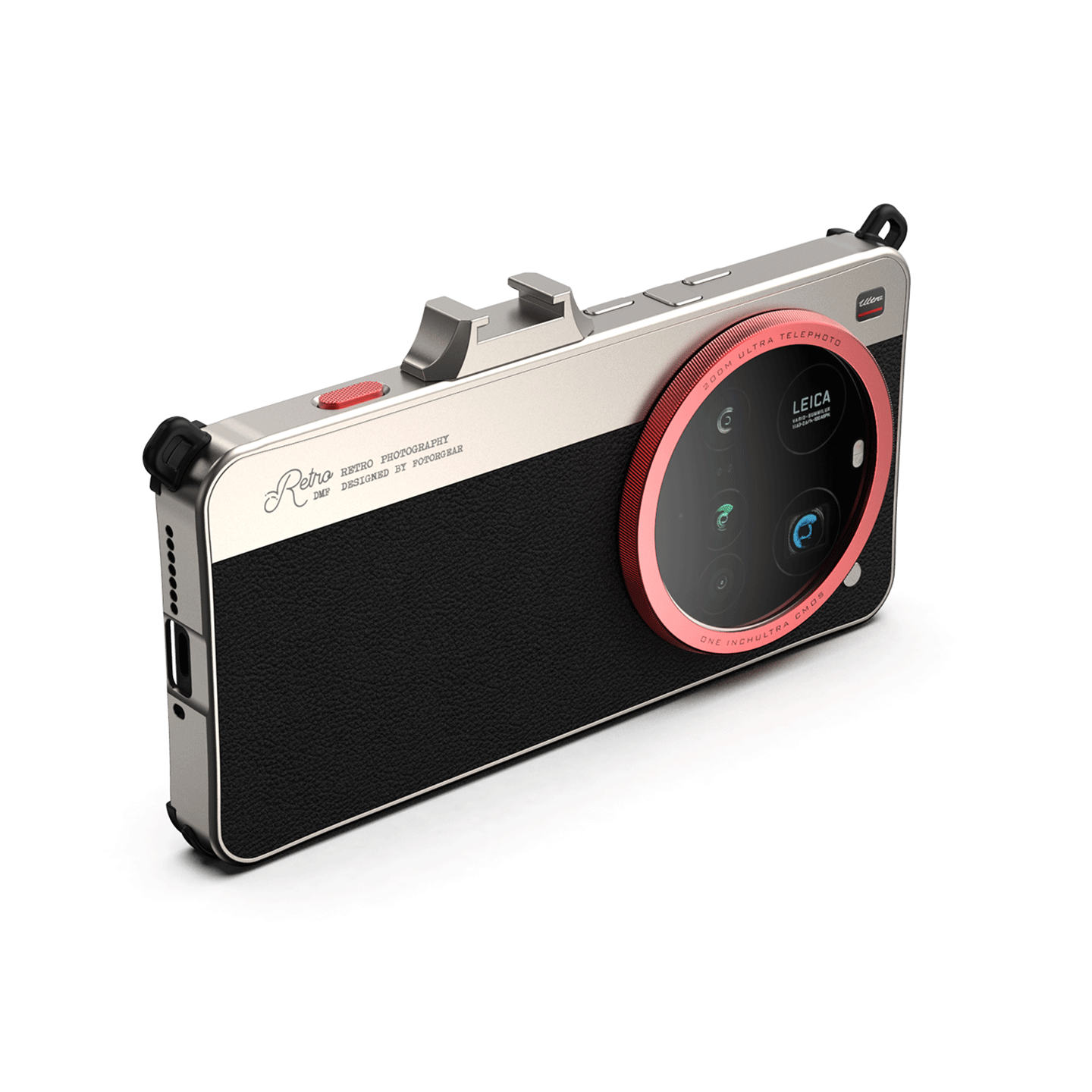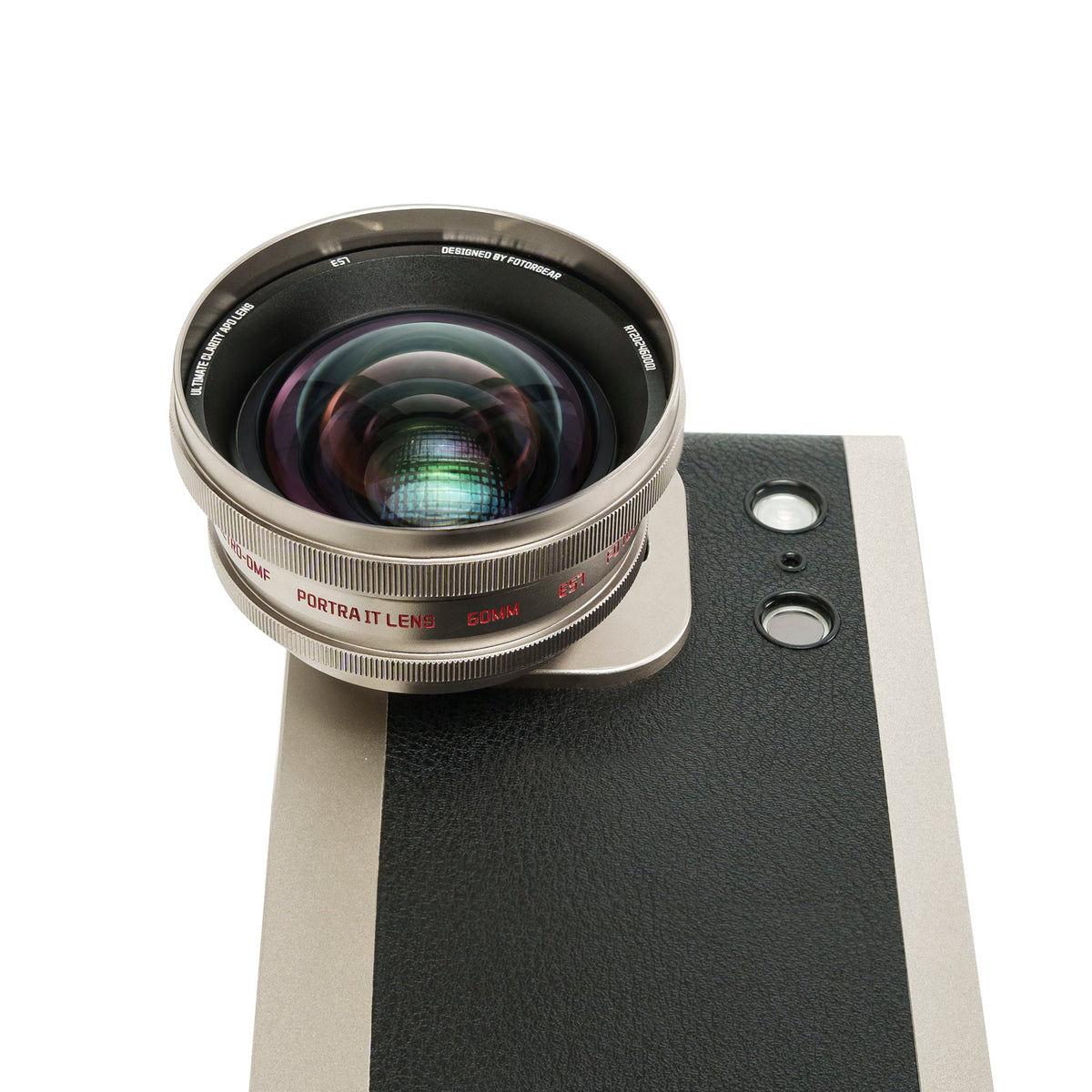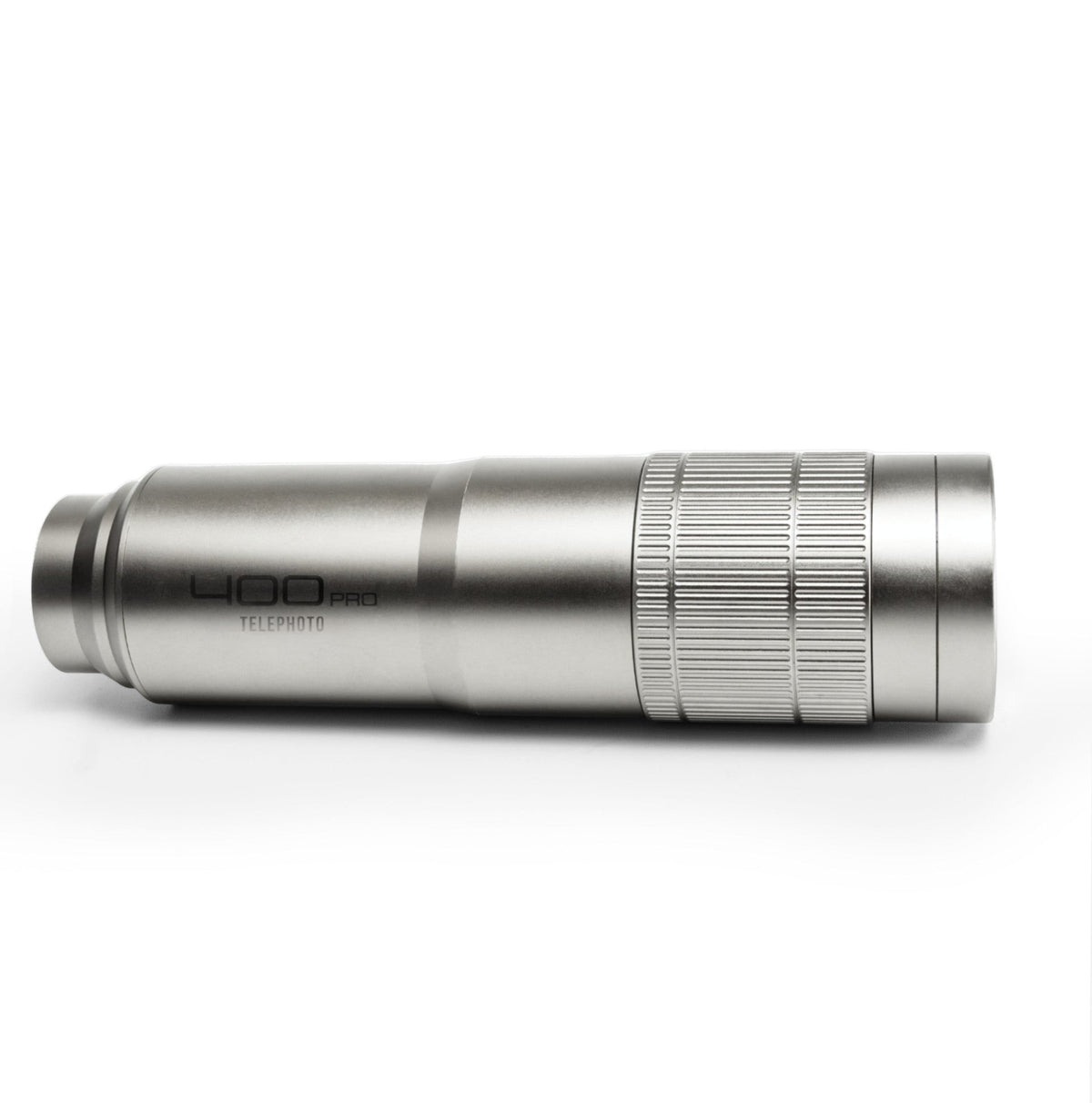
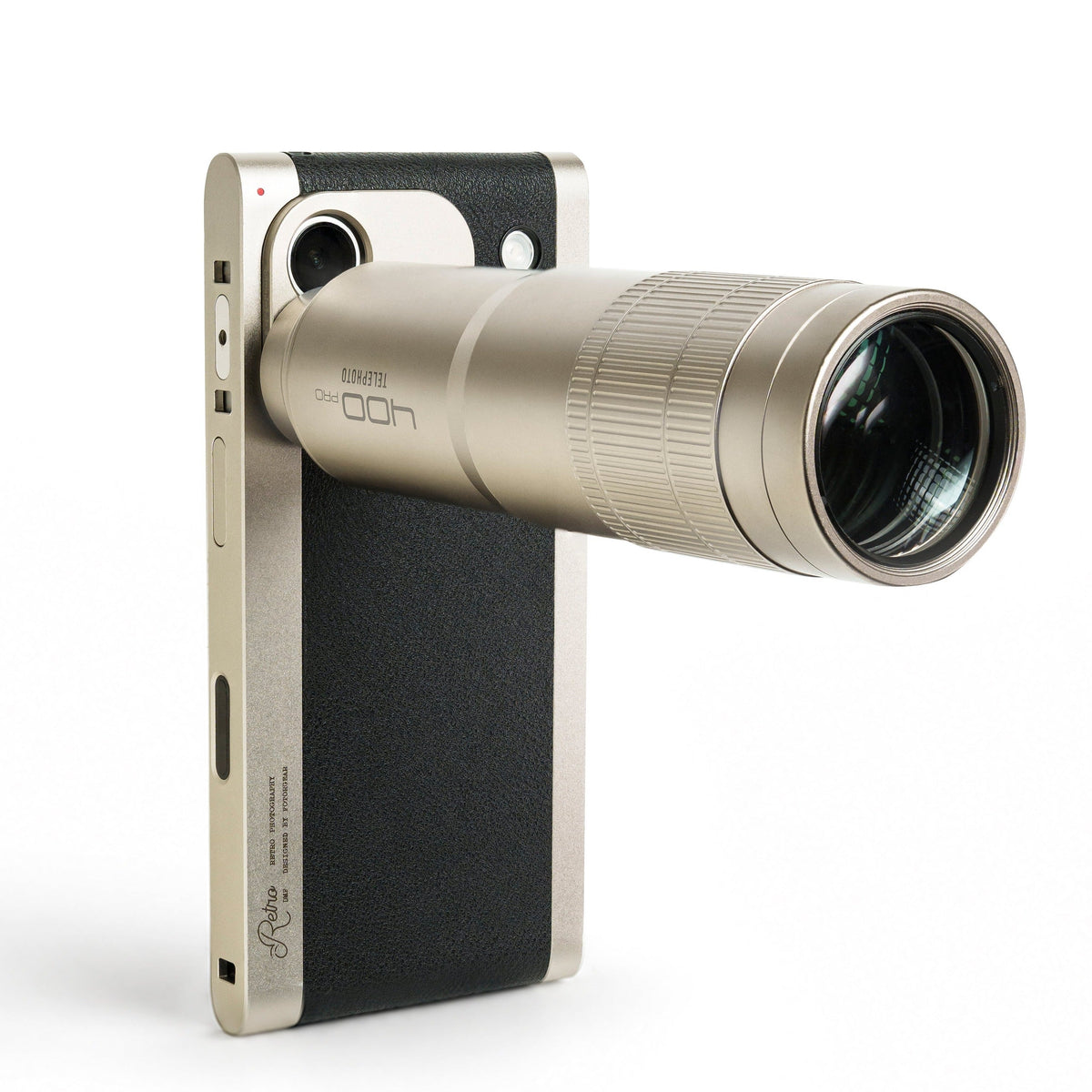




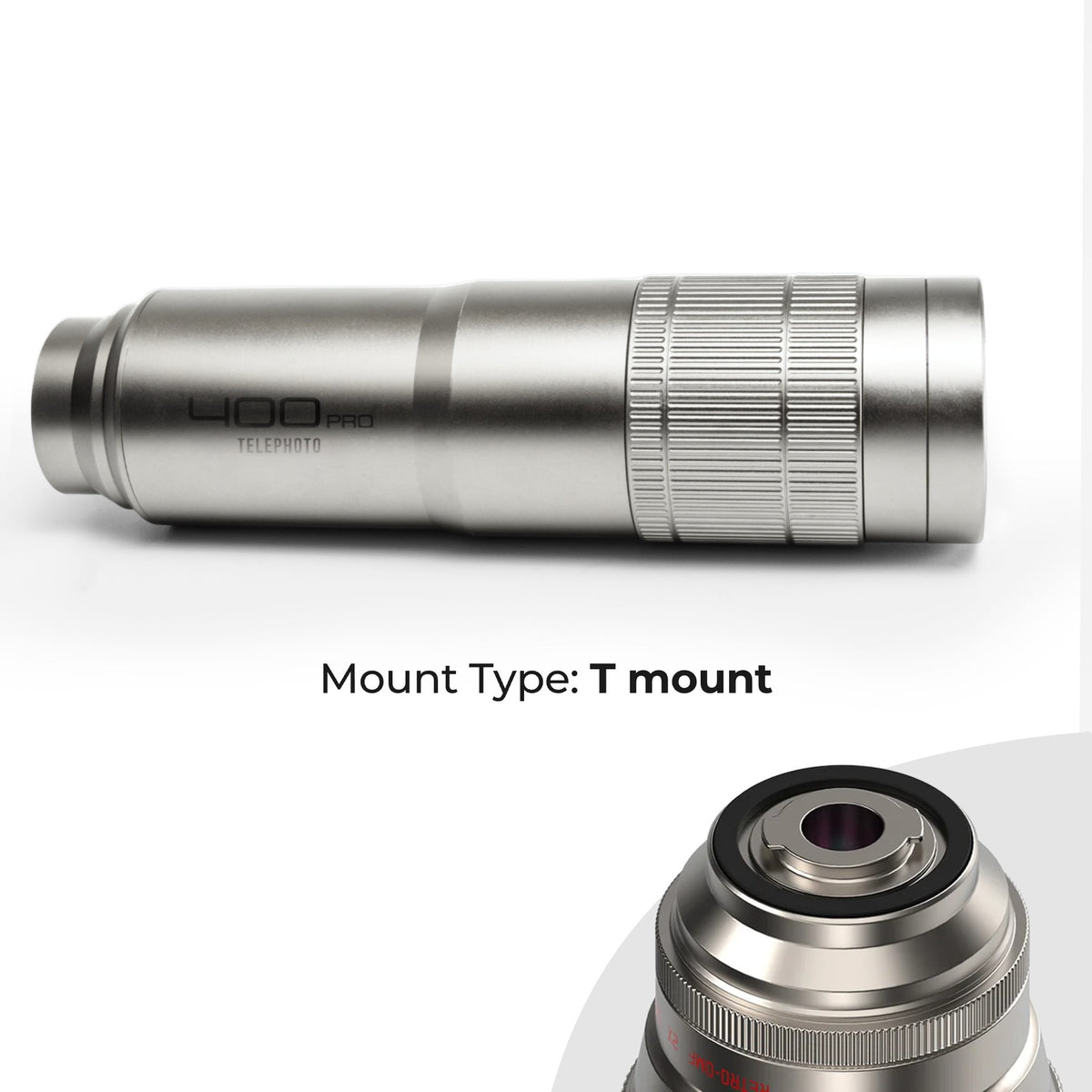
Série Rétro : Téléobjectif professionnel 400 mm
Vous ne savez pas quel type de monture choisir ?
Consultez notre guide ici ▶︎ : Un guide des montures d'objectifs entre 17 mm et monture T

What's Included
- 1 × 400mm Pro Lens
- 1 × Monocular Eyecup
- 1 × Universal Lens Clip
- 1 × Arca-Swiss Lens Support Bracket
- 1 × Handheld Tripod
- 1 × Protective Carrying Case


Configurer
What's Included
- 1 × 400mm Pro Lens
- 1 × Monocular Eyecup
- 1 × Universal Lens Clip
- 1 × Arca-Swiss Lens Support Bracket
- 1 × Handheld Tripod
- 1 × Protective Carrying Case
What's Included
- 1 × 400mm Pro Lens
- 1 × Monocular Eyecup
- 1 × Universal Lens Clip
- 1 × Arca-Swiss Lens Support Bracket
- 1 × Handheld Tripod
- 1 × Protective Carrying Case
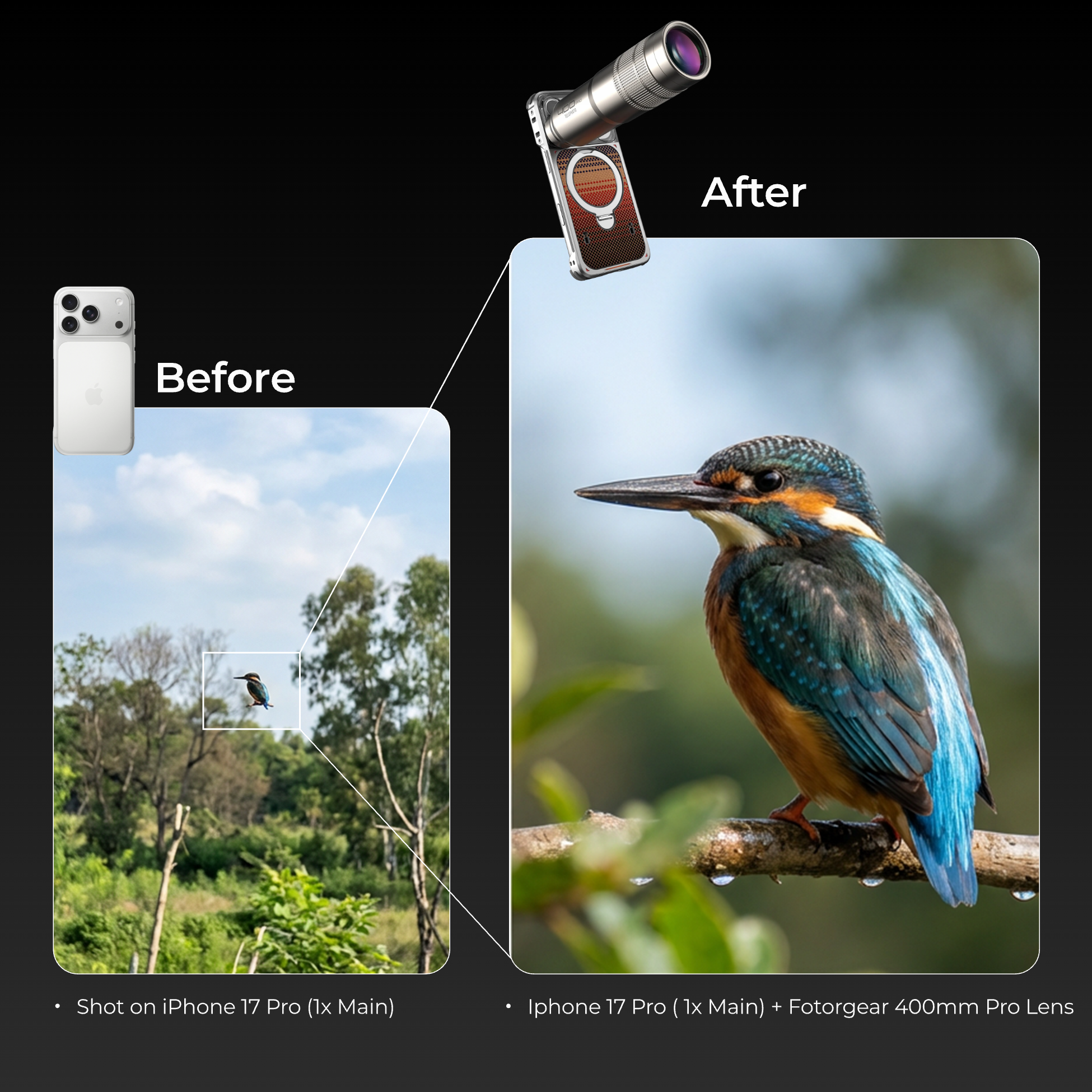
Far Doesn't Mean Blurry Anymore
By engineering this lens to work with your phone's 1x Main Camera, we've unlocked professional-grade reach without the vignetting, softness, or color shift that plague other telephoto lenses. Pair it with the Fotorgear App's EIS Mode for rock-solid stability, and you're shooting distant subjects in cinematic clarity — without the bulk of a pro rig.
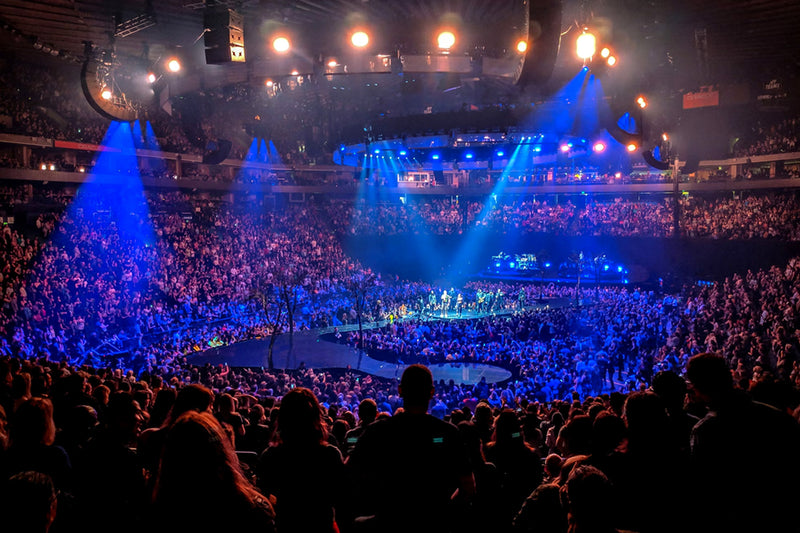
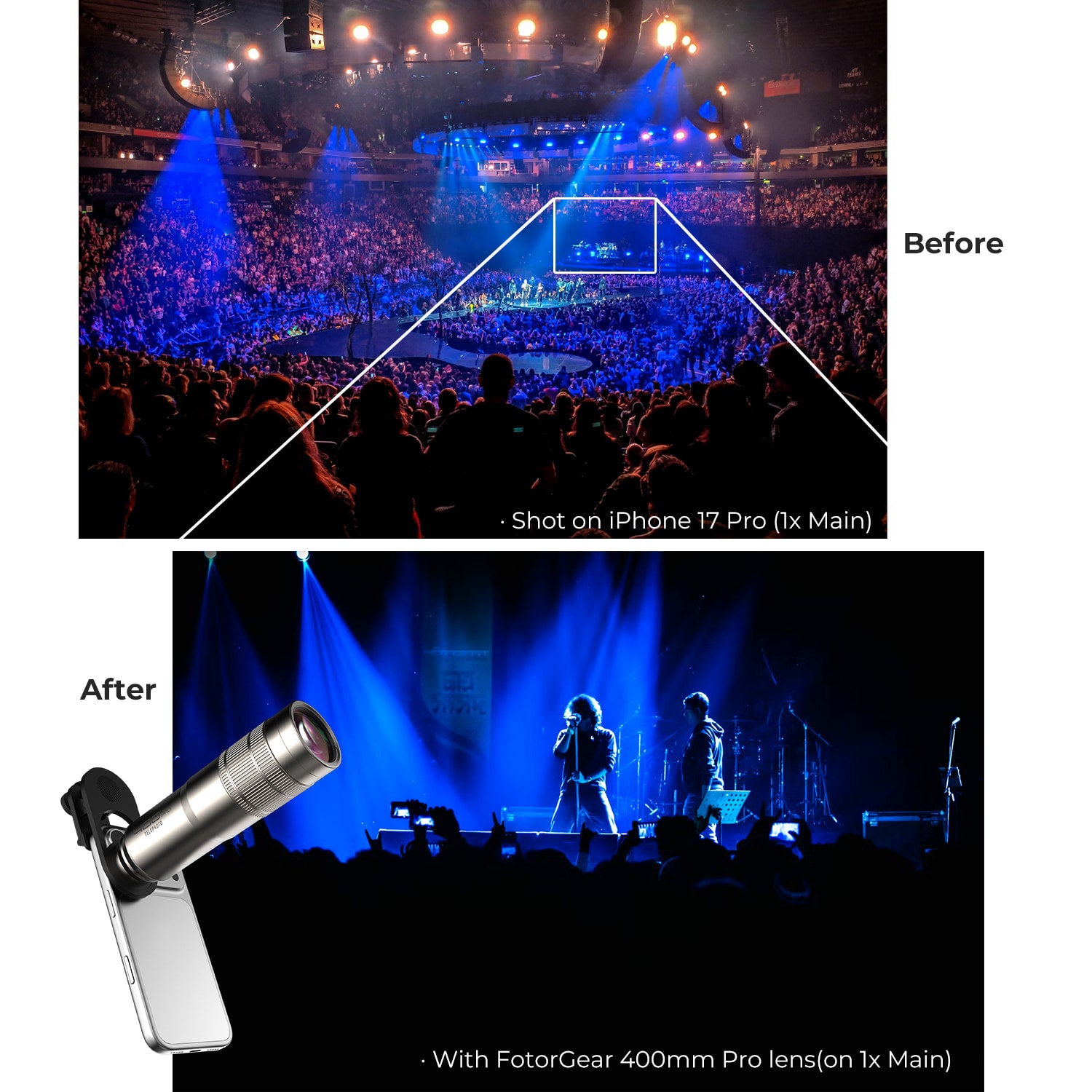
iPhone 16 Pro
Digital zoom. Blurry. Grainy. Zoomed in and lost everything.
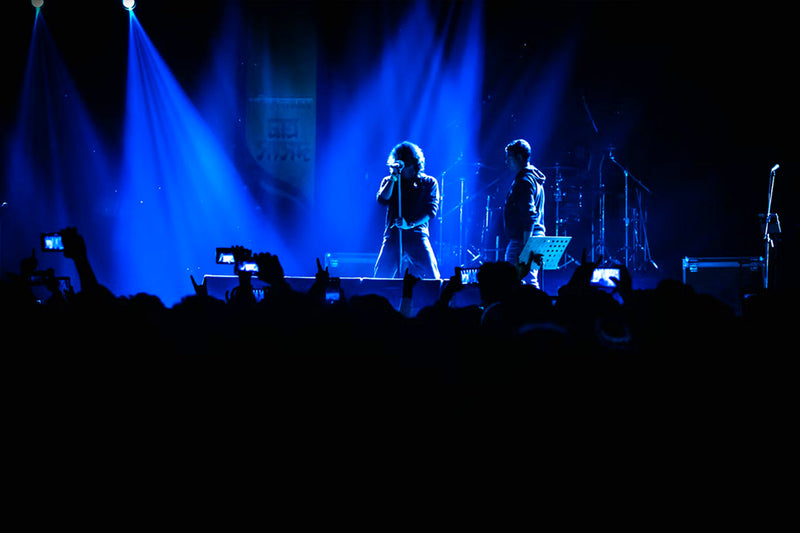
iPhone 16 Pro + 400mm Pro Telephoto Lens
Crisp. Clear. The stage lights separate from the shadows.
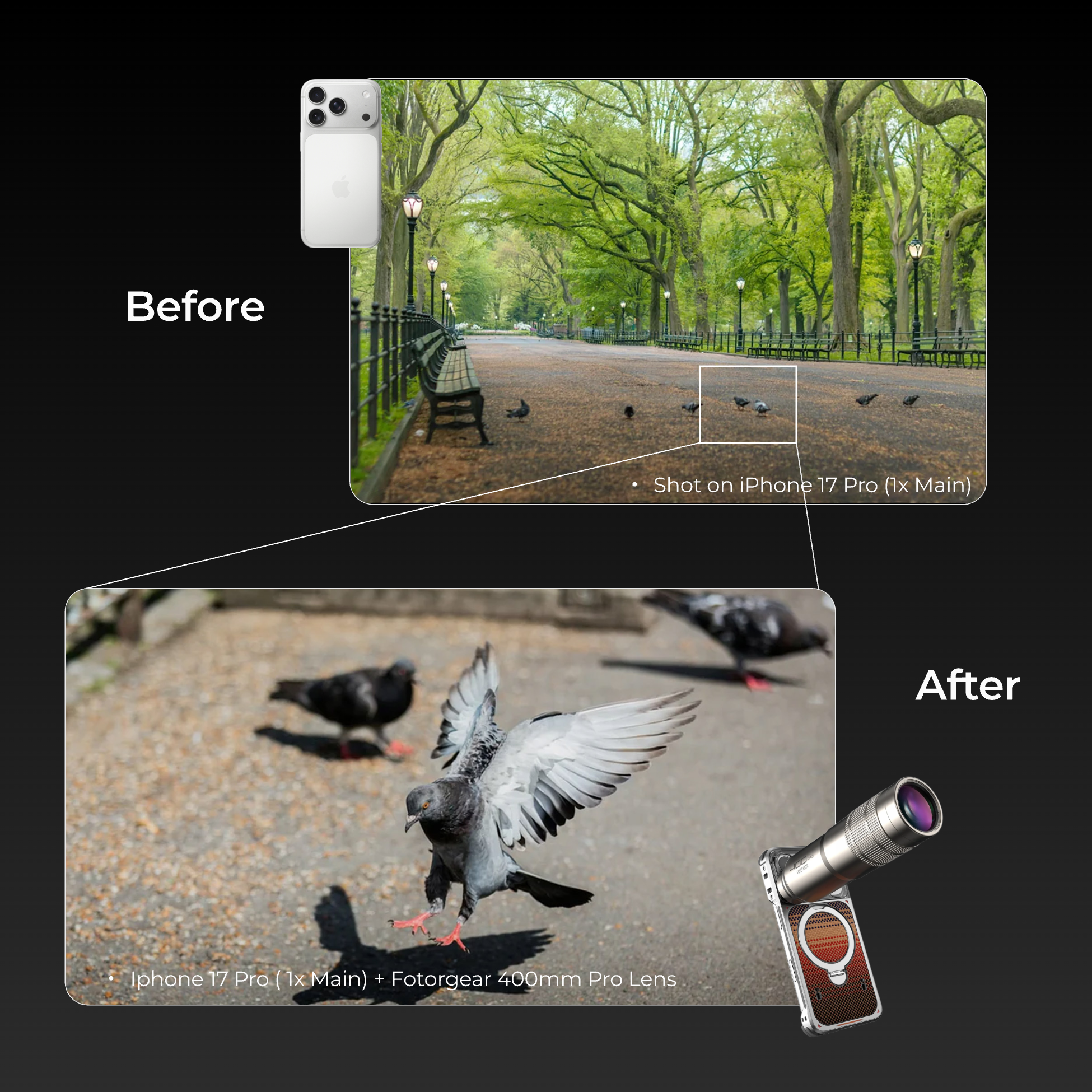
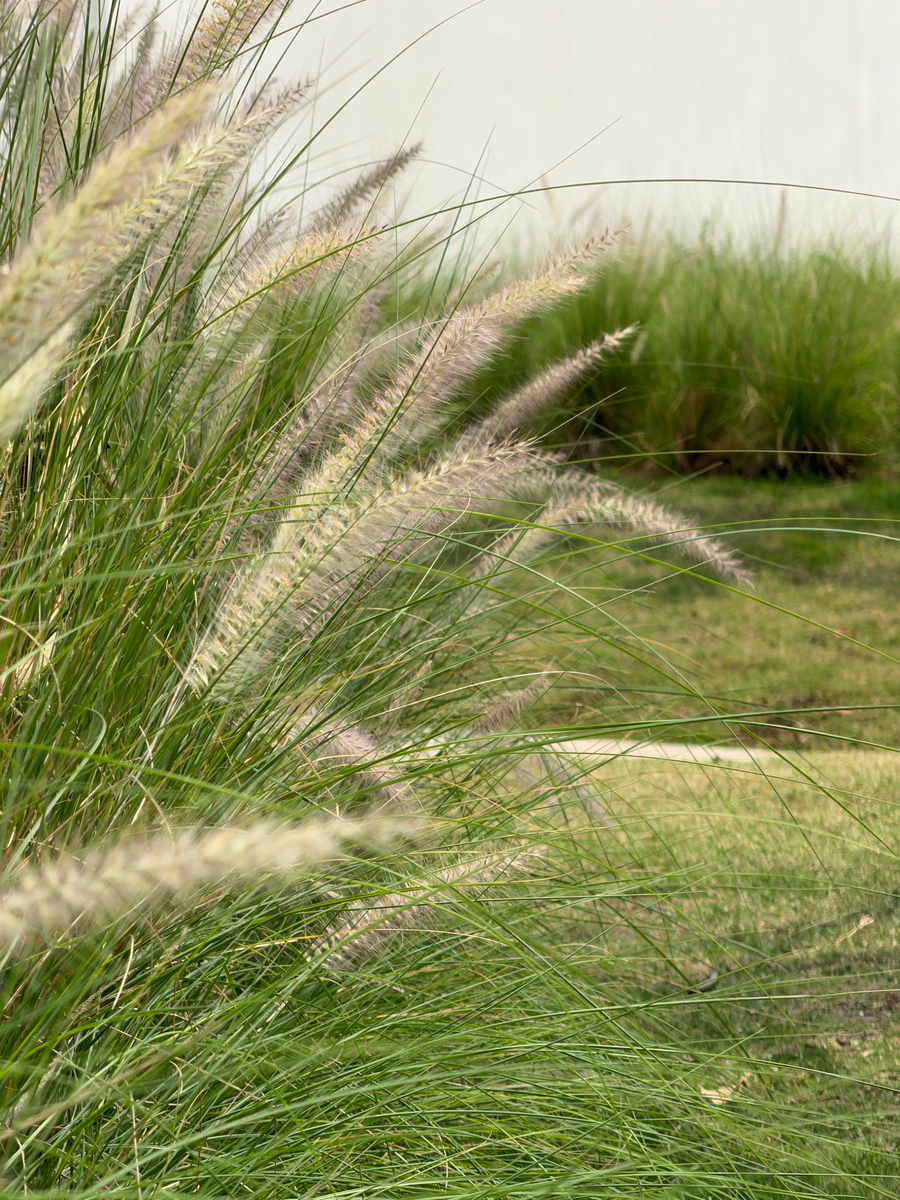
Brings the Subject Forward

Phone Only
iPhone 18 Pro · 8x Zoom

Fotorgear
iPhone 18 Pro + 400mm Pro
Phone Only
iPhone 18 Pro · 8x Zoom
Fotorgear
iPhone 18 Pro + 400mm Pro
Phone Only
iPhone 18 Pro · 8x Zoom

Fotorgear
iPhone 18 Pro + 400mm Pro
Phone Only
iPhone 18 Pro · 8x Zoom
Fotorgear
iPhone 18 Pro + 400mm Pro
Shot on 400mm Pro Telephoto
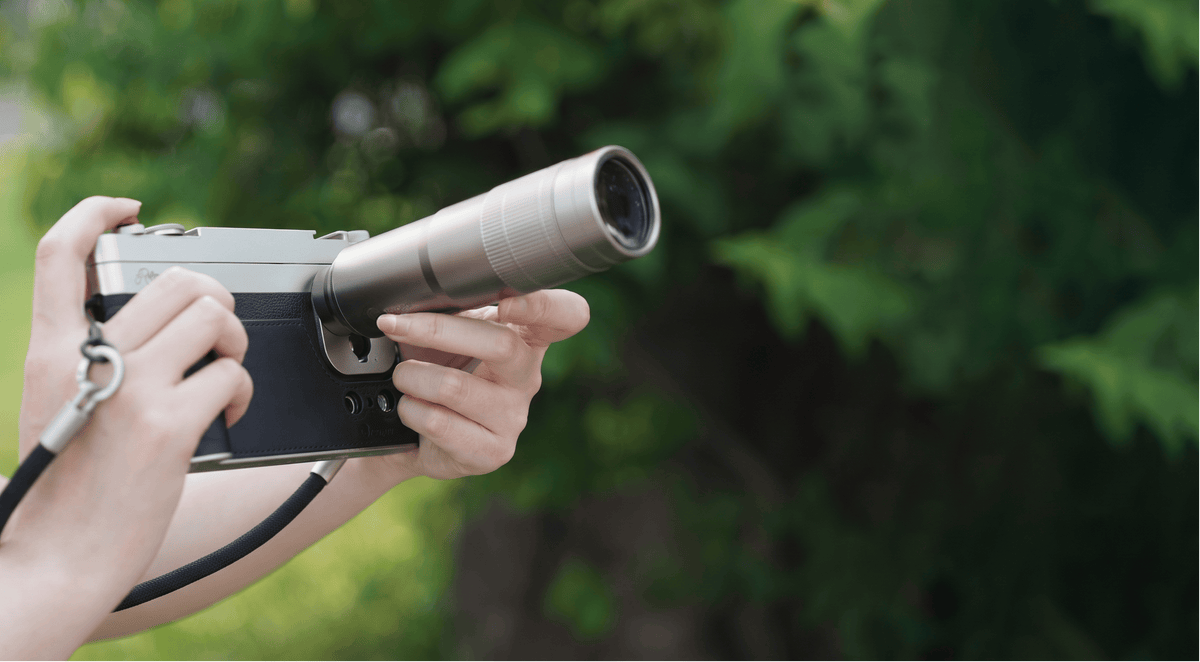
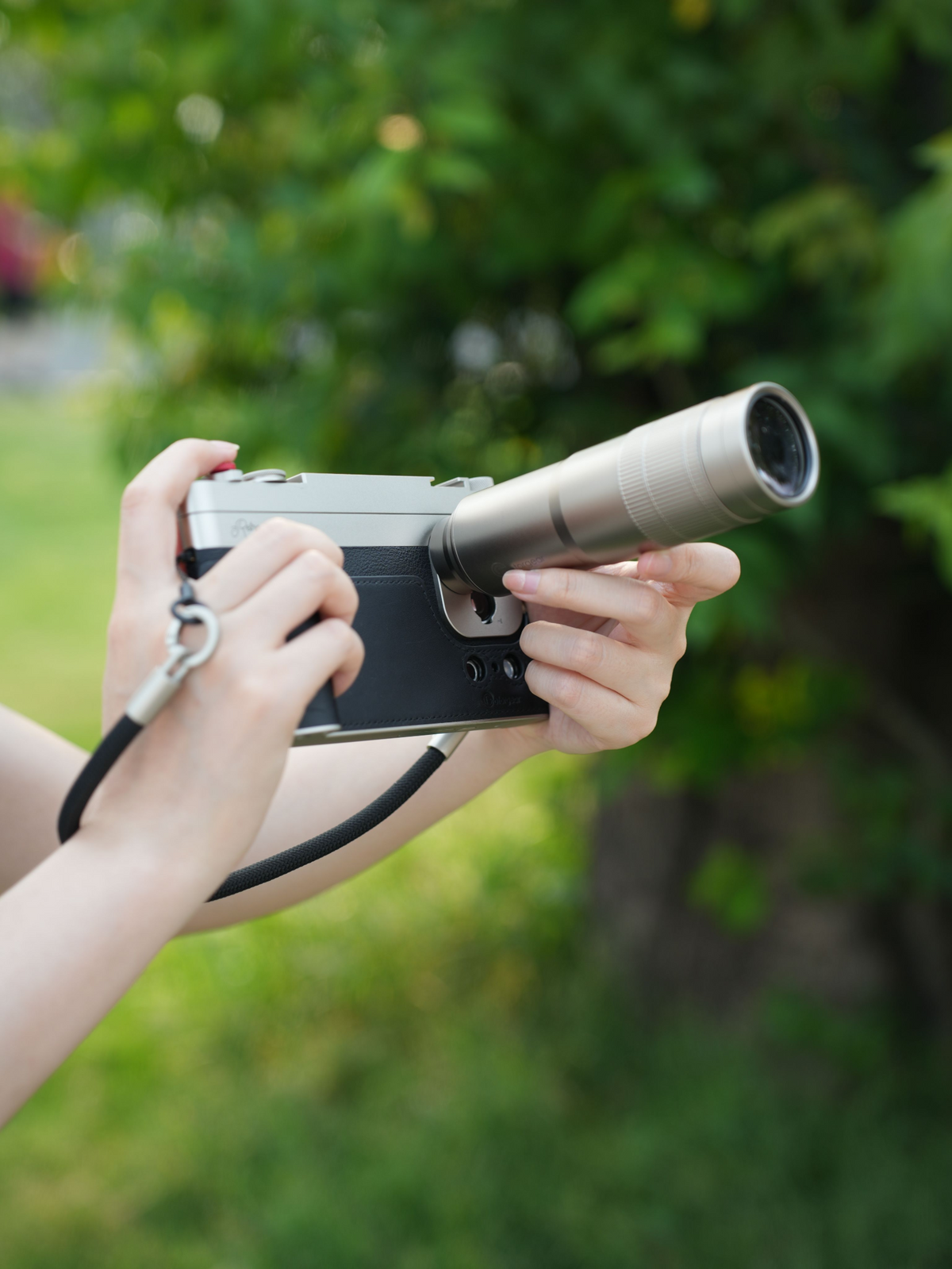
Ready in Seconds
Twist. Lock. Shoot.
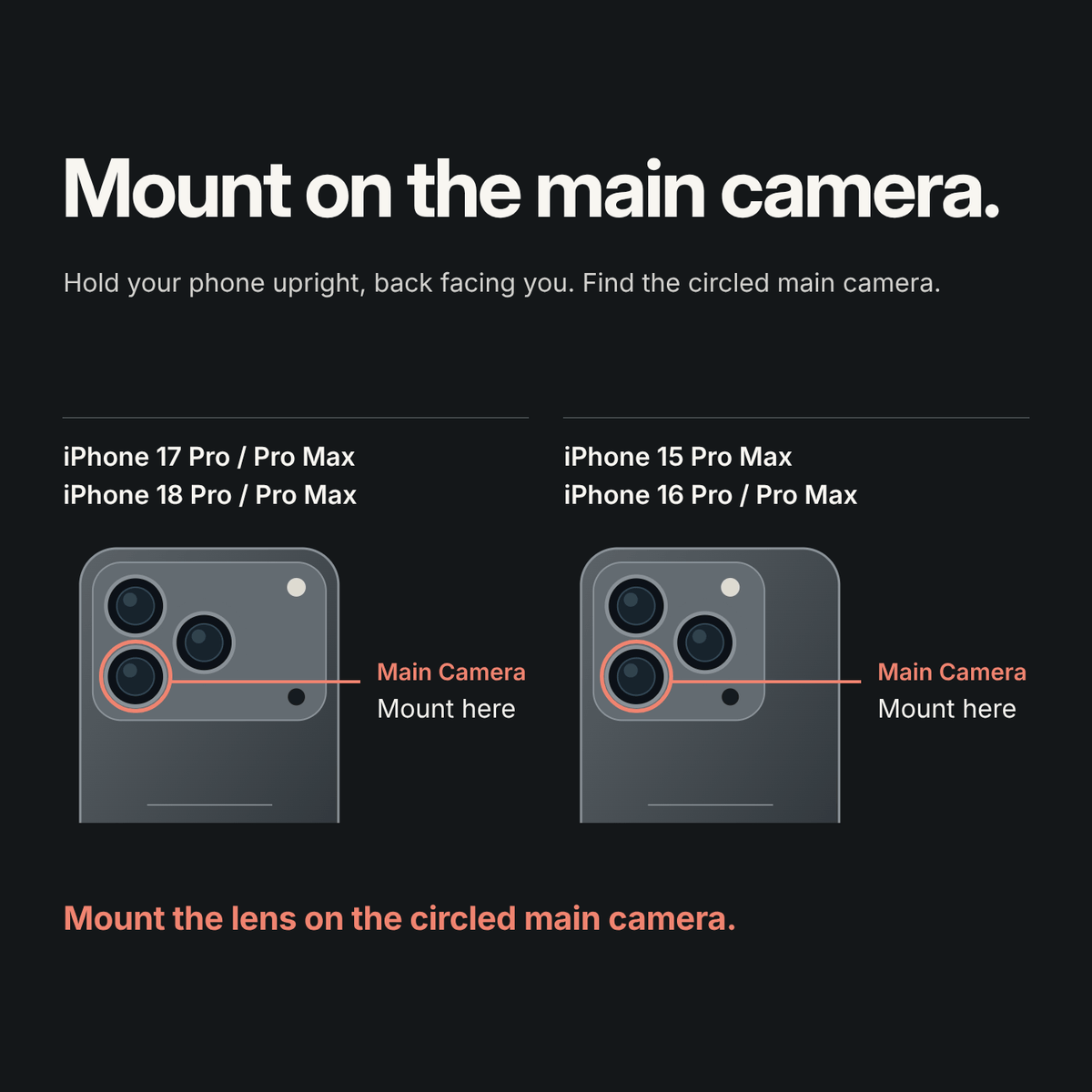
Attach your Fotorgear Case, then twist the lens on the phone's main camera until it locks. Precision-aligned for maximum stability. One standard across every Fotorgear lens and accessory — ready for life as it happens
Shop the Collection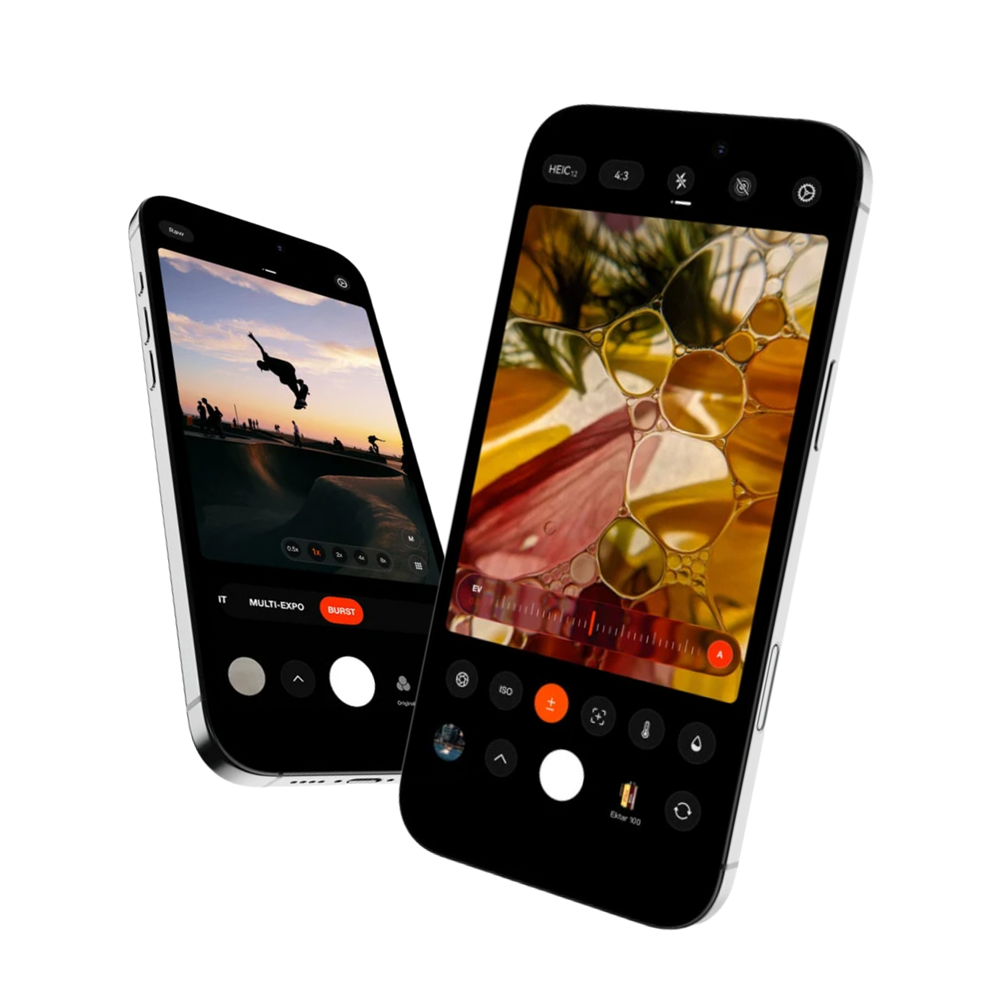

Fotorgear Camera App
Hardware is only half the story. The Fotorgear App unlocks the full potential of your Retro Photography Kit, turning your iPhone into a professional-grade cinema rig. From real-time lens stabilization to tactile physical controls, it's the software that makes every shot effortless.
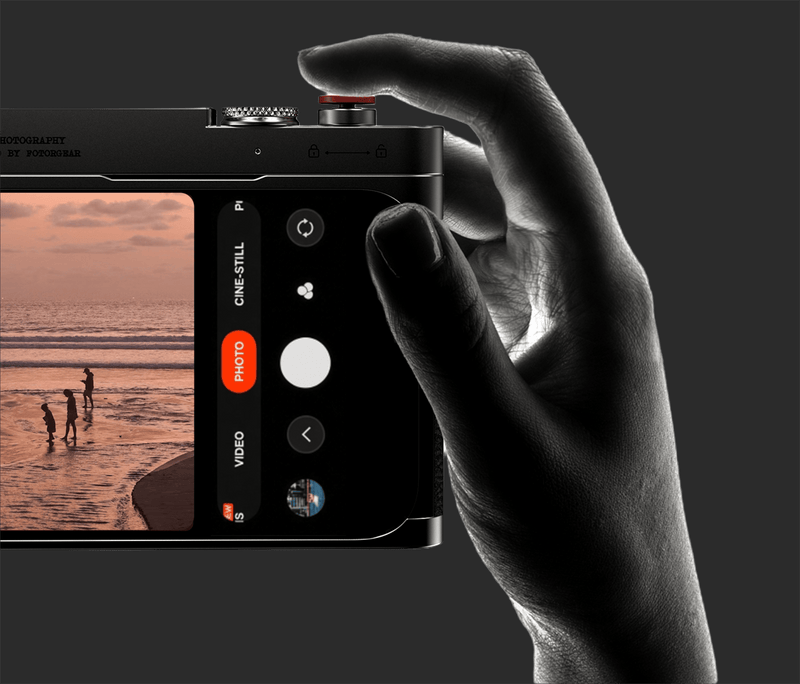
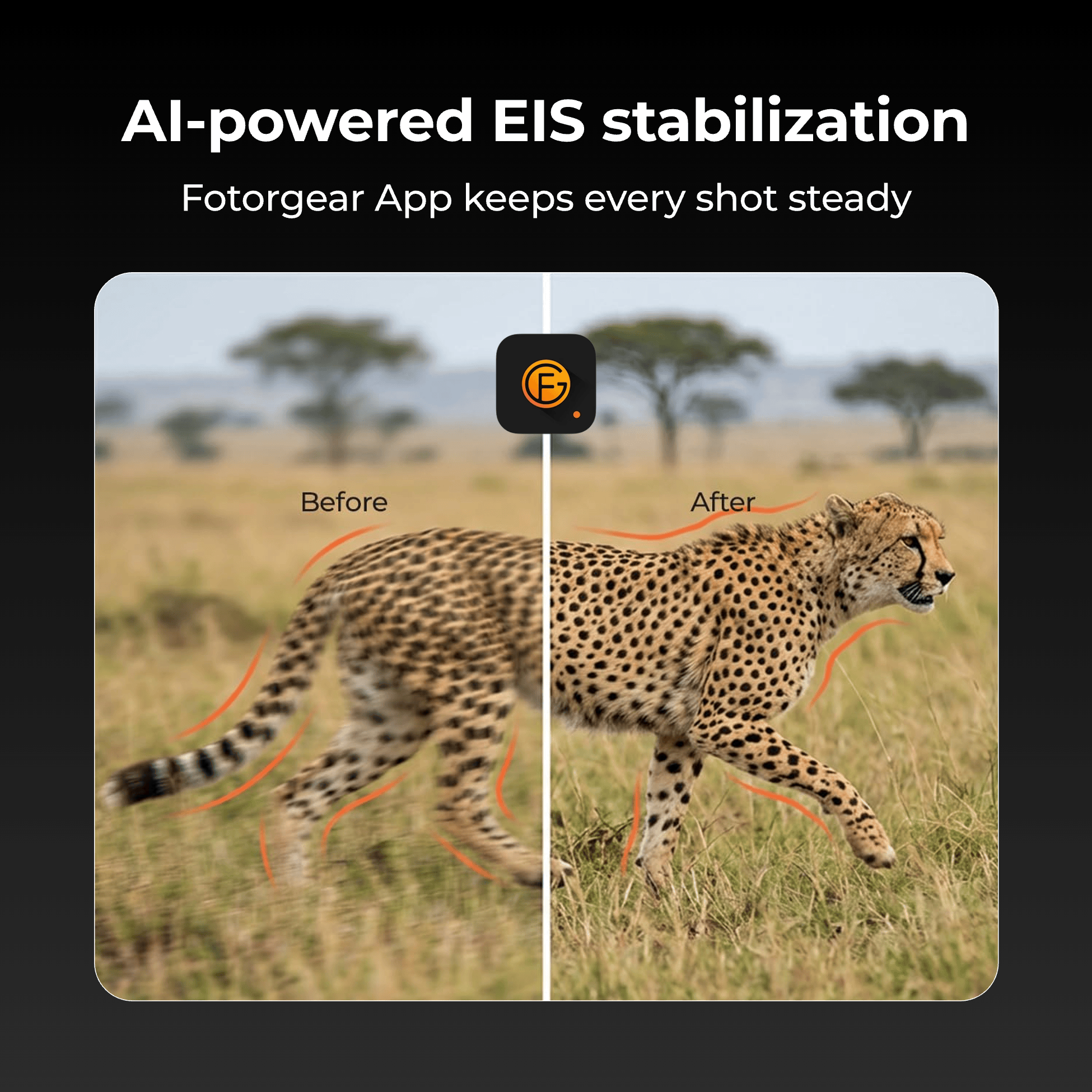
EIS Handheld Stabilization
Electronic Image Stabilization reads your iPhone's gyroscope in real-time, canceling out hand tremors frame by frame. Even at extreme focal lengths, your footage stays fluid and tripod-smooth — without the tripod.
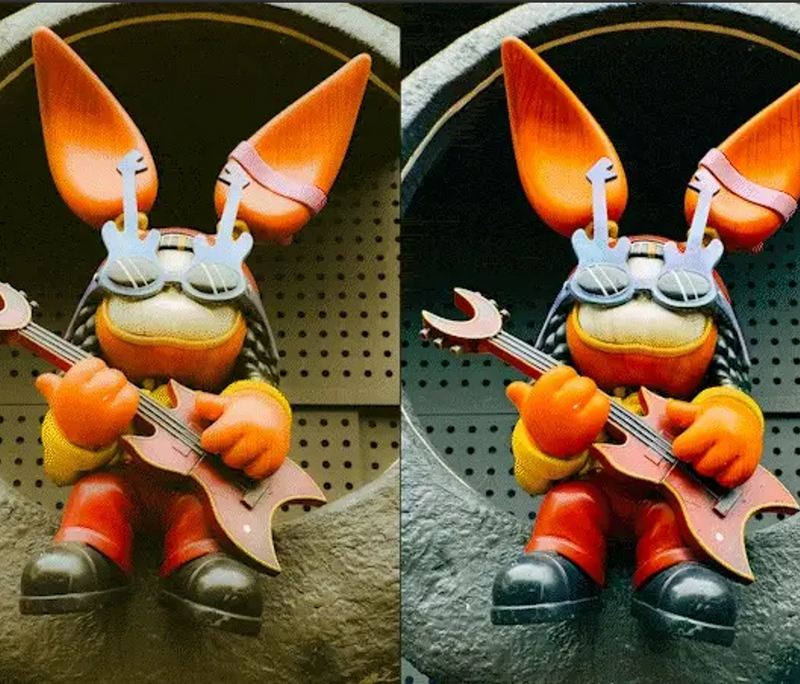
Pro Tools — Color, Depth & Precision
From manual shutter and ISO to anamorphic de-squeeze and depth control, the App puts cinema-grade tools in your pocket. Customize presets, shoot in RAW burst, and create with total creative freedom.
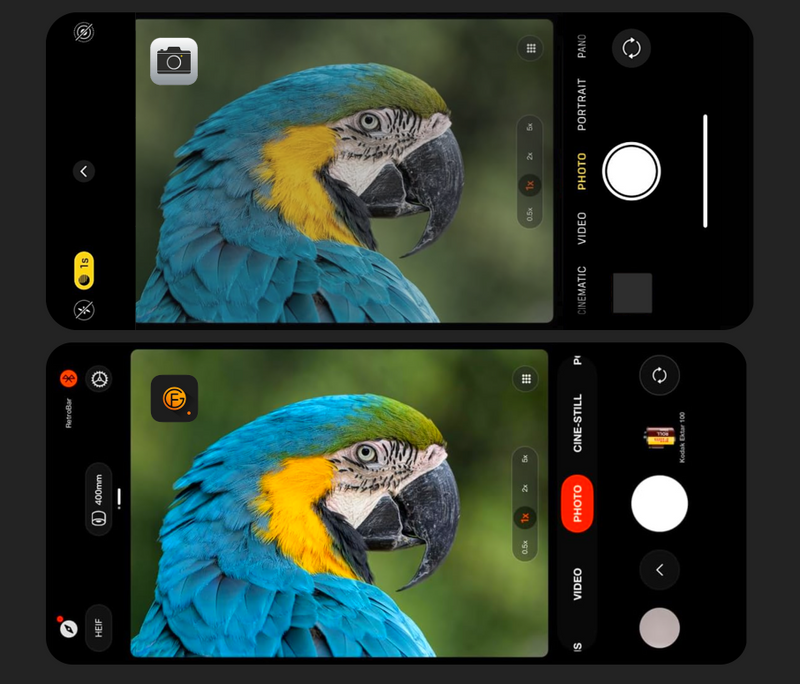
Works with the Native Camera App
Prefer the simplicity of the stock iOS camera? The Retro Bar works flawlessly with the native app right out of the box. No extra settings, no learning curve — just plug, pair, and shoot the way you always have, but with real tactile control.
Highlights
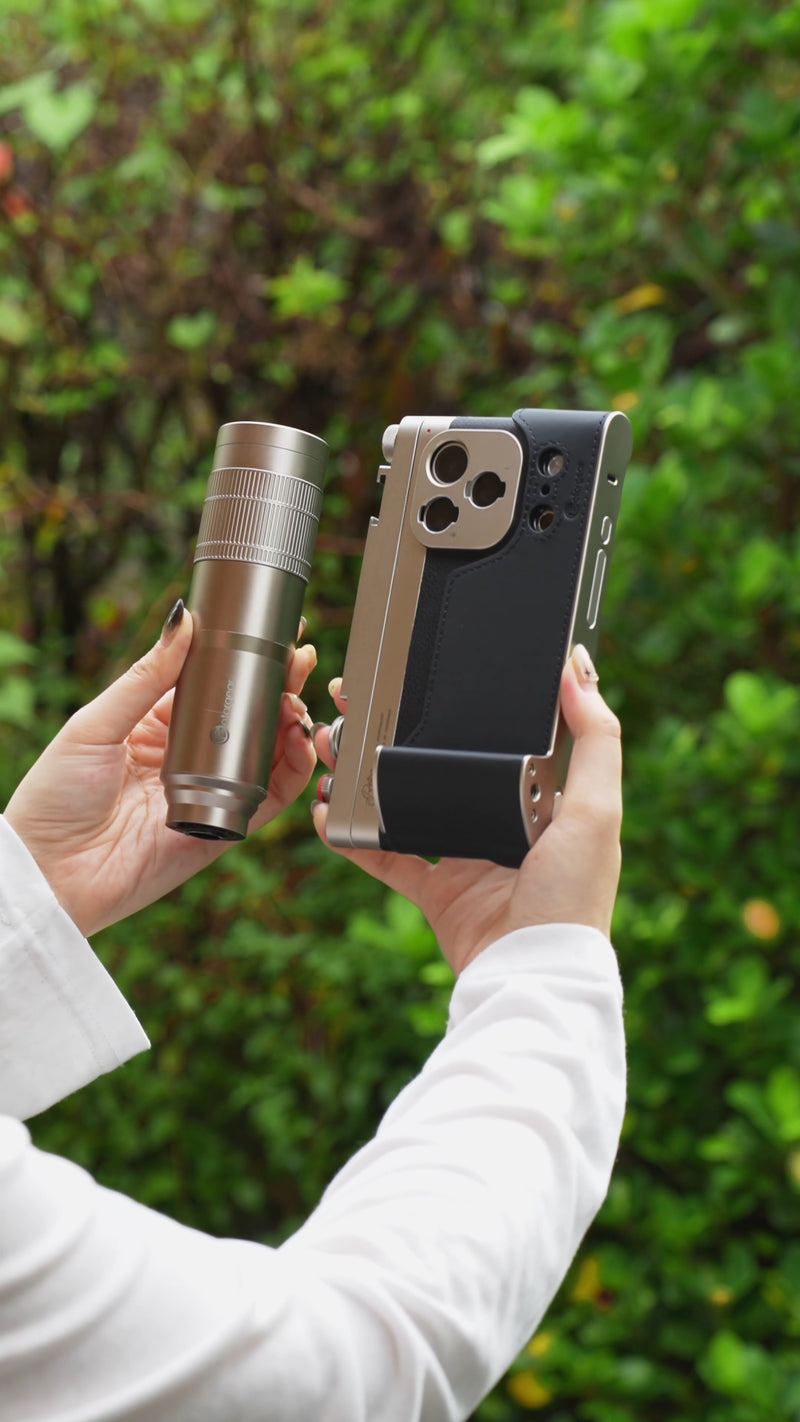


Specifications
1 * Monocular Eyecup
1 * Universal Lens Clip
1 * Arca-Swiss Lens Support Bracket
1 * Handheld Tripod
1 * Protective Carrying Case

FAQs
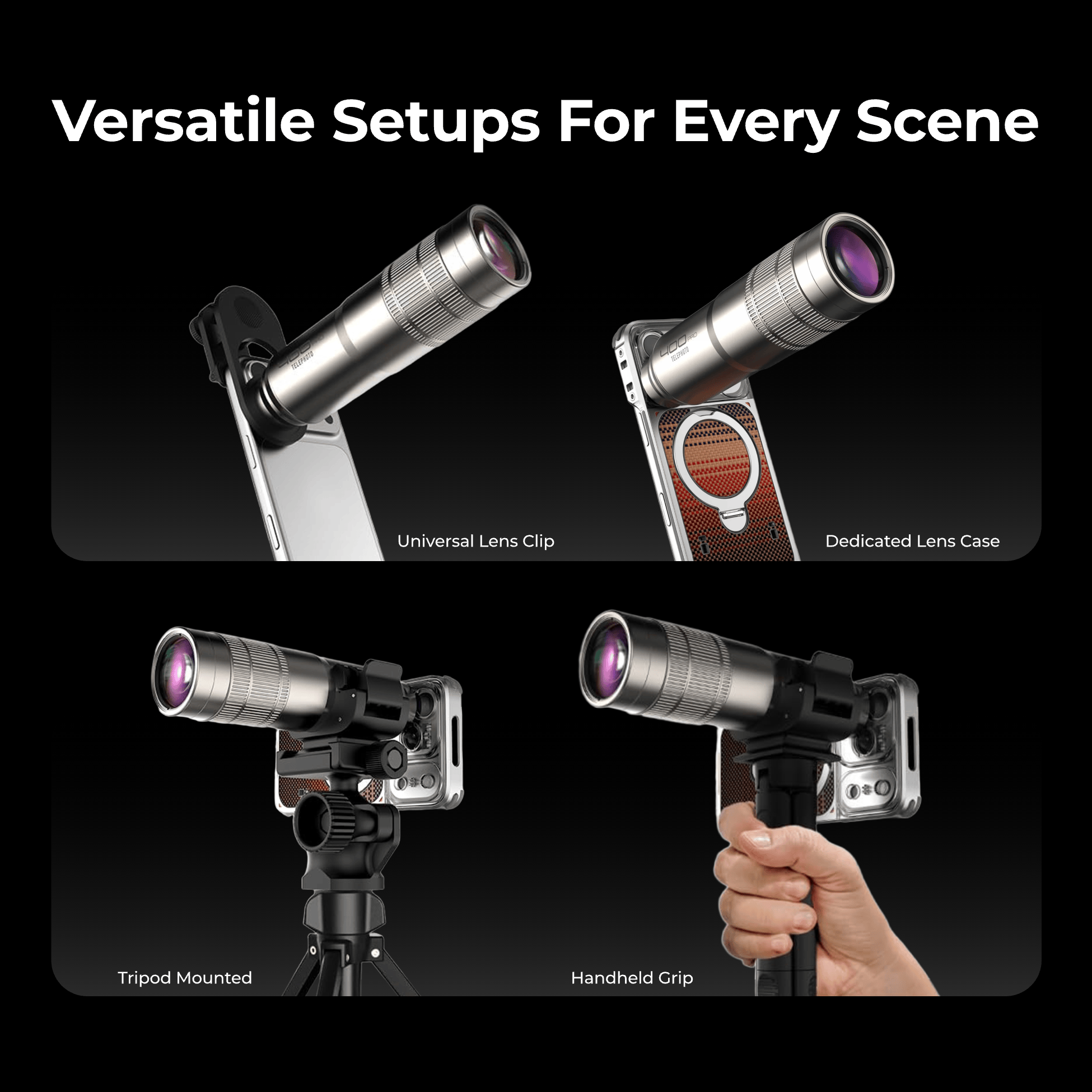
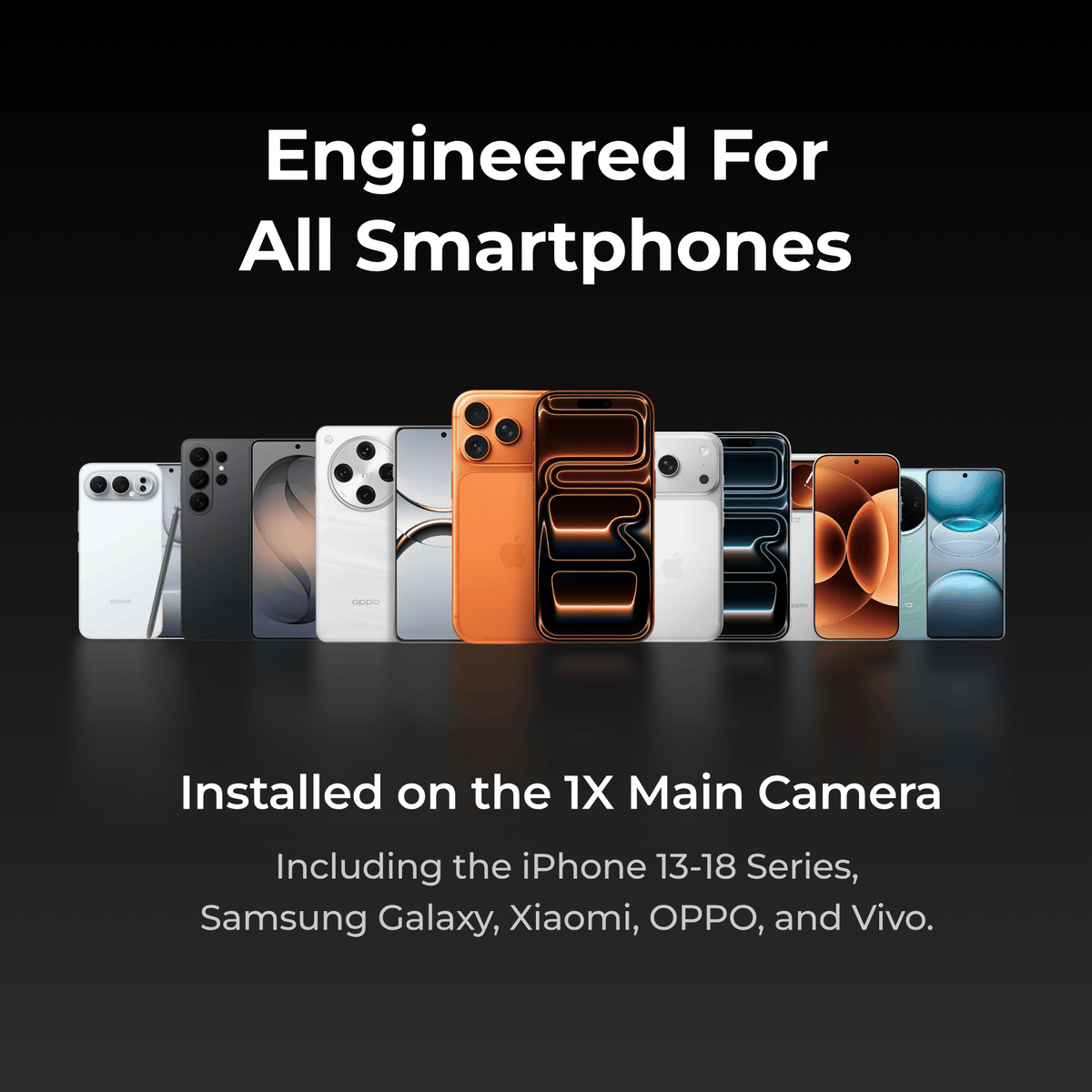
The lens attaches to your phone's camera system and works with a wide range of smartphones. The T-Mount version is specifically designed for Fotorgear Retro Cases, which are available for iPhone and select Android flagship models. The universal clip version works with most smartphones on the market.
To be sure, check the product page for the complete compatibility list. If your phone's camera module is centered and not obstructed by an unusually thick case, the clip-on version should work without issues.
You can use both, but we strongly recommend using the Fotorgear app, which allows you to manually lock the telephoto lens.
The native camera may automatically switch to the main sensor in low-light conditions, which causes black edges or vignetting. The Fotorgear App locks your phone to the telephoto lens, ensuring the external lens works properly at all times.
It depends. The Retro Series lenses come with a universal lens clip that allows you to attach the lens directly to almost any phone, regardless of the case you're using. This provides maximum flexibility — you don't need to remove your everyday case just to shoot.
However, if you want the most stable and precisely aligned connection, the T-Mount system paired with a Fotorgear Retro Case is the better choice. The lens clicks directly into the case's built-in mount, eliminating any guesswork around alignment and providing a rock-solid foundation for shooting.
This lens is optically designed to mount on your phone's 1x main camera, utilizing the larger, higher-resolution main sensor to achieve lossless magnification through central cropping. Most external telephoto lenses mount on the telephoto sensor, which is limited by a smaller sensor size and lower resolution.
The 400mm Pro Telephoto provides an approximately 400mm equivalent focal length. It can capture performer expressions from the back of a concert venue and wildlife details from a distance without disturbing the subject. However, at extreme focal lengths, even slight hand movement is magnified significantly. For optimal results, use a tripod or stabilizer. For handheld shooting, the Fotorgear App's EIS stabilization mode effectively counteracts high-frequency hand tremors, turning handheld shots into tripod-smooth footage.
Blogs
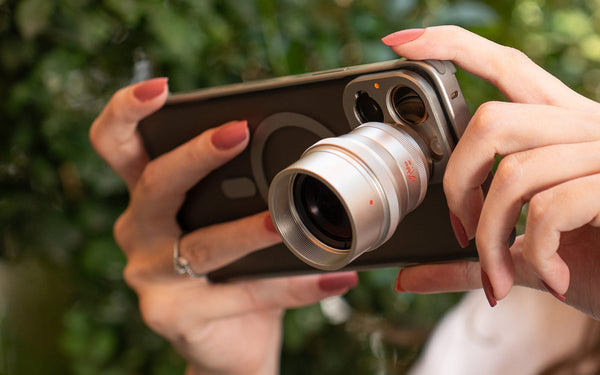
June 13, 2026
How to Setup and Shoot with 2X/3.5X Telephoto Lens
Everything you need to set up and start shooting with the Fotorgear Retro series 2X & 3.5X Telephoto Lenses — optical telephoto magnification with multi-...
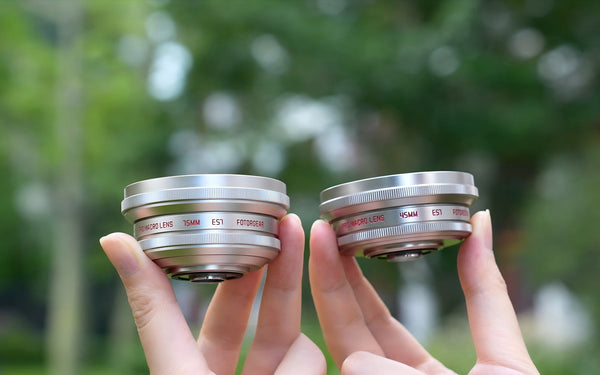
May 12, 2026
Choisir votre meilleure vue macro : 45 mm vs 75 mm
En macrophotographie mobile, choisir la bonne focale est le secret pour transformer une "bonne" photo en un chef-d'œuvre professionnel. Chez Fotorgear, nous ...
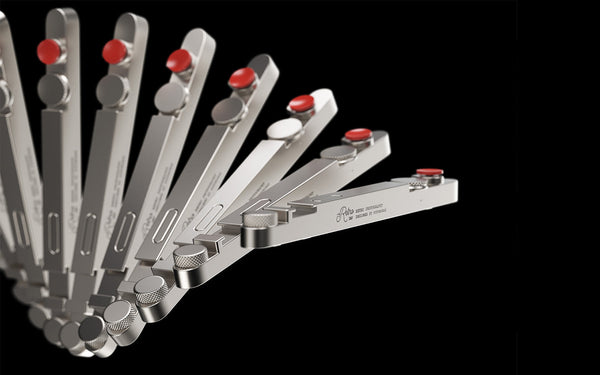
April 27, 2026
Conseils de connexion Bluetooth et FAQ pour la barre rétro
Si vous configurez votre Kit Photo Rétro pour iPhone pour la première fois, ce guide vous aidera à connecter rapidement votre Retro Bar et à comprendre son f...
Good quality lens, photos are sharp and clean. My only issues are the lens caps: they are loose and can't stay, easily off.
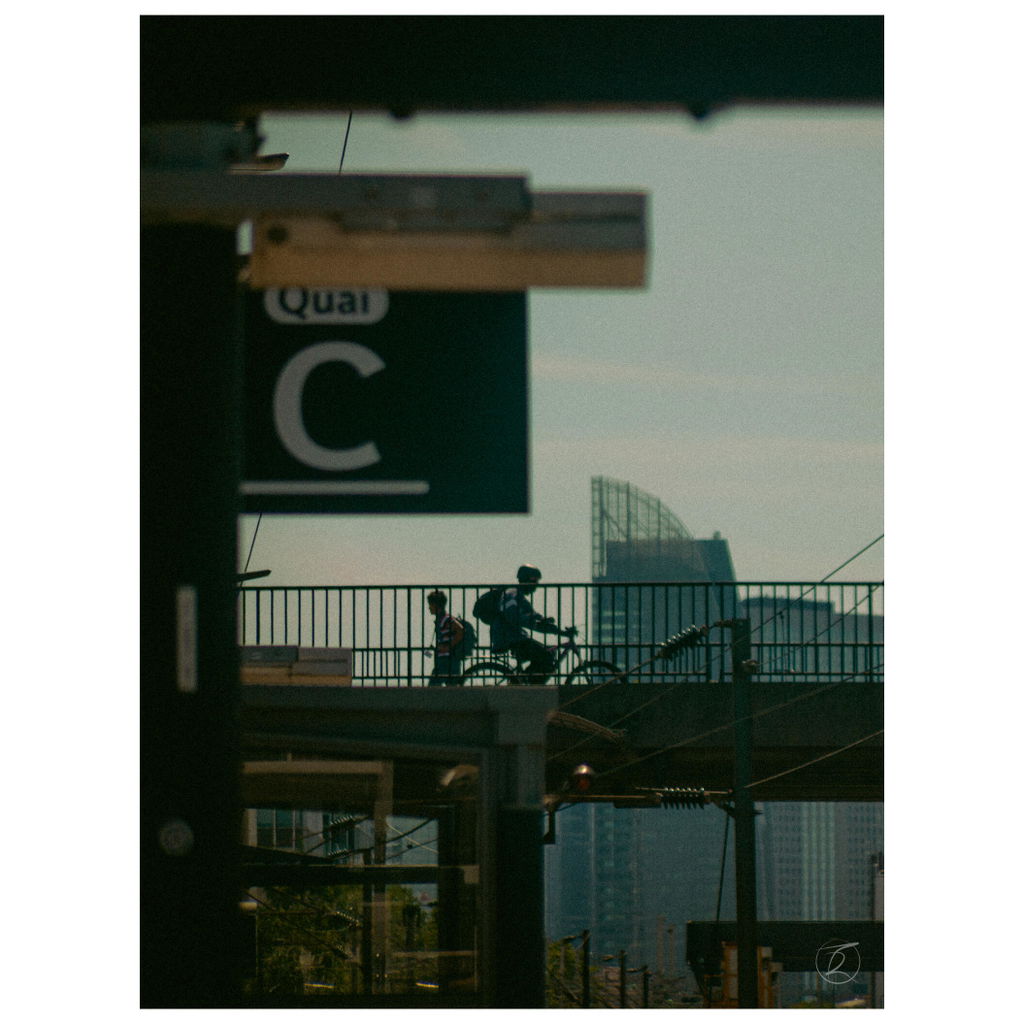
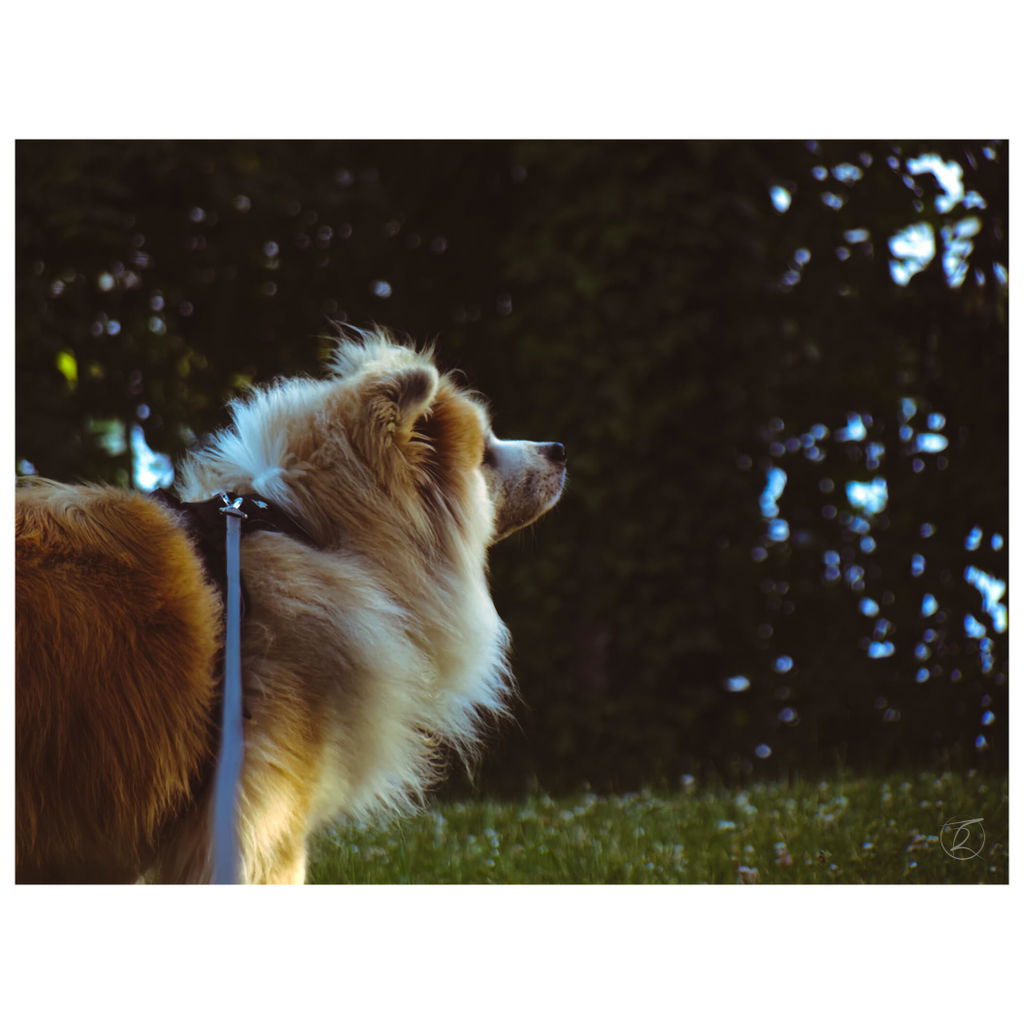
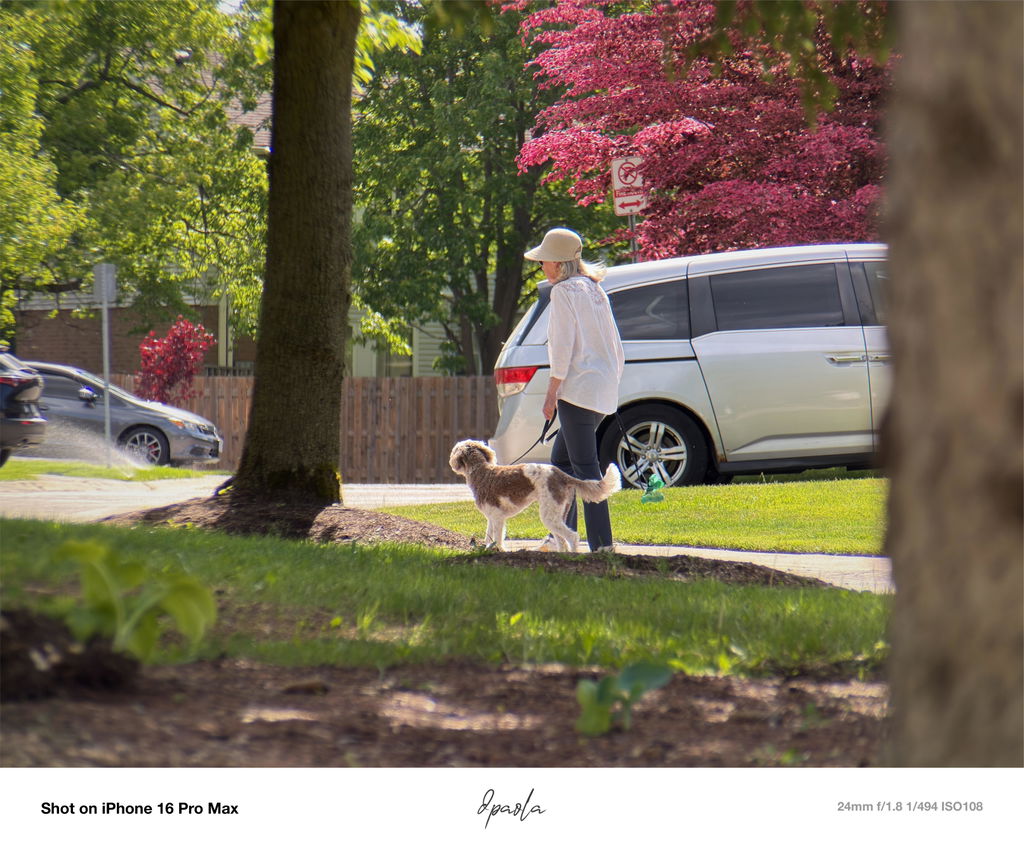
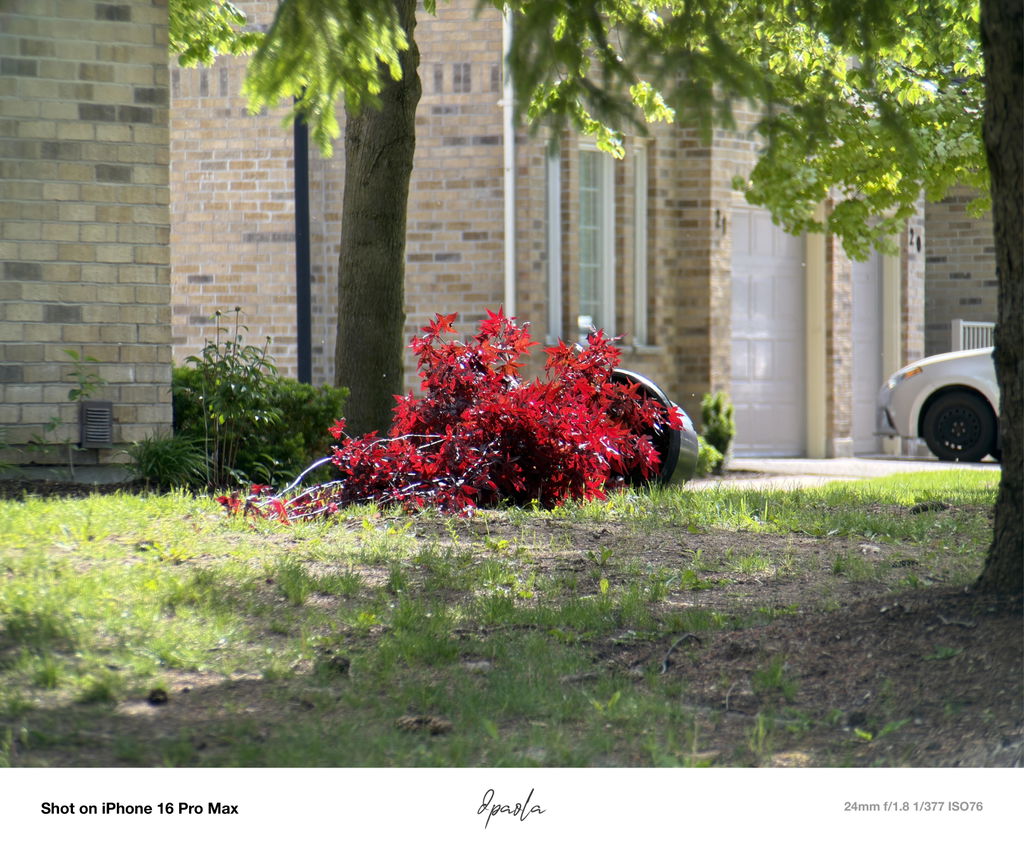
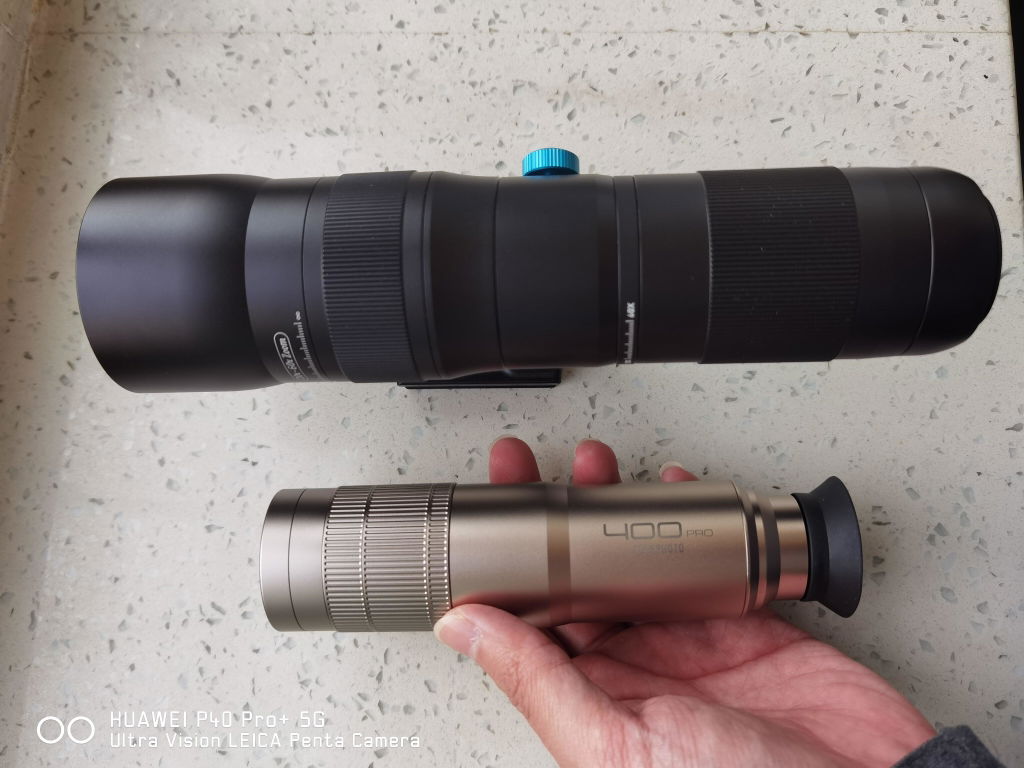
I have a 400mm from other brand, brought a few months ago,so I can make a comparison.This new model from fotorgear, does indeed have much better image quality and is smaller in size. Its silver finish also gives it a more premium look and feel.
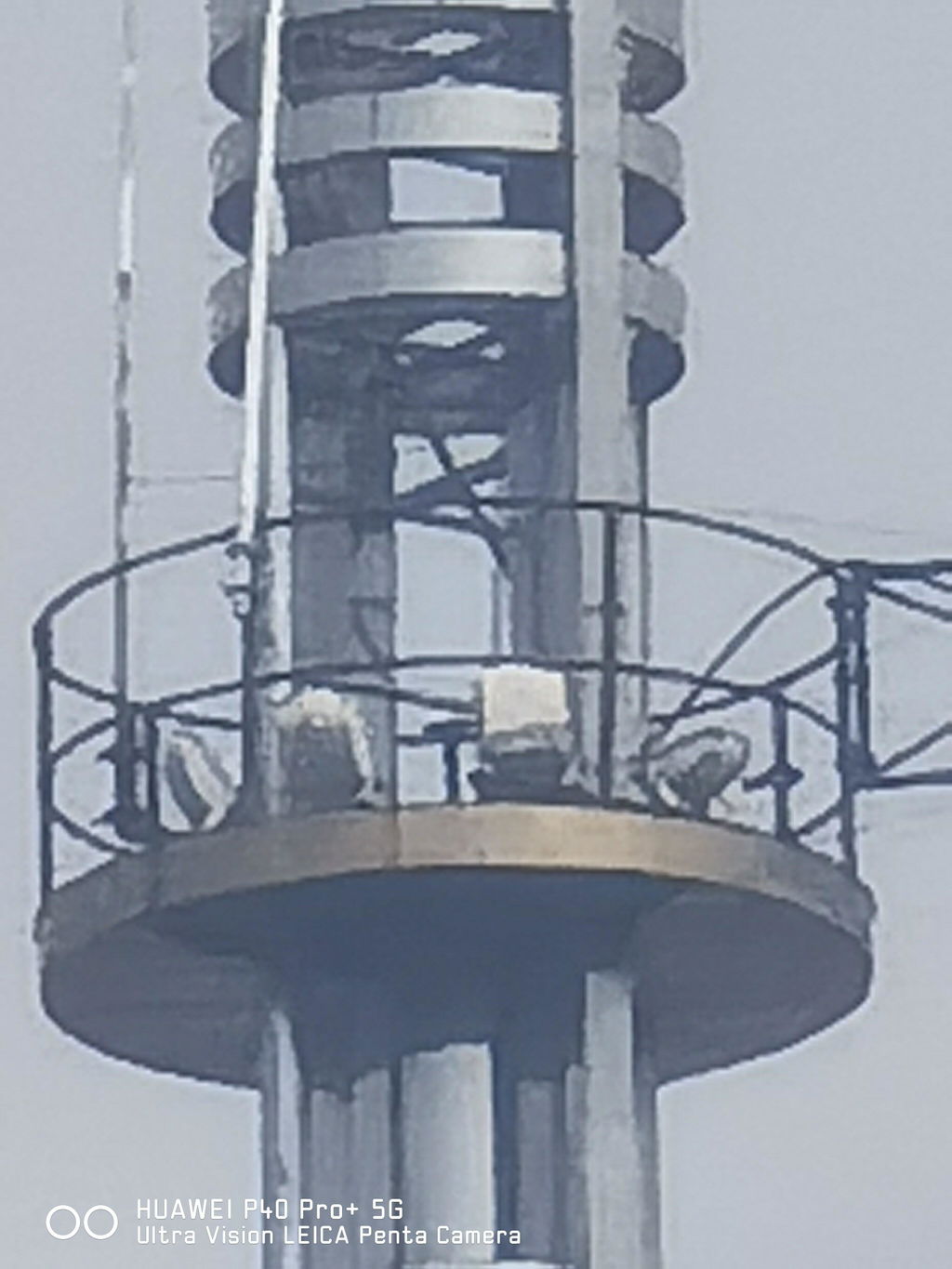
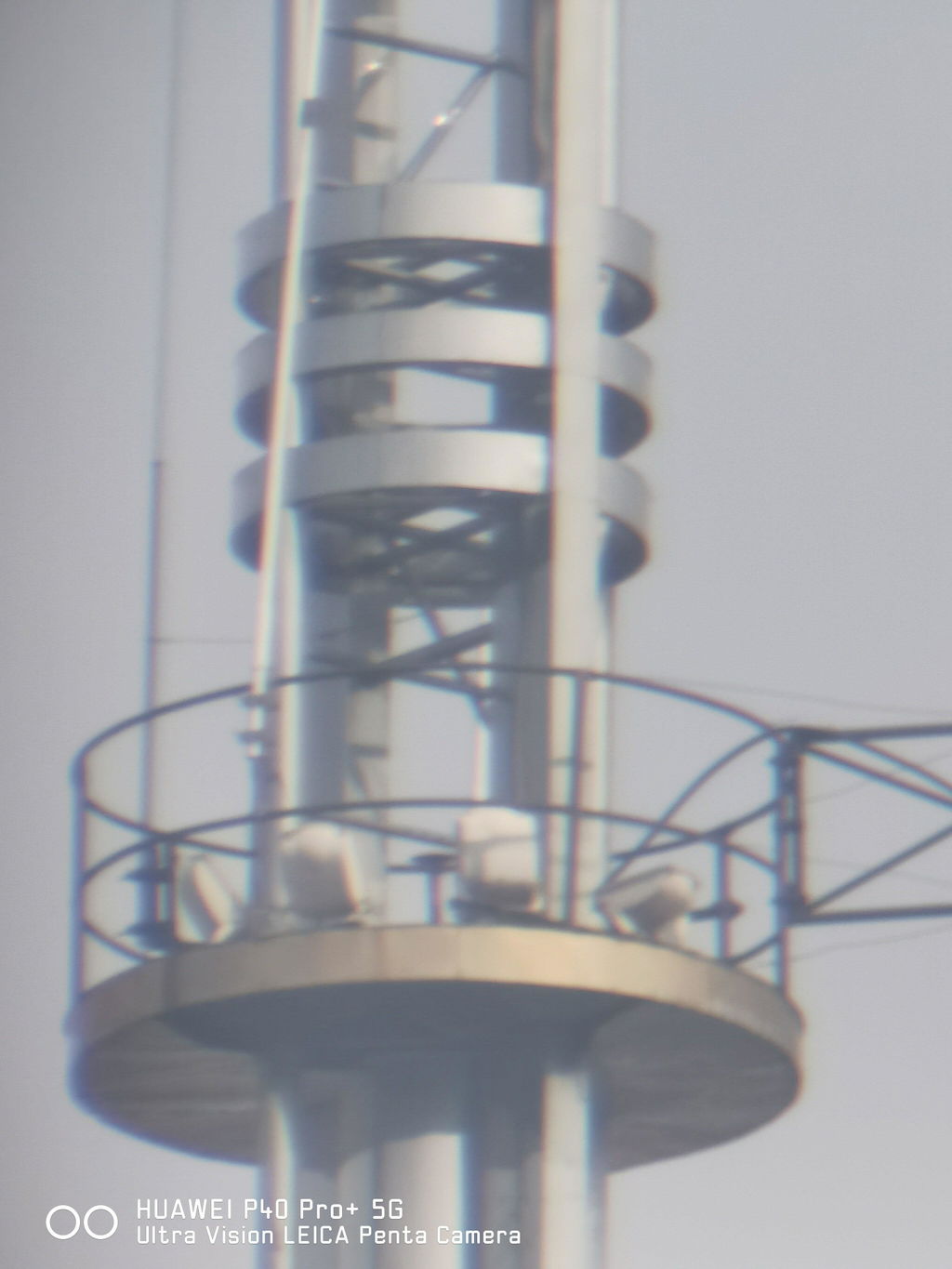
I bought this as soon as it launched in May and used it for Jolin's concert. My seat was way in the back, but the shots came out incredibly clear! The handheld clamp is super steady and easy to use. I am absolutely thrilled with the results!
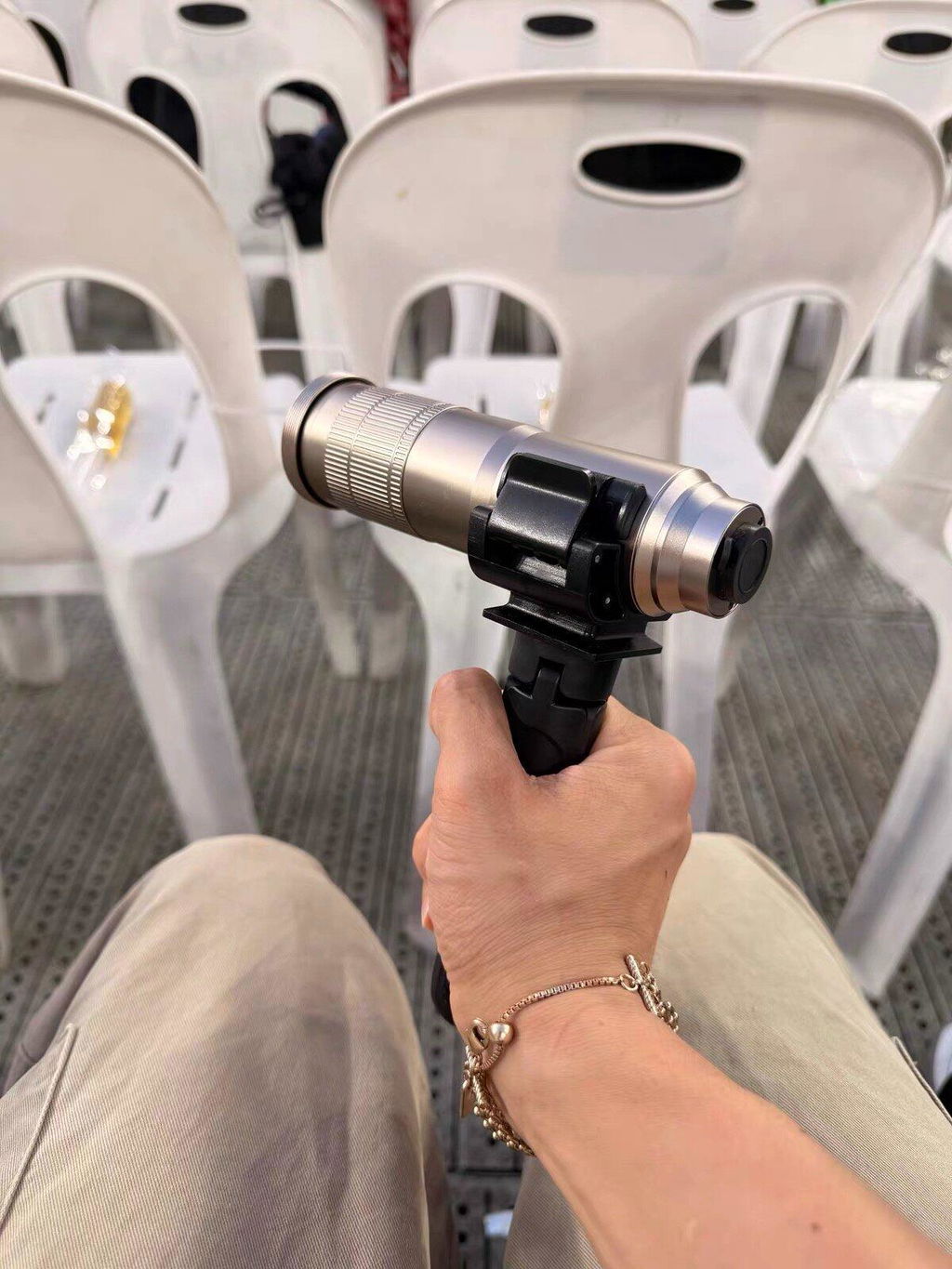
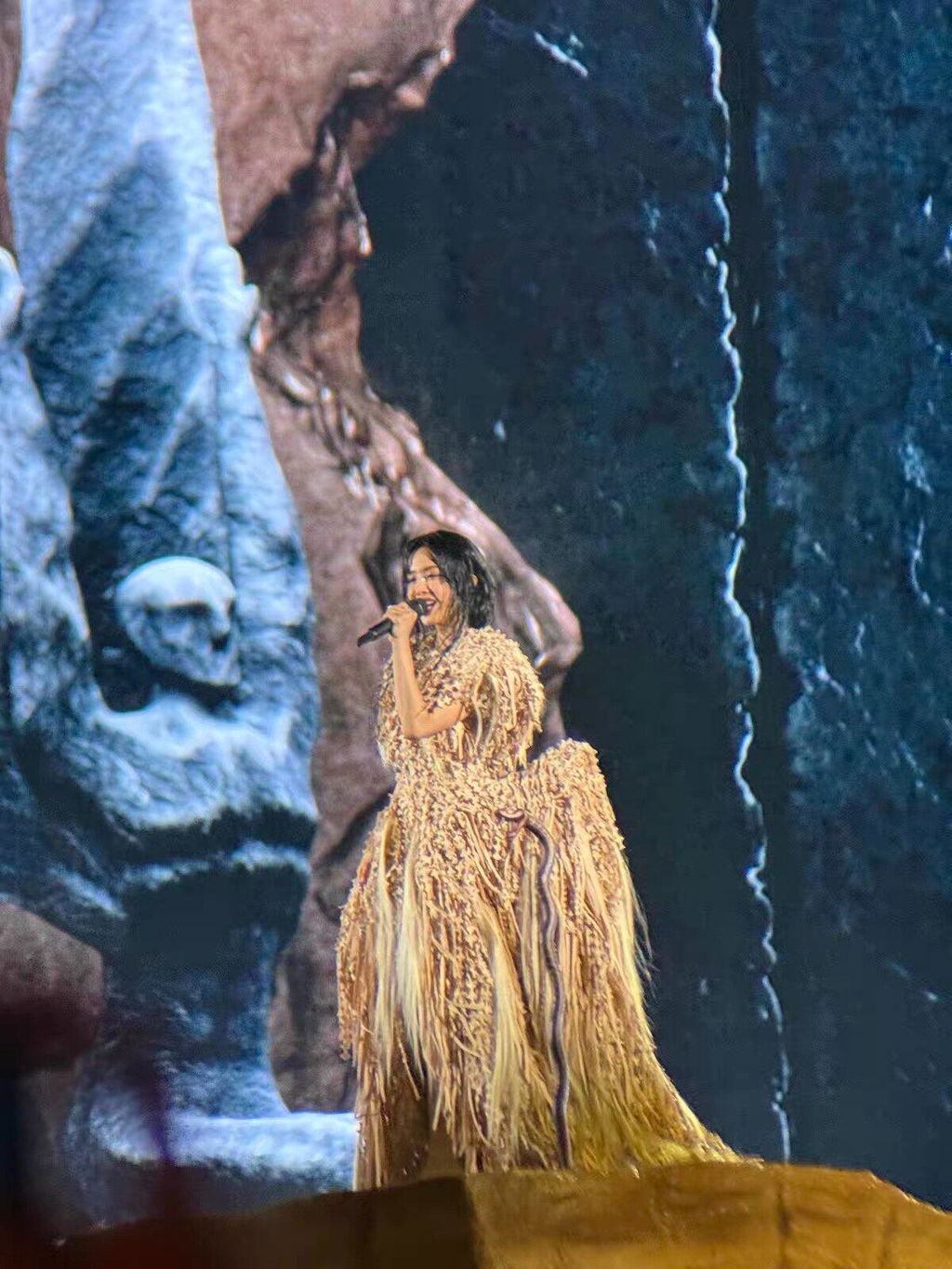

Pretty image
You may also like