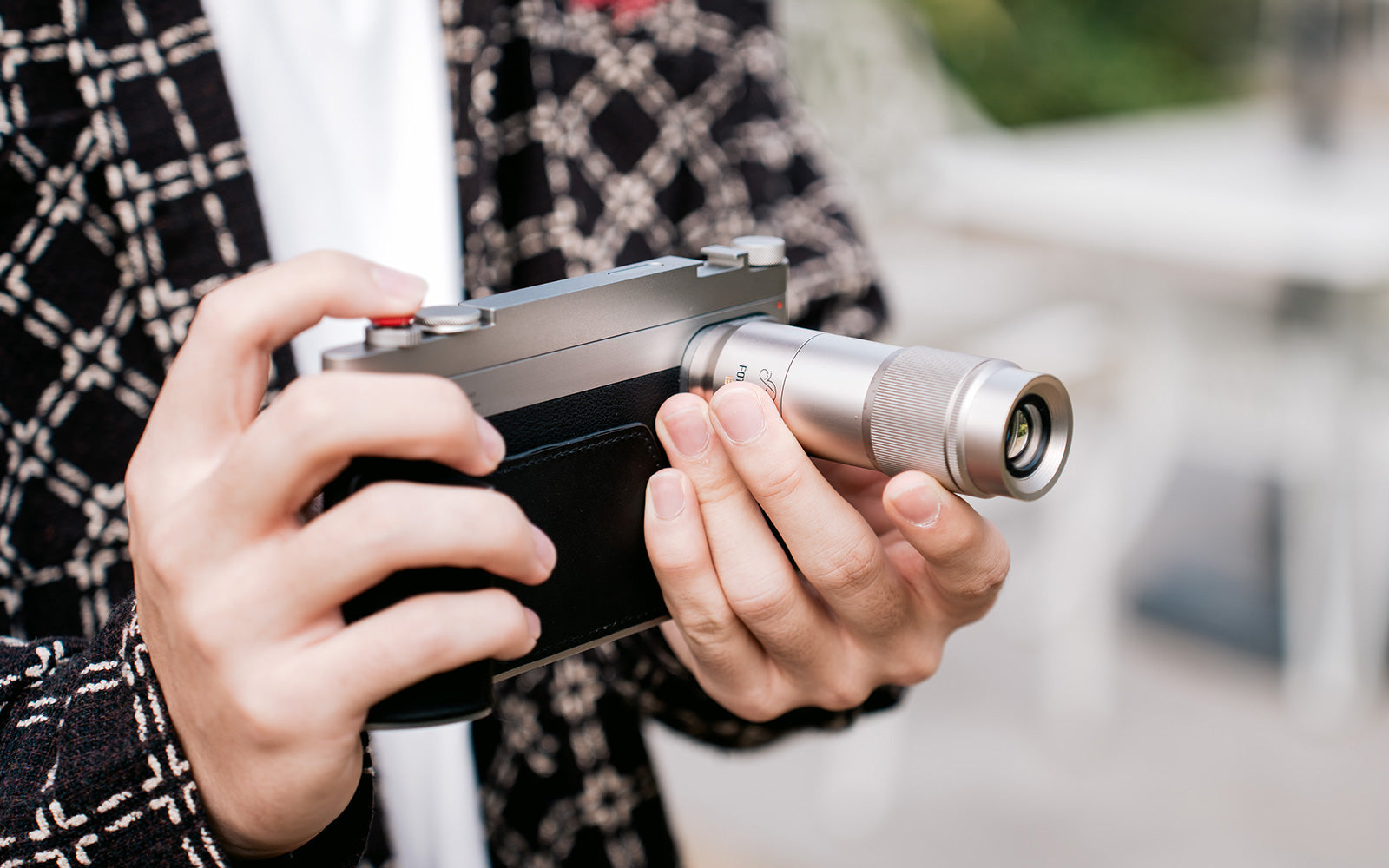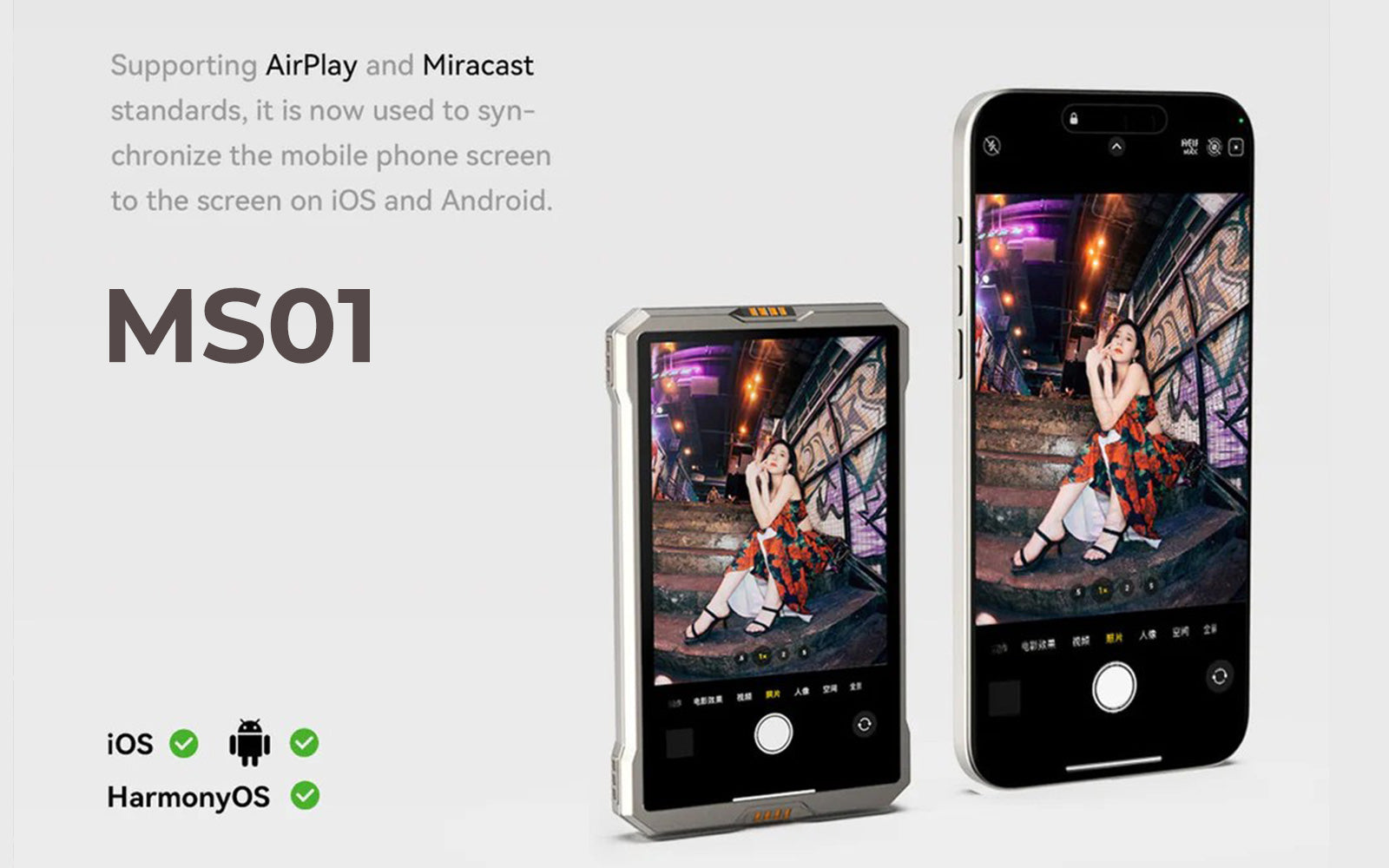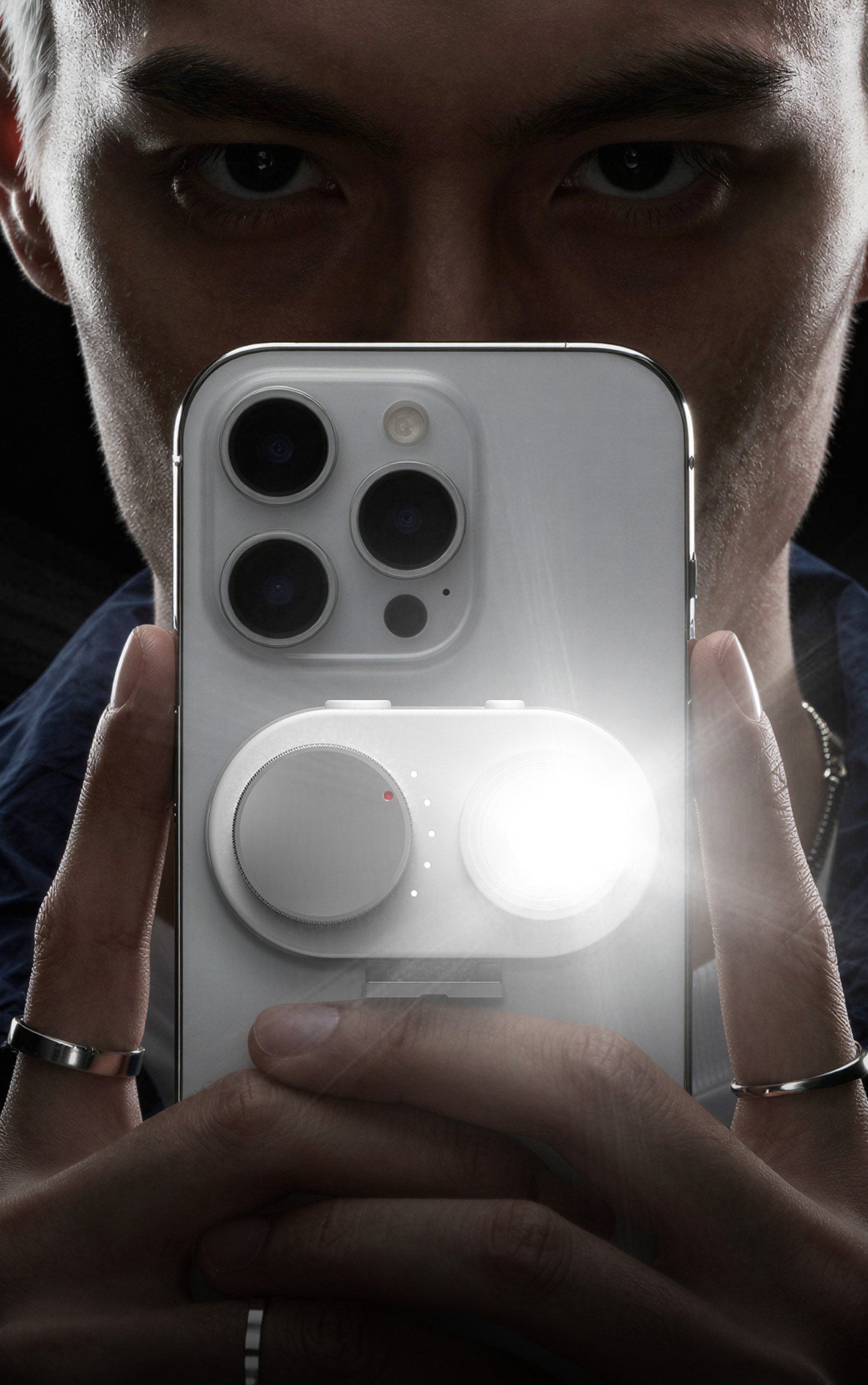
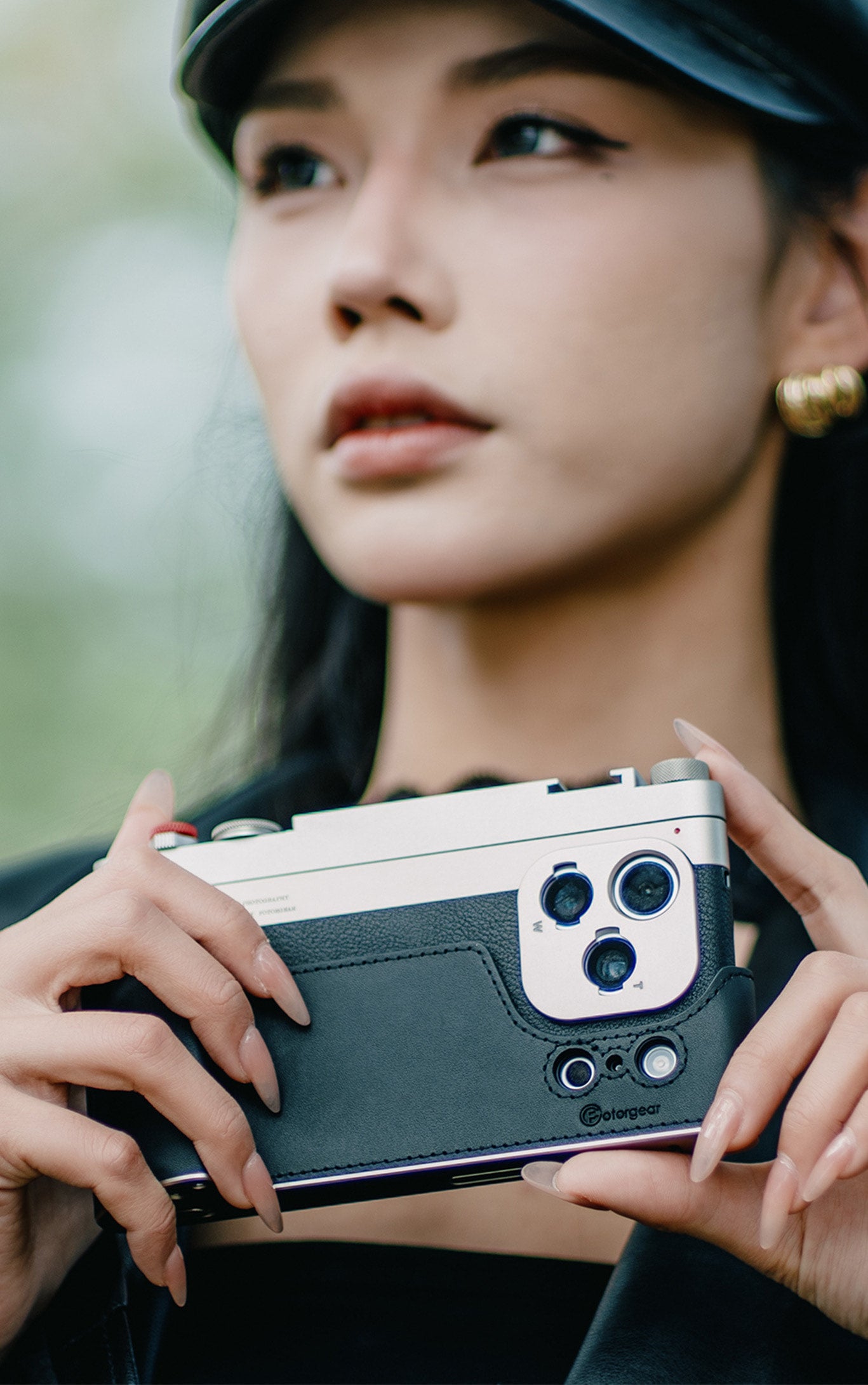


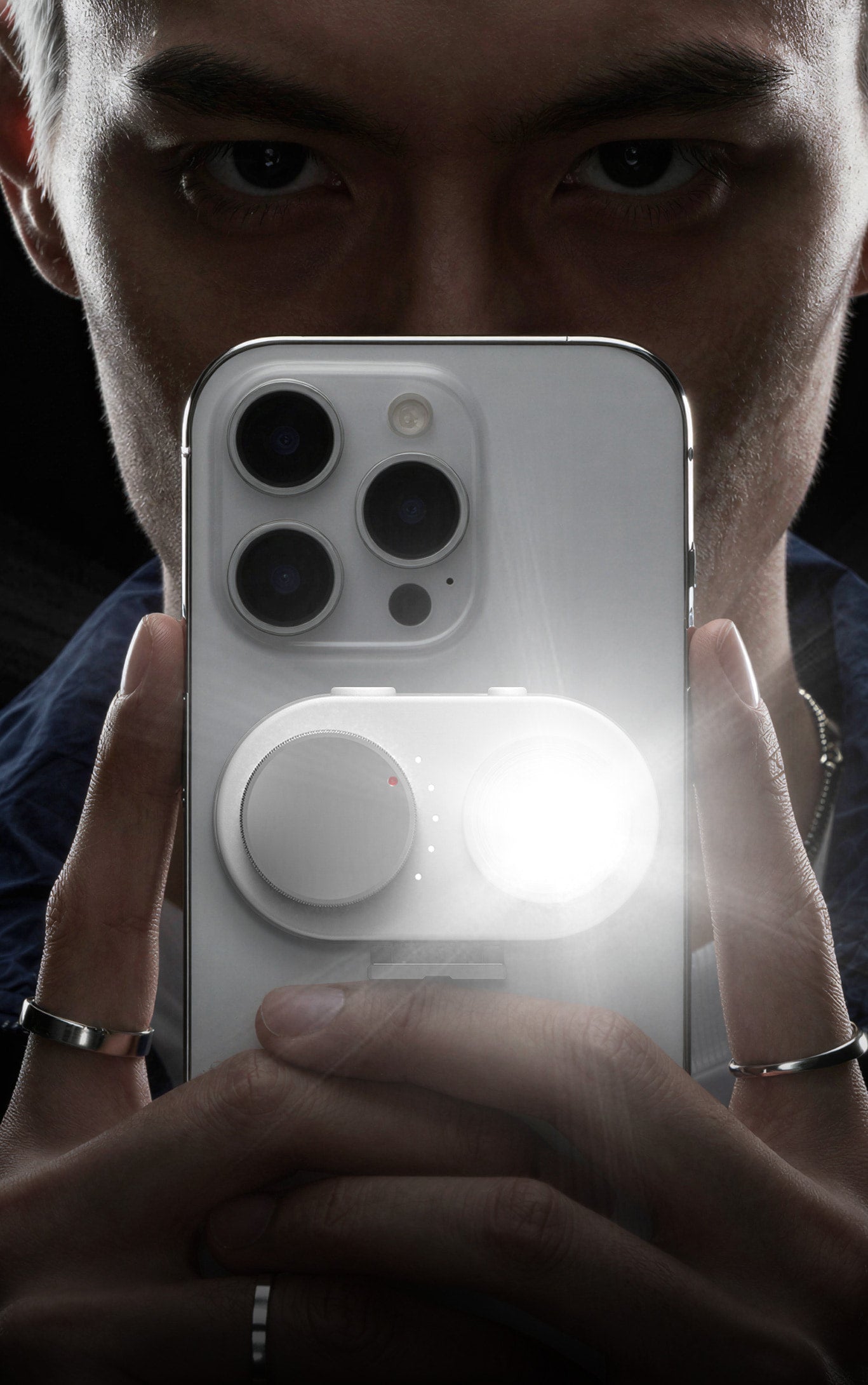


Pour les passionnés de photographie mobile, les téléobjectifs externes de FotorGear ont toujours été le choix par excellence pour une qualité d'image supérieure et une compression d'arrière-plan époustouflante. Cependant, tout professionnel connaît la « lutte séculaire » : Plus la distance focale est longue, plus il est difficile de maintenir le cadre stable.

À des distances focales de 135 mm ou 400 mm, même un léger battement de cœur ou une légère respiration peut ressembler à un tremblement de terre sur votre écran. Pour résoudre ce problème, notre équipe a passé des mois en « confinement R&D » pour vous offrir une fonctionnalité révolutionnaire dans la dernière version de l'application FotorGear : le mode de stabilisation d'objectif.
Qu'est-ce que l'EIS et comment « verrouille-t-il » votre cadre ?
Avant de nous plonger dans les fonctionnalités, parlons de la magie qui se cache derrière : l'EIS (stabilisation électronique de l'image).
Contrairement à l'OIS (stabilisation optique de l'image), qui déplace physiquement le matériel de l'objectif, l'EIS est un miracle logiciel :
-
Détection de mouvement : L'application utilise le gyroscope interne de votre téléphone pour détecter les tremblements de main à haute fréquence en temps réel.
-
Recadrage intelligent et alignement : L'algorithme recadre une petite marge des données du capteur et l'utilise comme tampon pour décaler le cadre, neutralisant le mouvement pixel par pixel.
-
Sortie fluide : Le résultat est une image lisse et stable, comme si votre téléphone était « boulonné » à un trépied.

Scénarios réels pour le mode de stabilisation d'objectif
Nous avons optimisé nos algorithmes EIS spécifiquement pour les caractéristiques optiques des objectifs FotorGear. Voici comment cela change la donne :

1. Le téléobjectif 135 mm (6X) : Fini les retournements, fini les tremblements
En raison de la physique optique, les images brutes prises avec un objectif 135 mm apparaissent à l'envers, et les tremblements sont impardonnables.
-
L'expérience : Il suffit de sélectionner l'option « 135 mm ». L'application retourne automatiquement l'orientation et active une stabilisation agressive. Vous pouvez désormais composer votre prise de vue à la verticale et capturer des images stables à main levée.
2. L'ultra-téléobjectif 400 mm (8X) : Réaliser l'« impossible »
La prise de vue à main levée à 400 mm est généralement impossible – le cadre rebondit trop pour même voir votre sujet, et un vignettage sombre est courant.
-
L'expérience : Sélectionner « 400 mm » ou le nouveau « 400 mm Mini » indique à l'application de recadrer les bords noirs et de pousser la stabilisation au maximum. Non seulement cela réduit les tremblements ; cela fait de la photographie longue distance à main levée une réalité.
3. Vidéo de qualité cinéma : le compagnon de concert ultime
La stabilisation ne se limite pas aux photos, c'est aussi un atout pour la vidéo. Avec la prise en charge jusqu'à 4K à 60 ips, le « mode de stabilisation d'objectif » transforme votre téléphone en un équipement cinématographique professionnel.
-
Le scénario : Imaginez que vous êtes à un concert bondé. Avec un téléobjectif externe et l'EIS activé, vous pouvez capturer des gros plans fluides et stabilisés de la scène en 4K sans avoir à transporter un trépied lourd.
Puissance de l'algorithme : Le spécial « Vivo 2.35X »
Nous avons également ajouté une fonctionnalité spéciale pour les utilisateurs de notre adaptateur V-T. Si vous utilisez l'objectif portrait de haute qualité Vivo 2.35X sur un iPhone, notre application offre désormais une stabilisation dédiée pour cette distance focale spécifique. Cette optimisation logicielle « multiplateforme » garantit que, quelle que soit la combinaison de votre équipement, vos photos restent d'une fluidité parfaite.
Conclusion : Ne laissez pas vos objectifs prendre la poussière
Nous pensons que le meilleur équipement est celui que vous utilisez réellement. Notre mission avec cette mise à jour était de supprimer les obstacles matériels de la photographie à main levée avec de longs objectifs. Nous voulons que vous sortiez vos objectifs du tiroir et que vous les emmeniez dans le monde.

Mettez à jour votre application FotorGear dès aujourd'hui et découvrez l'avenir de la photographie mobile stabilisée !
Remarque : Comme toujours, toutes les fonctionnalités de stabilisation de l'application FotorGear restent entièrement gratuites.