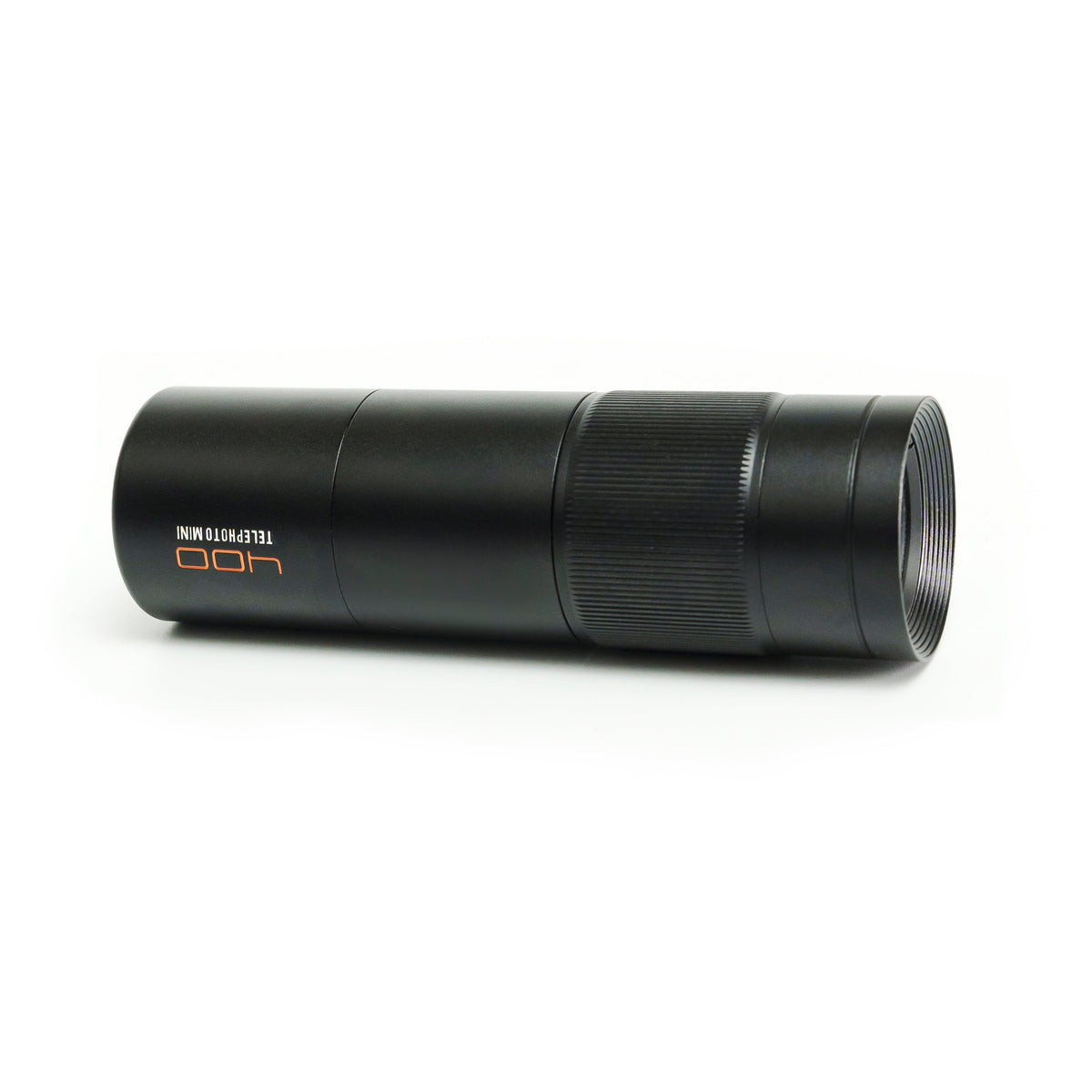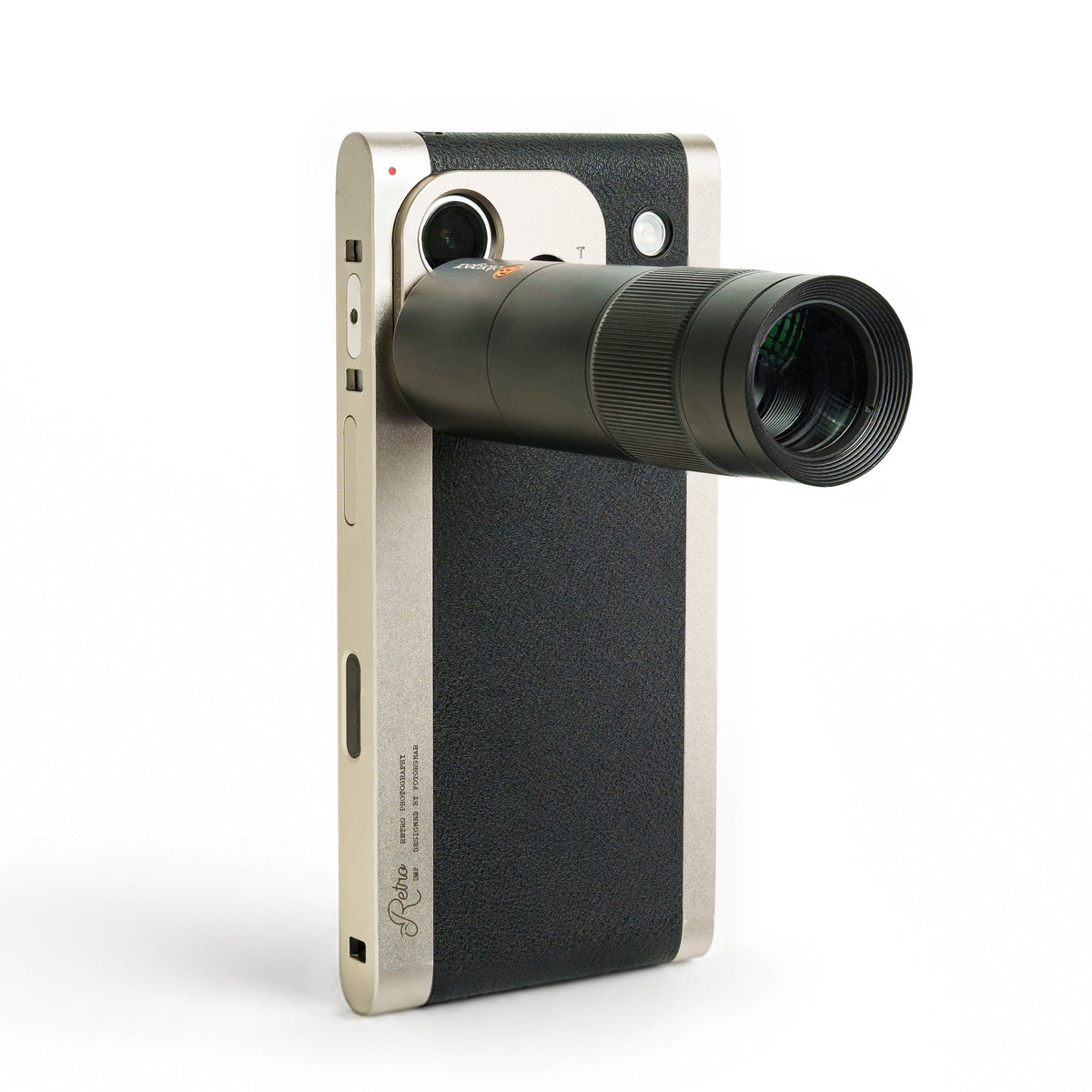



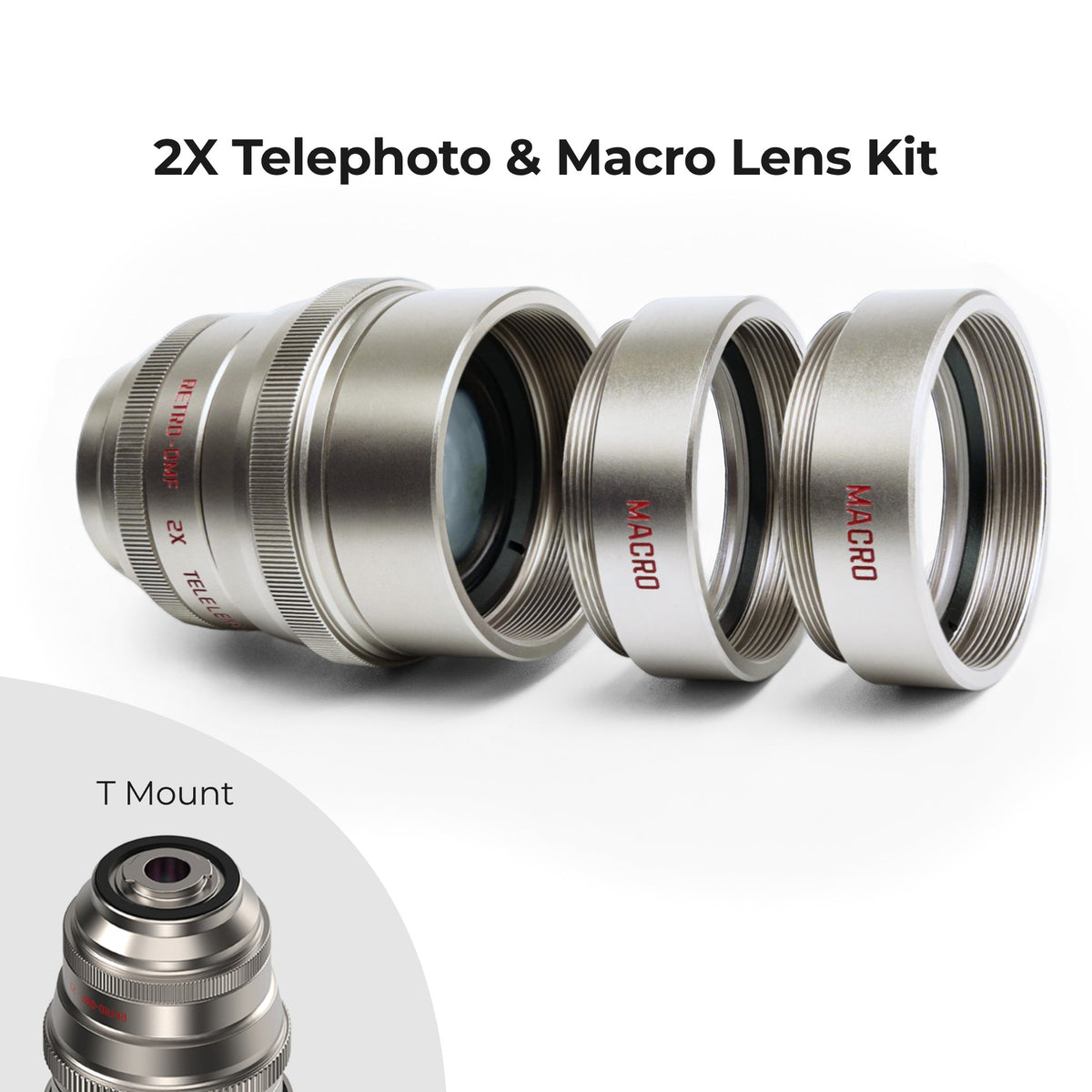
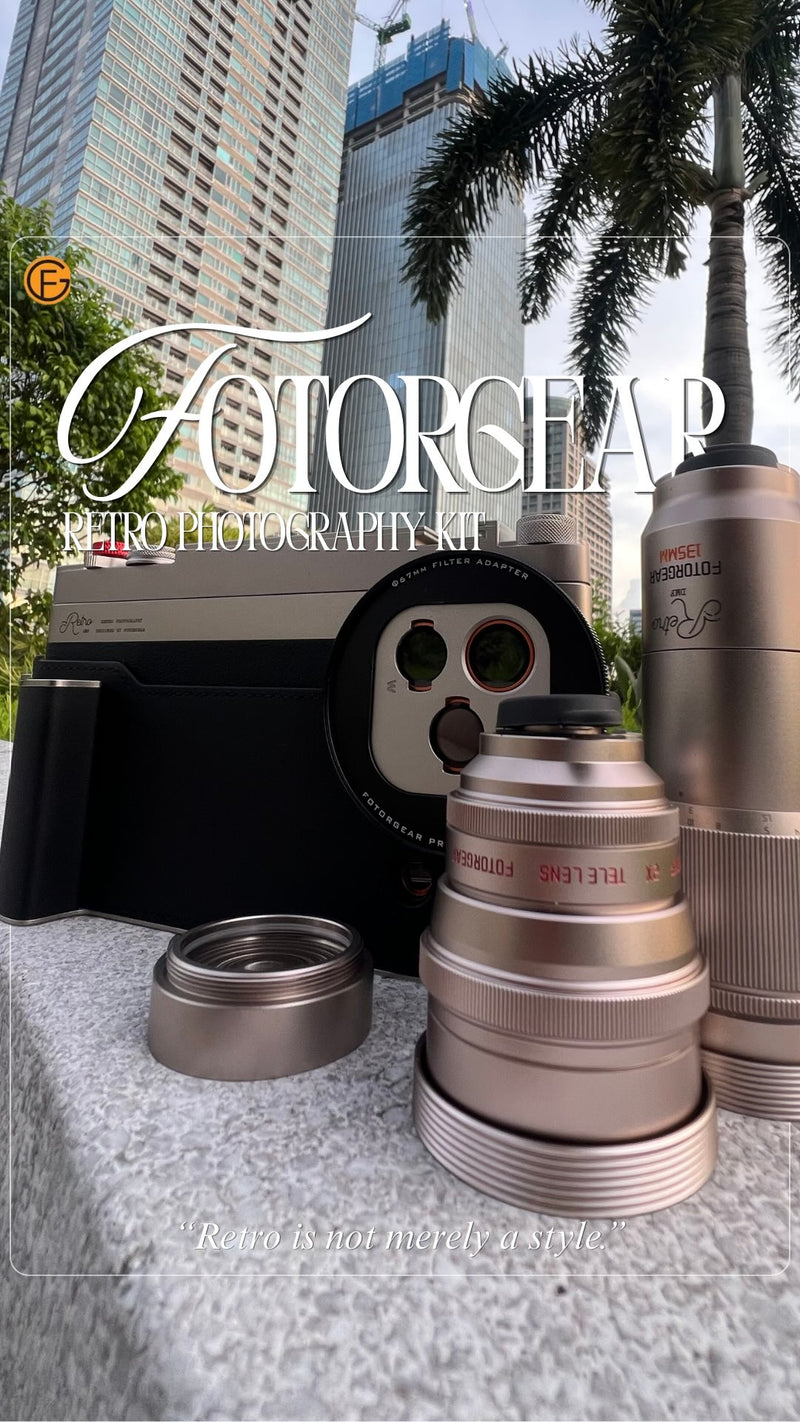
2X Telephoto & Macro Lens Kit
Turn your phone into a telephoto & macro camera. Real optics. No crop.
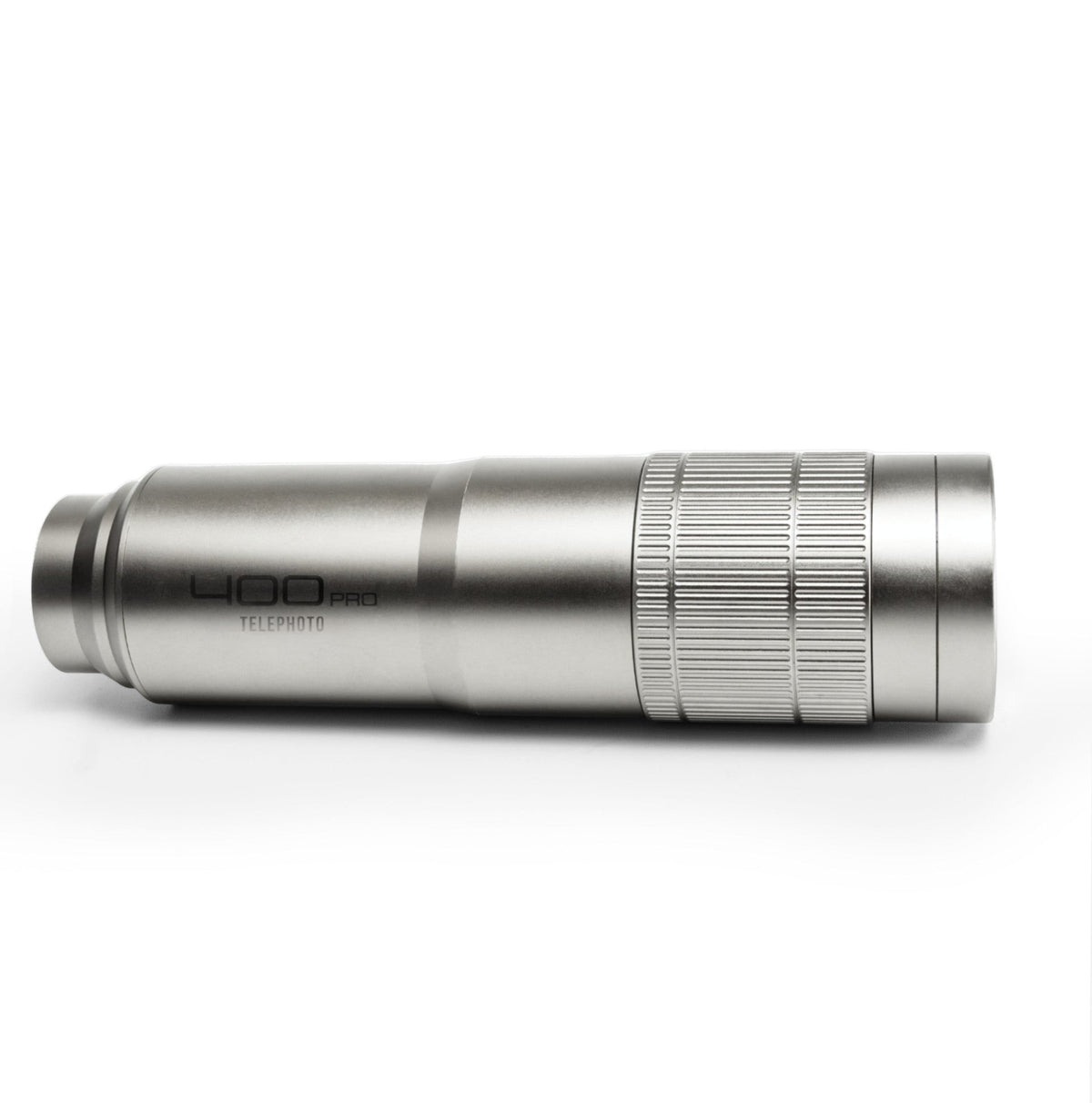
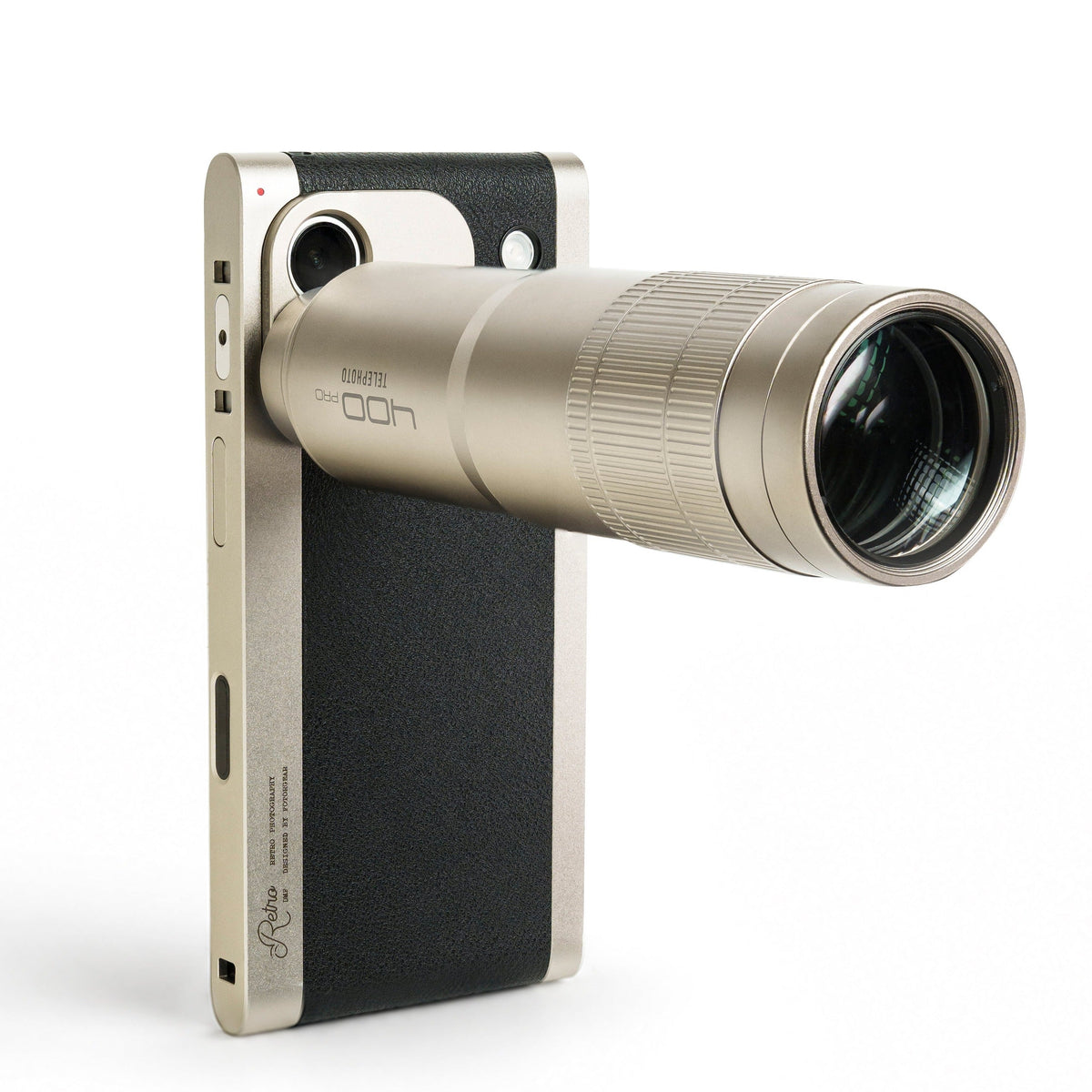
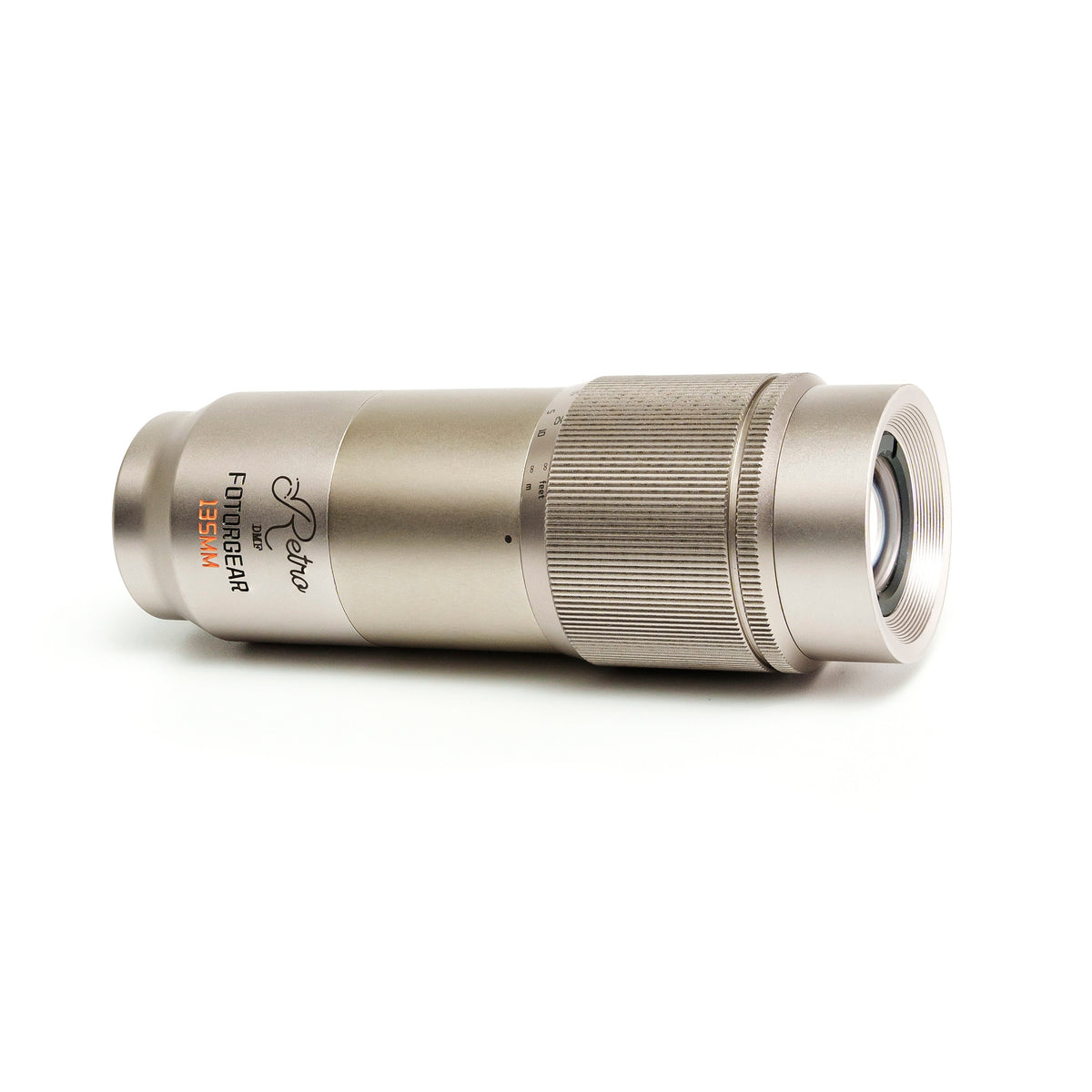
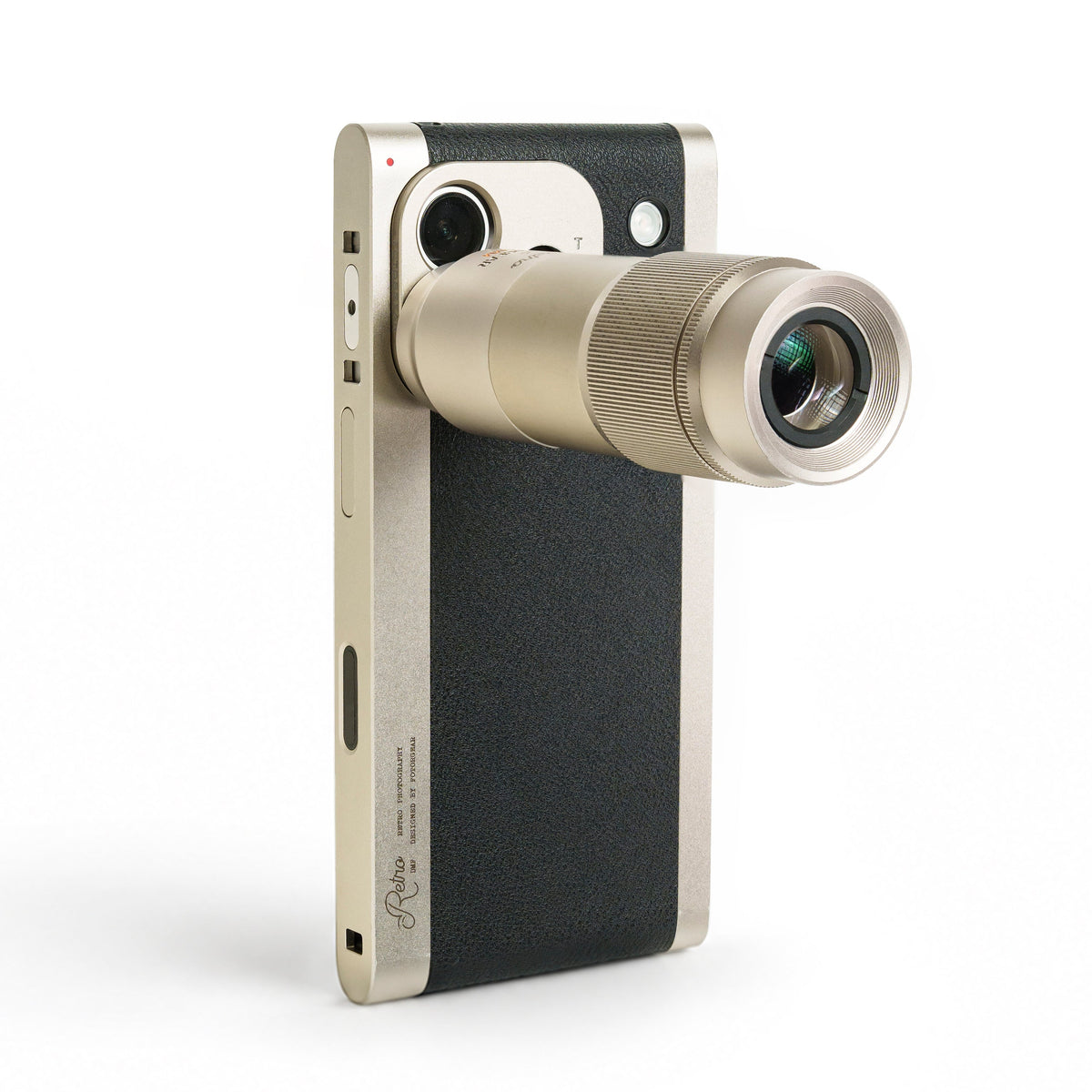
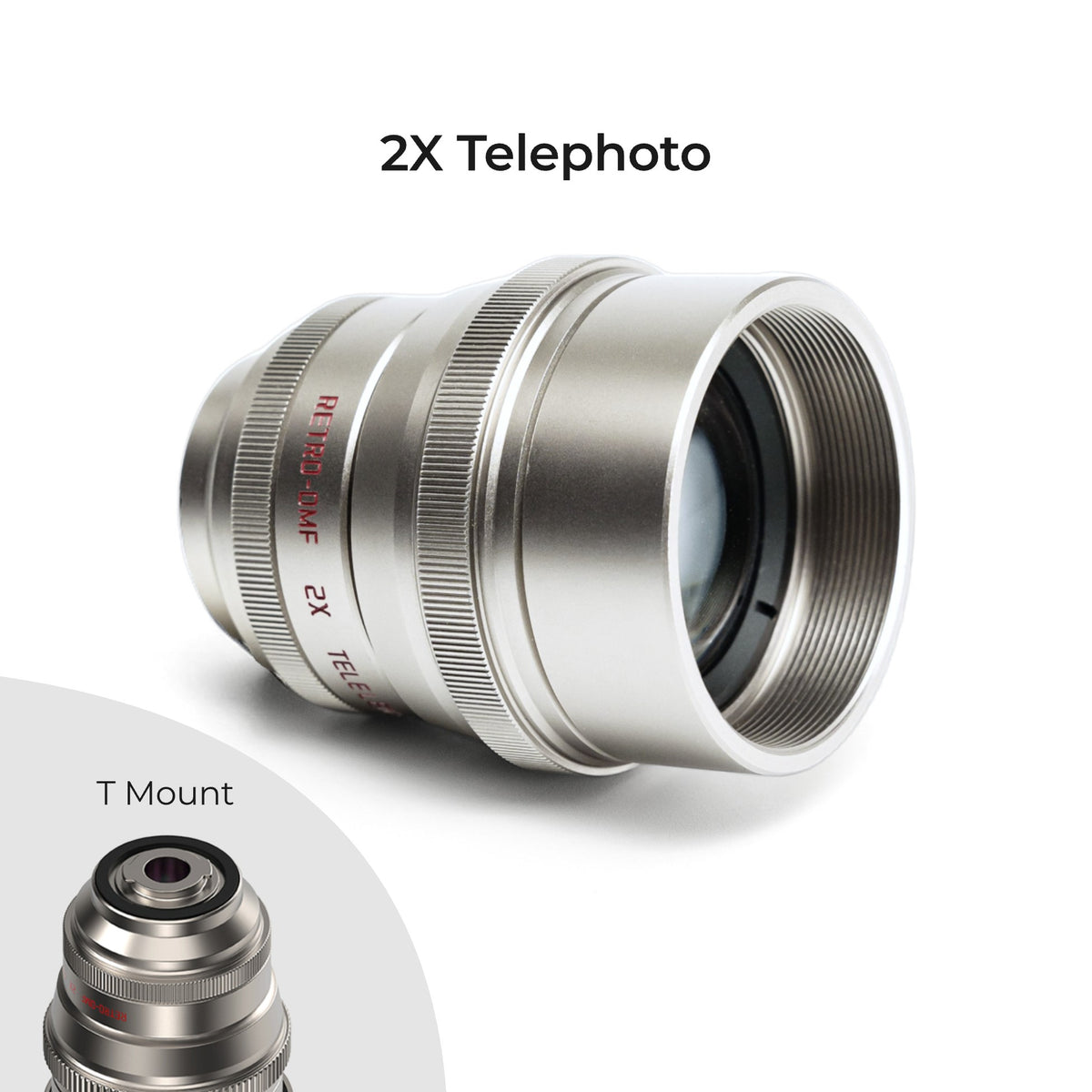
· 2X optical telephoto lens — real glass, not digital. Full resolution and LOG color profiles.
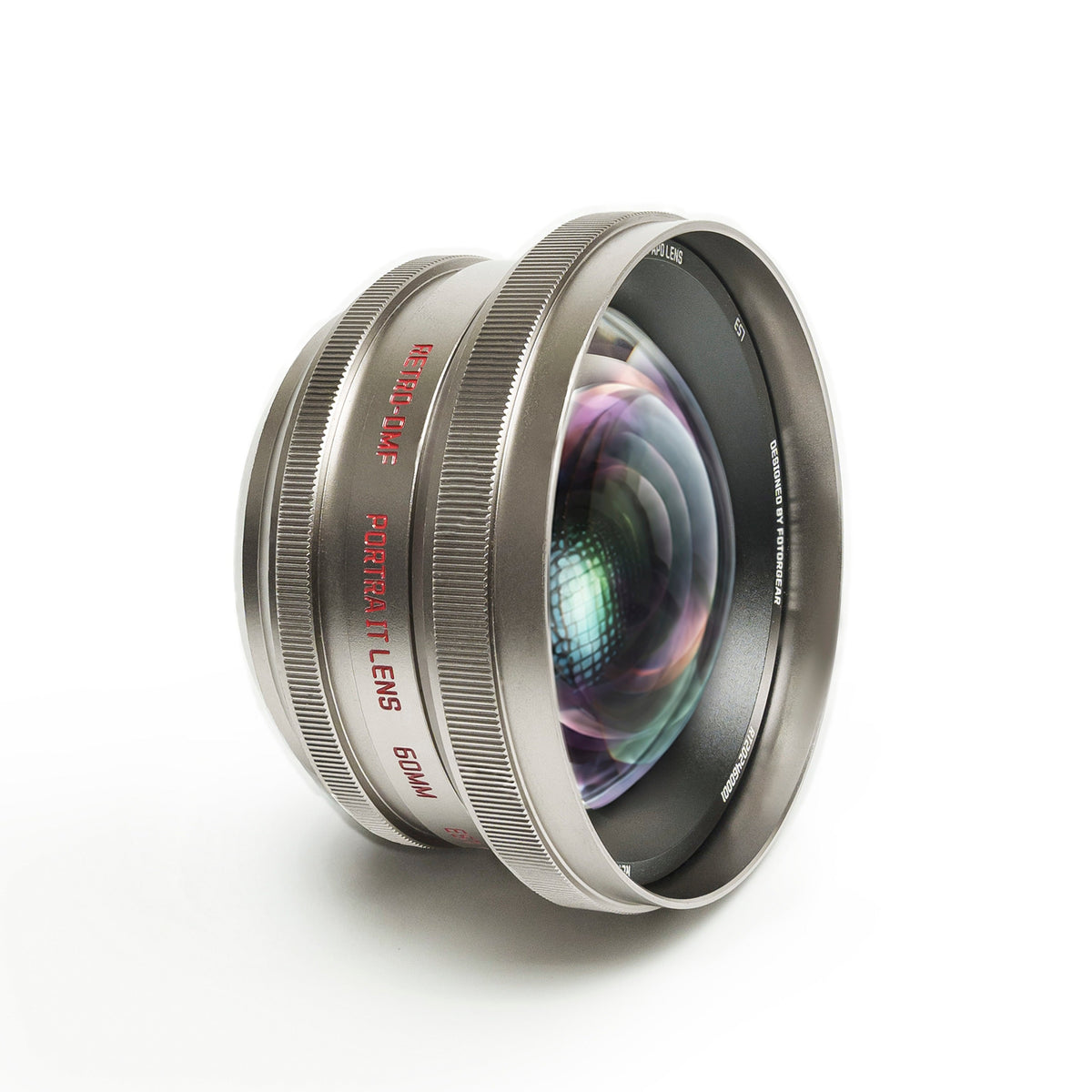
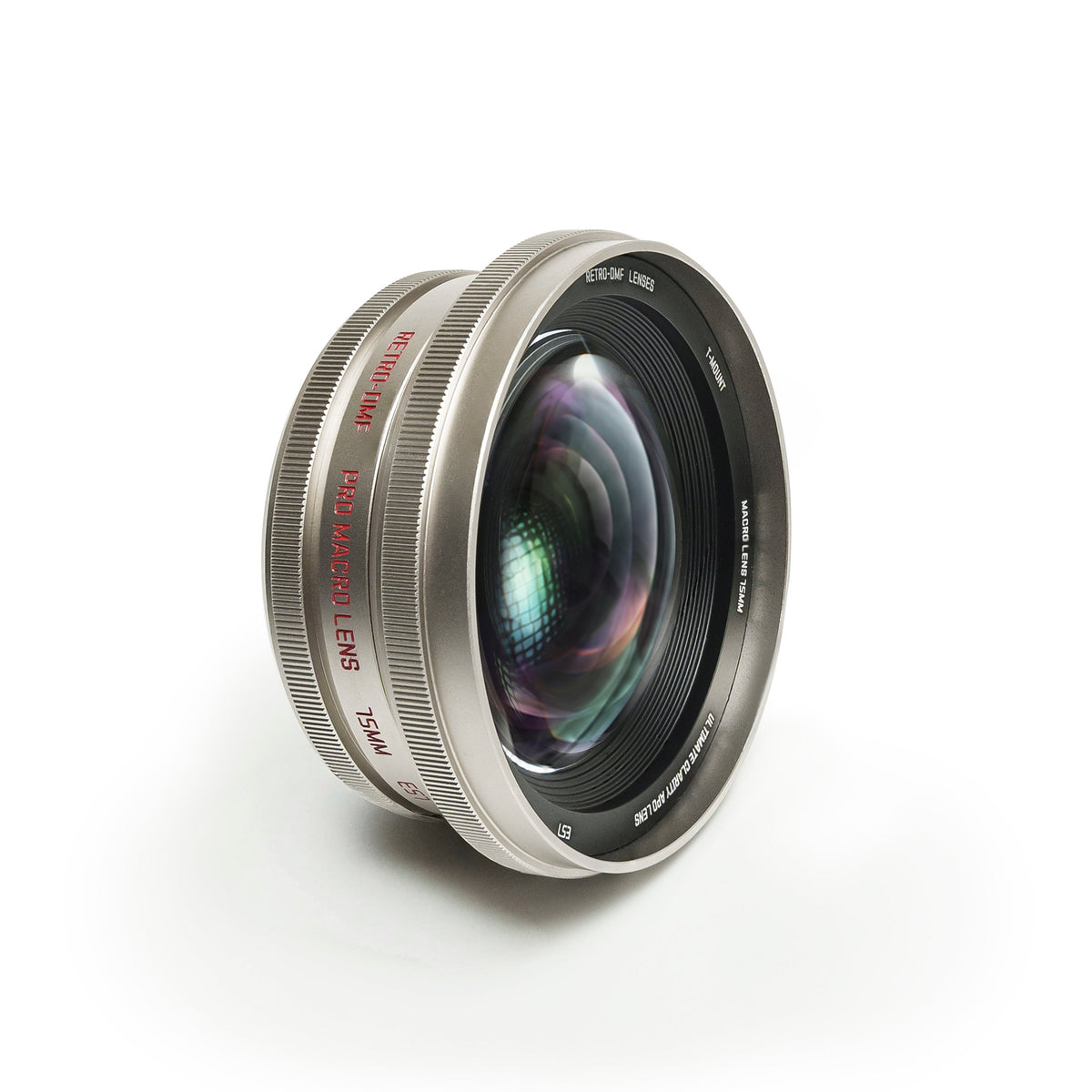
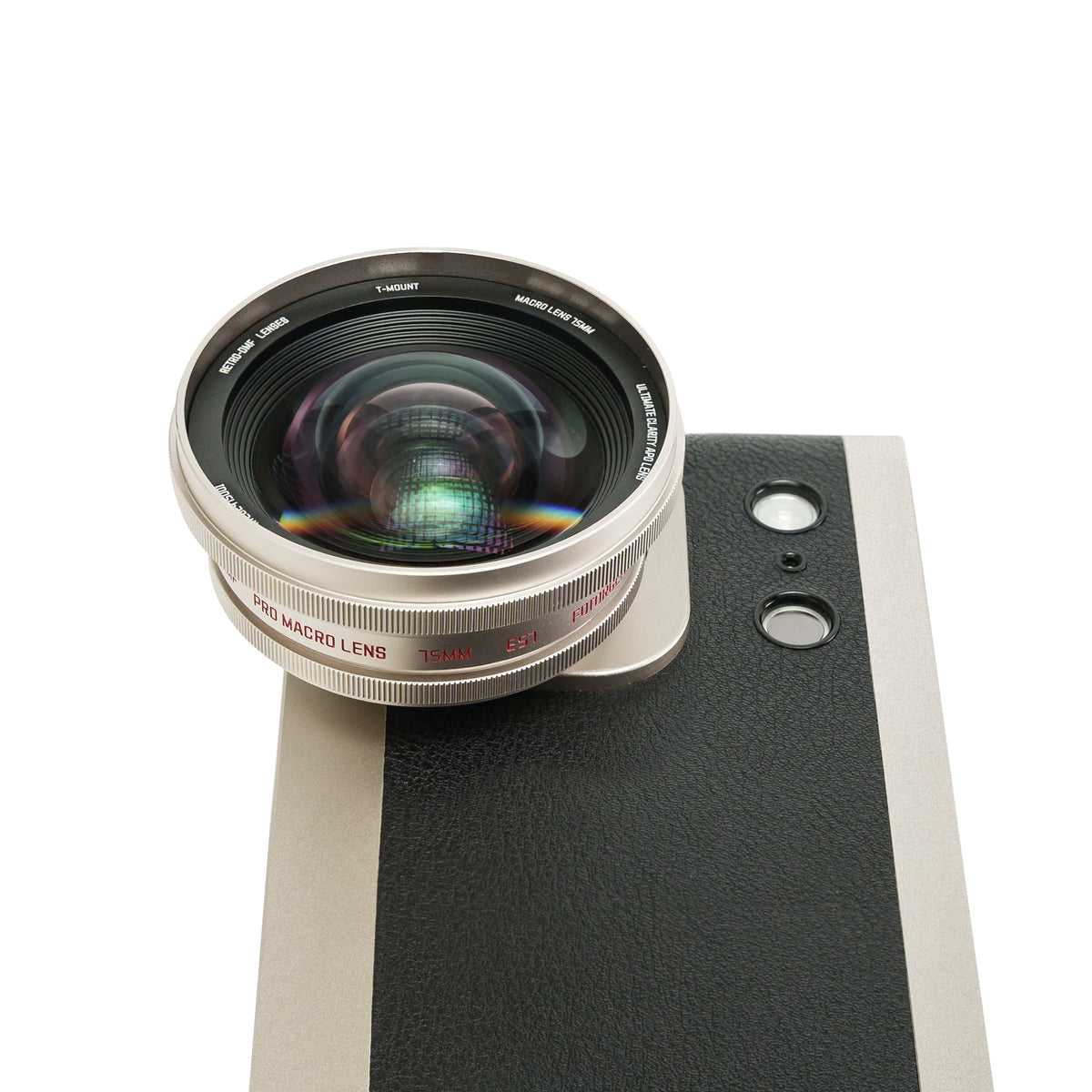
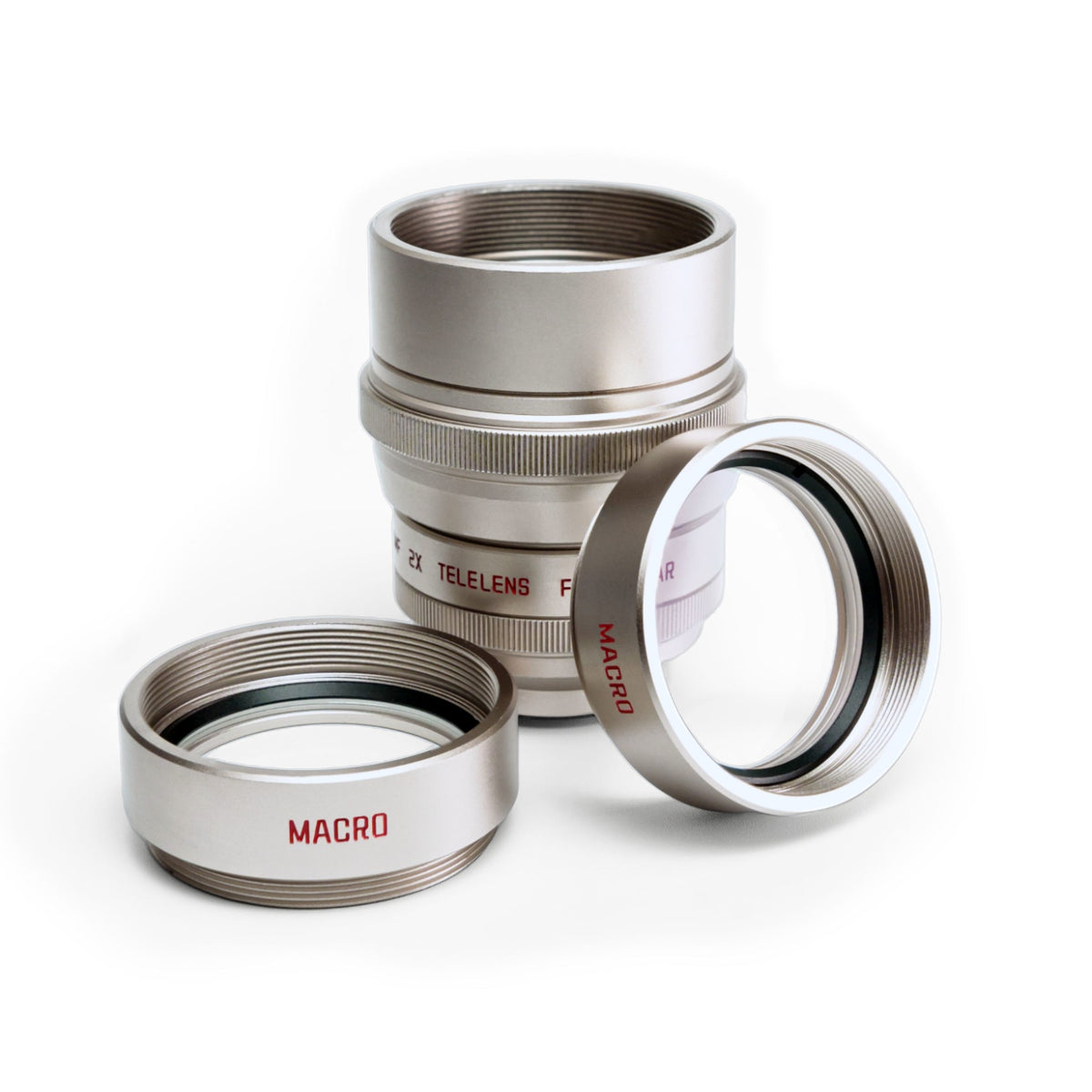
· 2 macro add-on lenses — reveal tiny details the naked eye misses.
· Universal Use: Works with all flagship phones via the included clip.
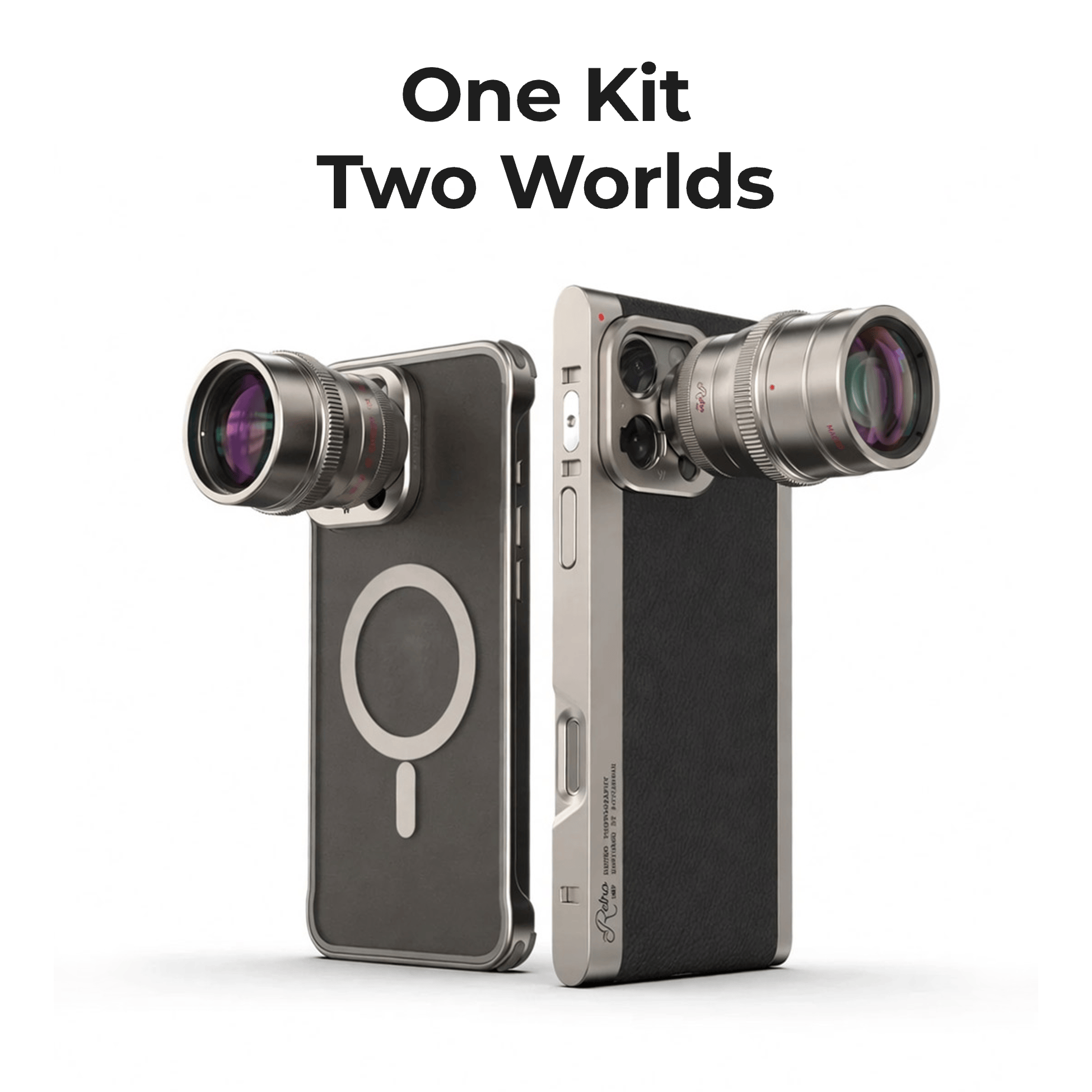
· Better Use: Pair with a Fotorgear Case for maximum stability and faster setup.
What's Included
2X Telephoto Lens
- 1 × 2X Telephoto Lens
- 1 × Universal Lens Clip
- 1 × Leather Protective Case
- 1 × Cleaning Cloth
Macro Add‑On Lenses (2 Pcs)
- 2 × Macro Lenses
- 1 × Protective Pouch
- 1 × Cleaning Cloth
Model


Choose options
Turn your phone into a telephoto & macro camera. Real optics. No crop.
· 2X optical telephoto lens — real glass, not digital. Full resolution and LOG color profiles.
· 2 macro add-on lenses — reveal tiny details the naked eye misses.
· Universal Use: Works with all flagship phones via the included clip.
· Better Use: Pair with a Fotorgear Case for maximum stability and faster setup.
What's Included
2X Telephoto Lens
- 1 × 2X Telephoto Lens
- 1 × Universal Lens Clip
- 1 × Leather Protective Case
- 1 × Cleaning Cloth
Macro Add‑On Lenses (2 Pcs)
- 2 × Macro Lenses
- 1 × Protective Pouch
- 1 × Cleaning Cloth
Model
Turn your phone into a telephoto & macro camera. Real optics. No crop.
· 2X optical telephoto lens — real glass, not digital. Full resolution and LOG color profiles.
· 2 macro add-on lenses — reveal tiny details the naked eye misses.
· Universal Use: Works with all flagship phones via the included clip.
· Better Use: Pair with a Fotorgear Case for maximum stability and faster setup.
What's Included
2X Telephoto Lens
- 1 × 2X Telephoto Lens
- 1 × Universal Lens Clip
- 1 × Leather Protective Case
- 1 × Cleaning Cloth
Macro Add‑On Lenses (2 Pcs)
- 2 × Macro Lenses
- 1 × Protective Pouch
- 1 × Cleaning Cloth
Model
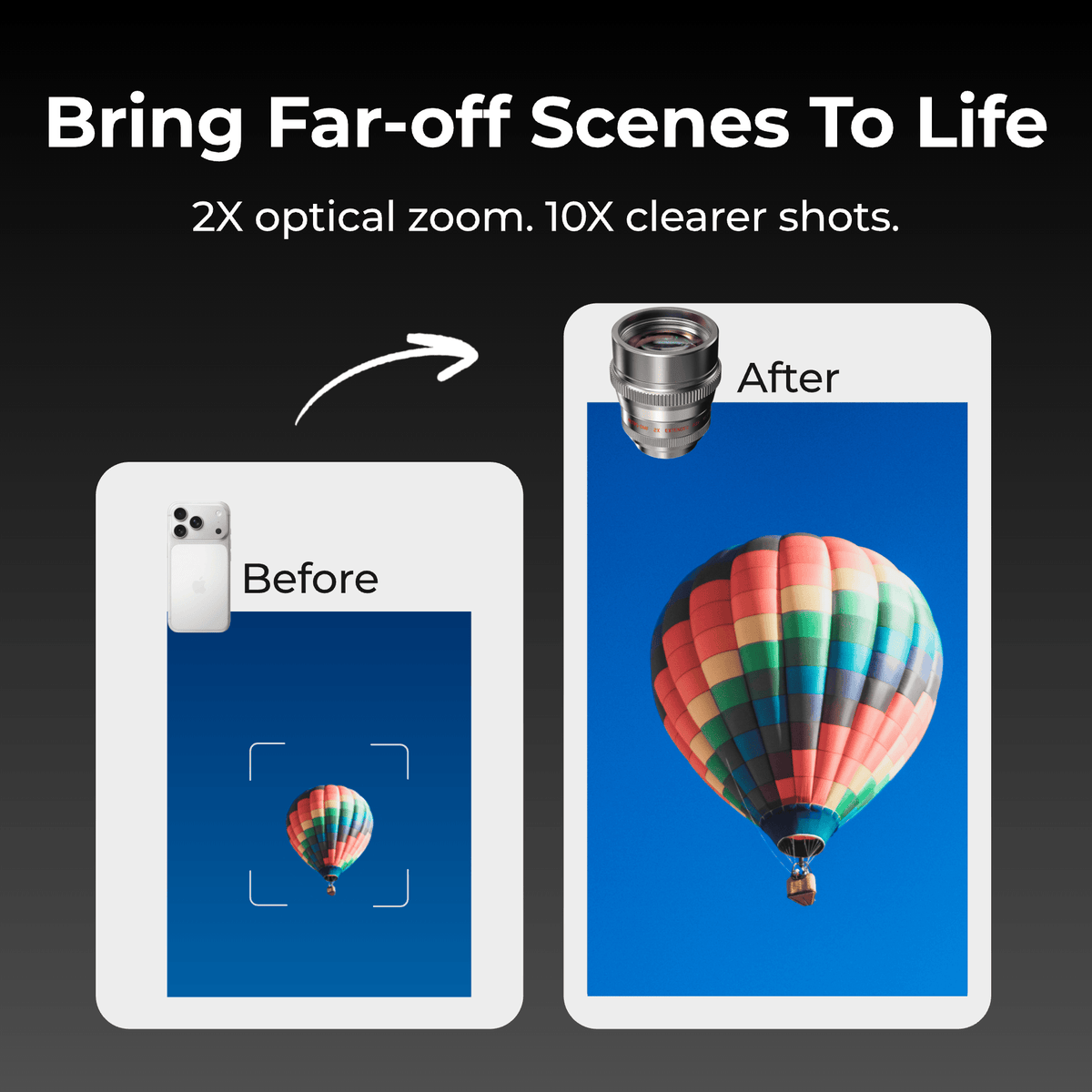
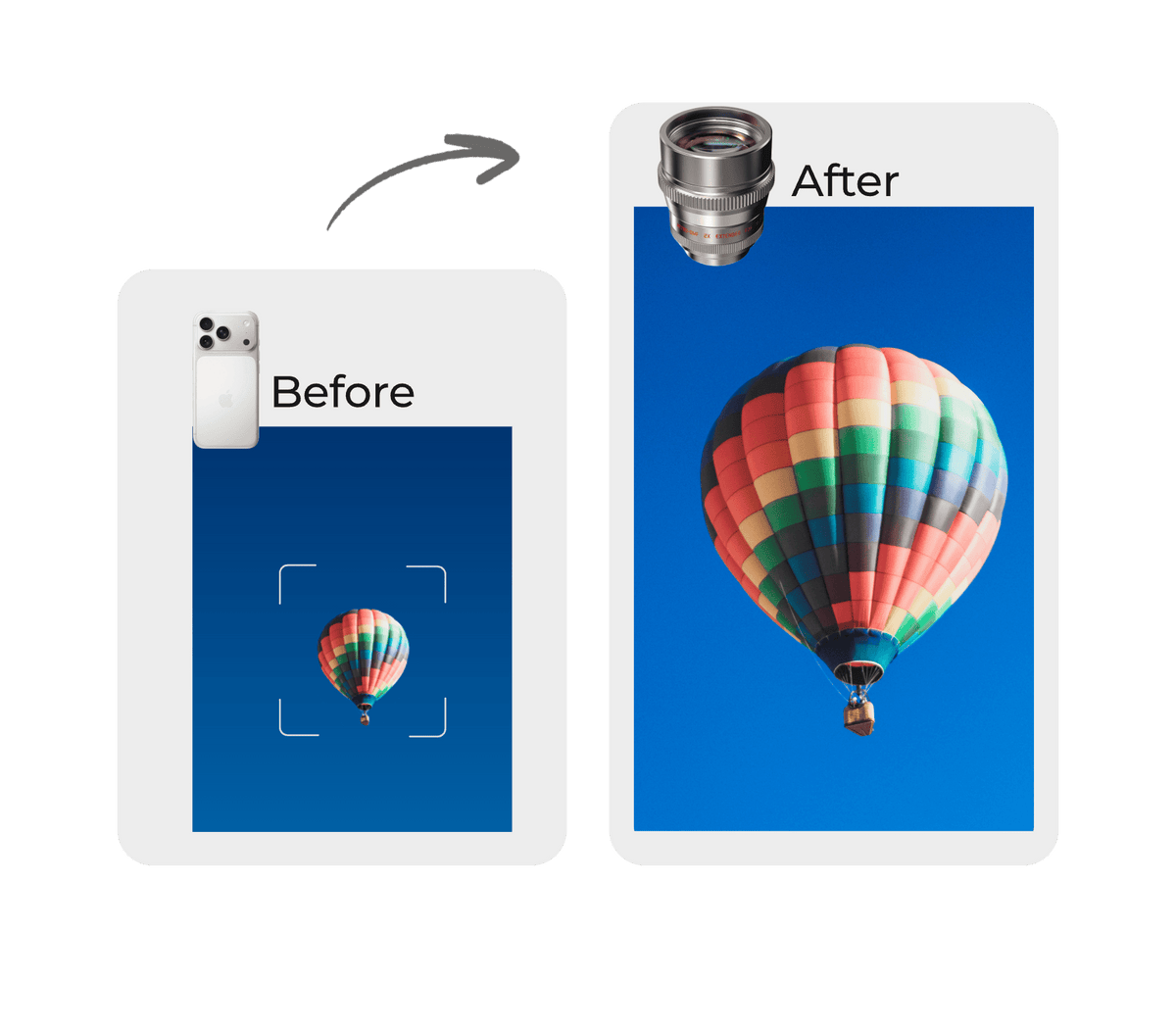
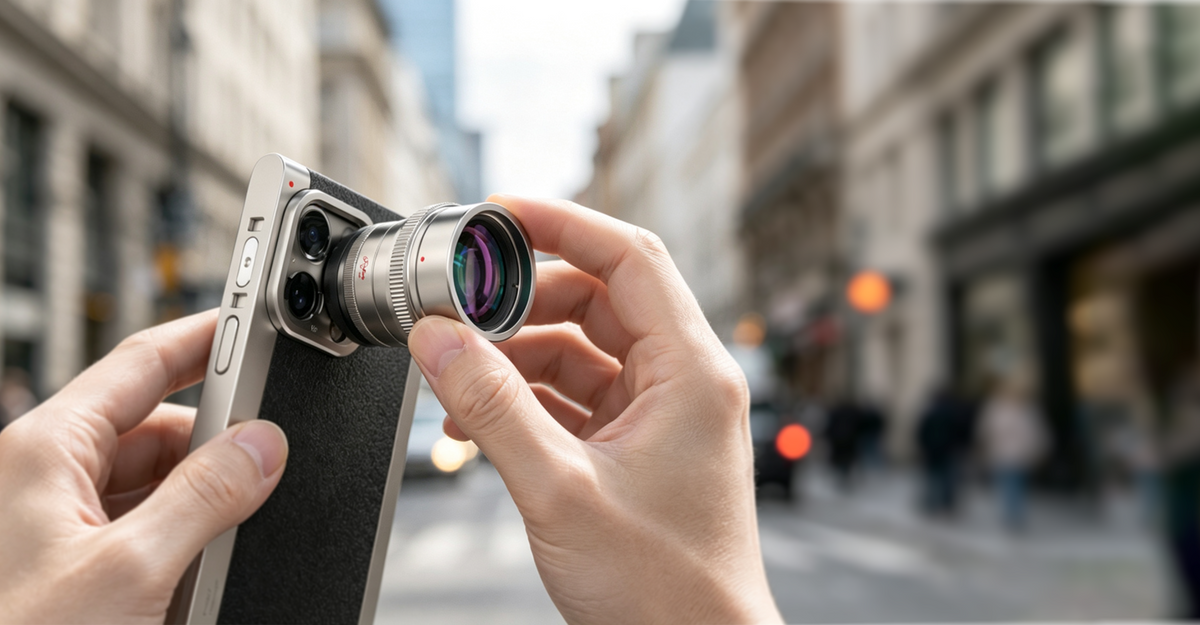
2x Lossless Magnification
Doubles your phone's native telephoto reach with pure optical magnification — no digital cropping, no quality loss.
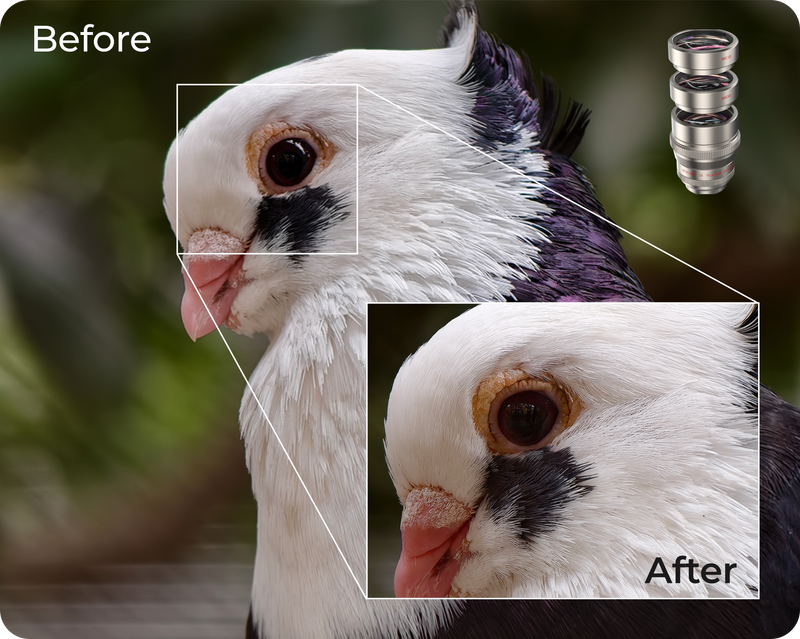
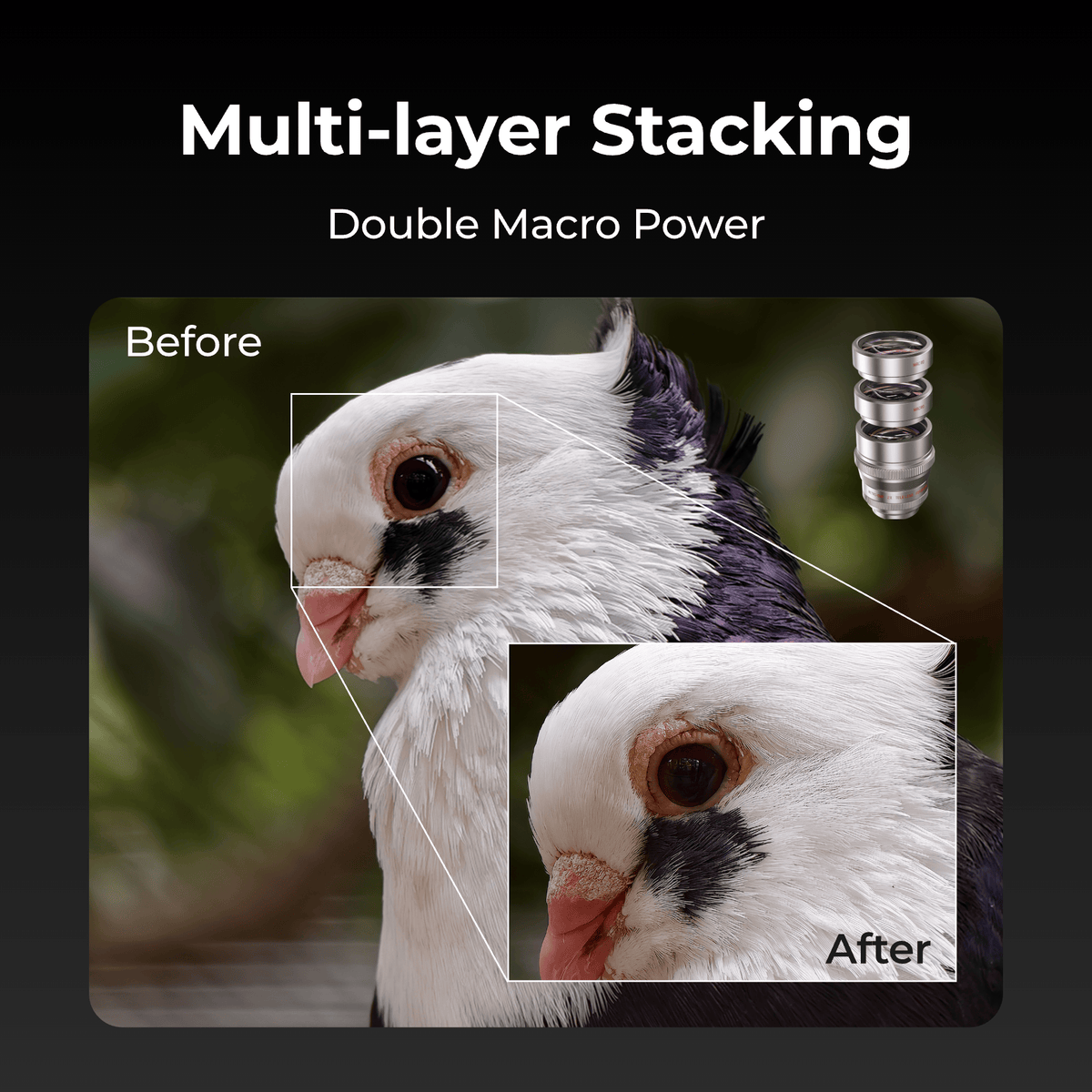
One Lens, Two Worlds
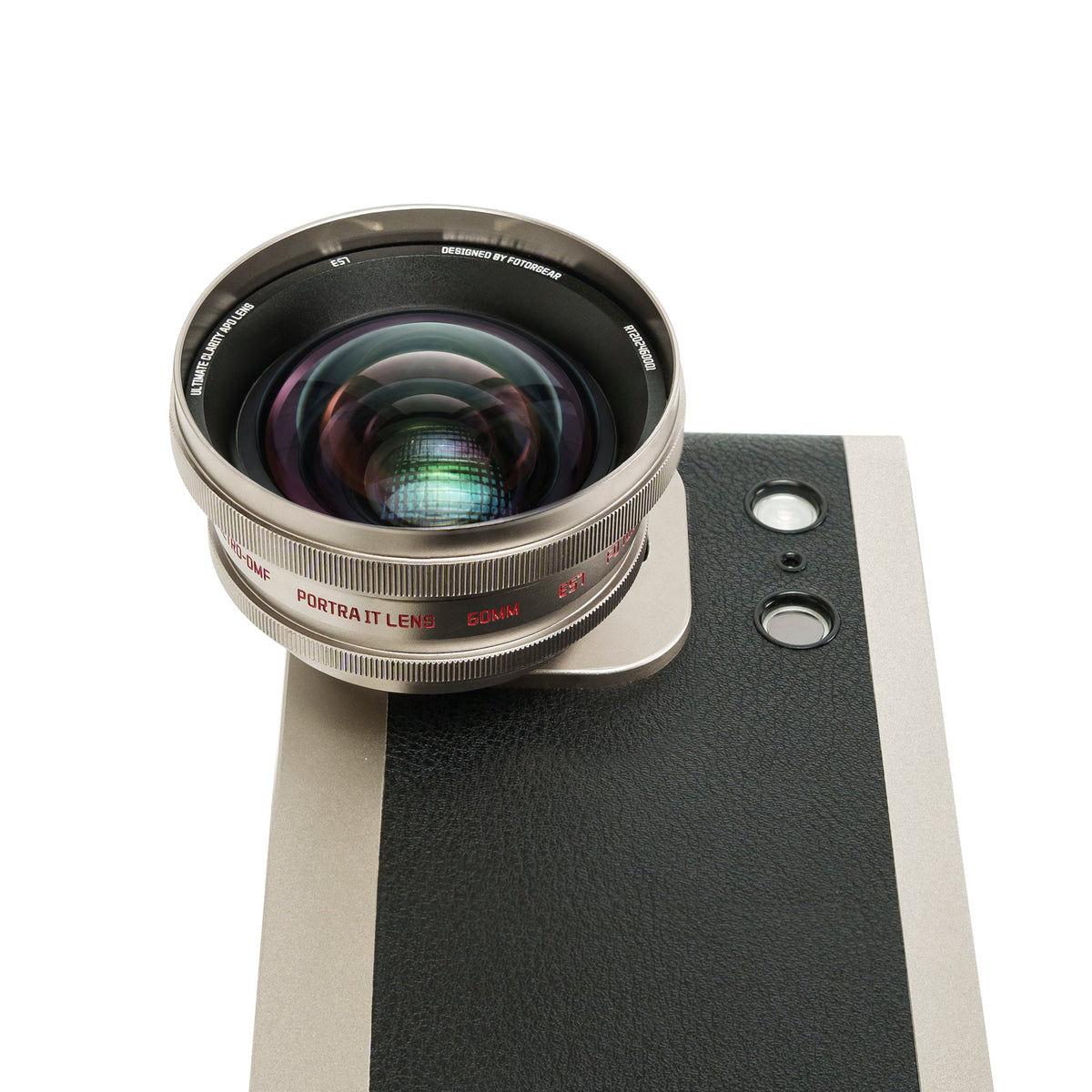
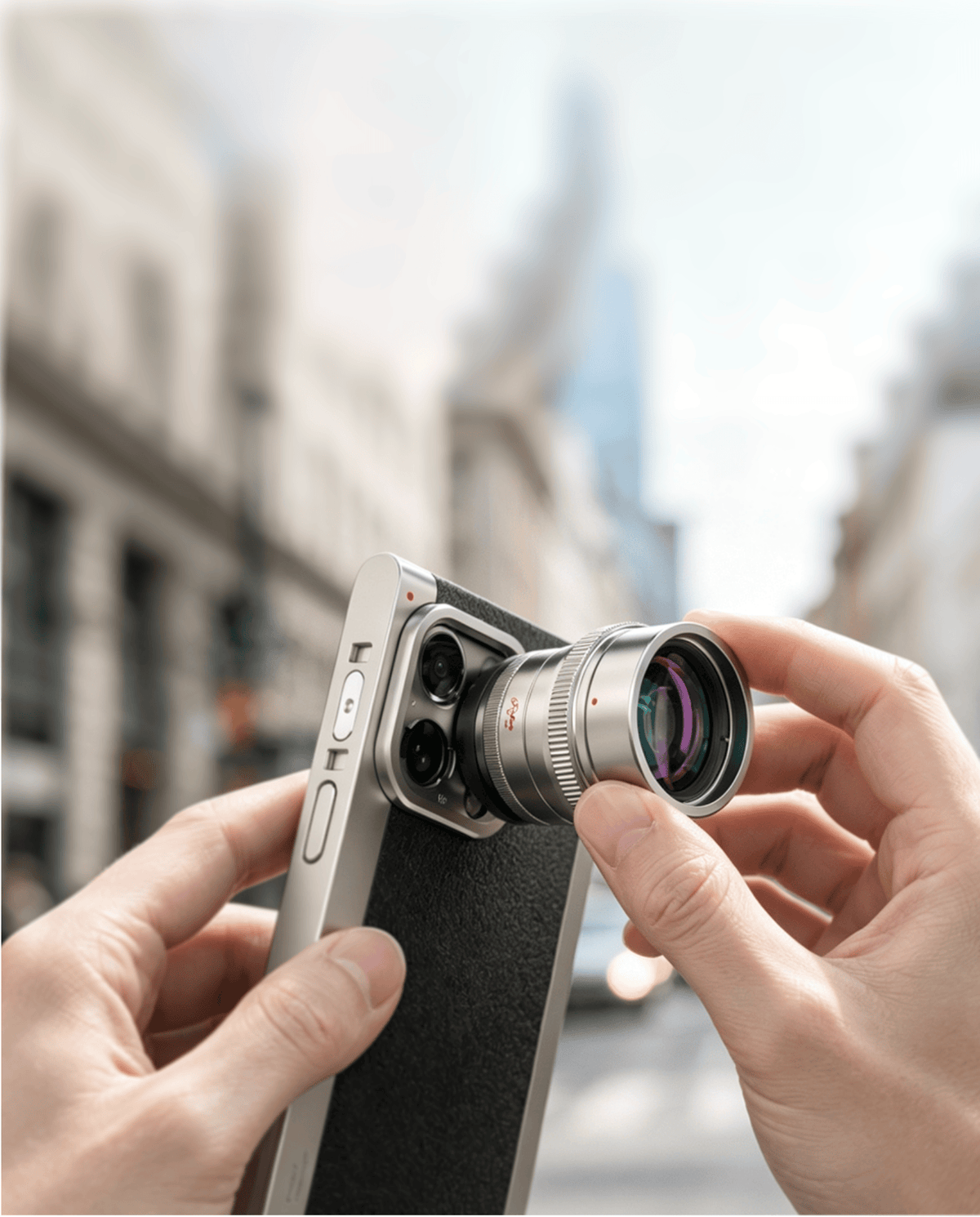
Attaching the macro add-on lens in front of your telephoto lens unlocks enhanced long-range macro capabilities, delivering a longer focal length with minimized distortion and smoother bokeh for professional-grade close-up perspectives.
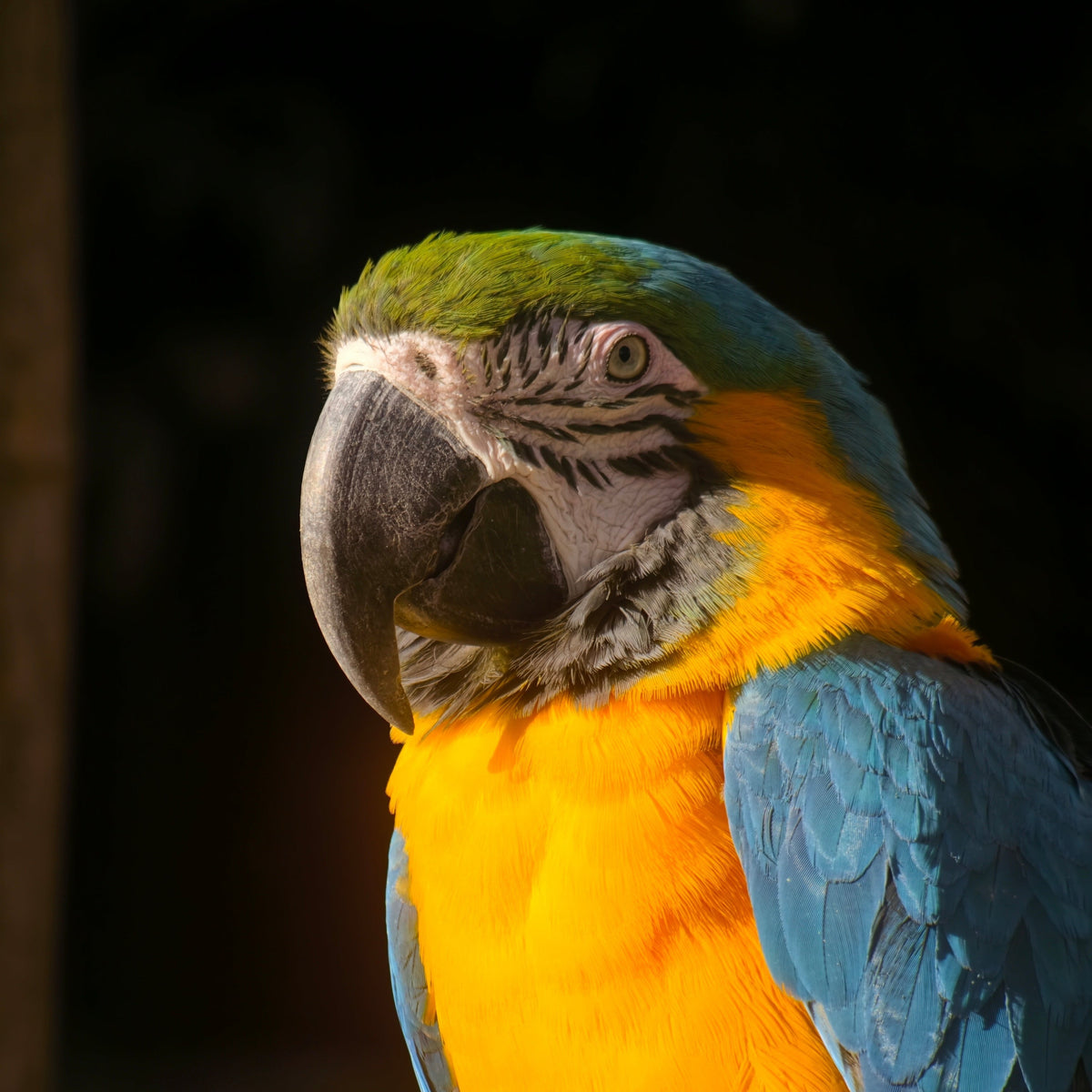
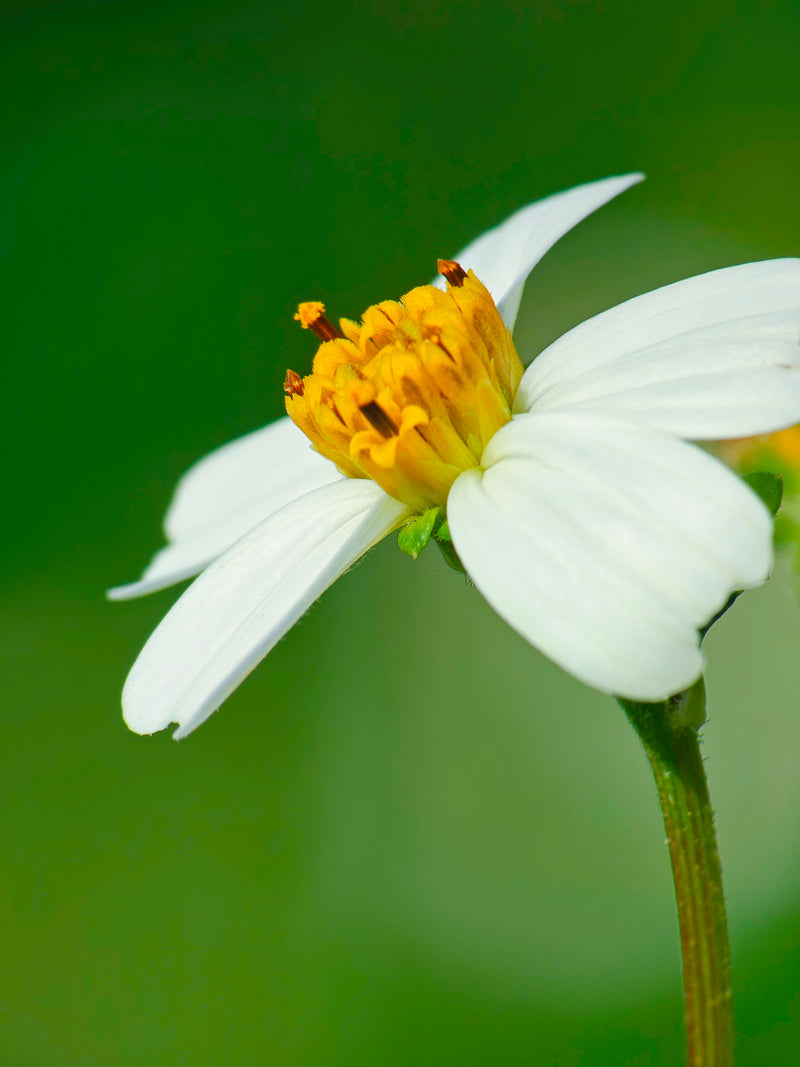
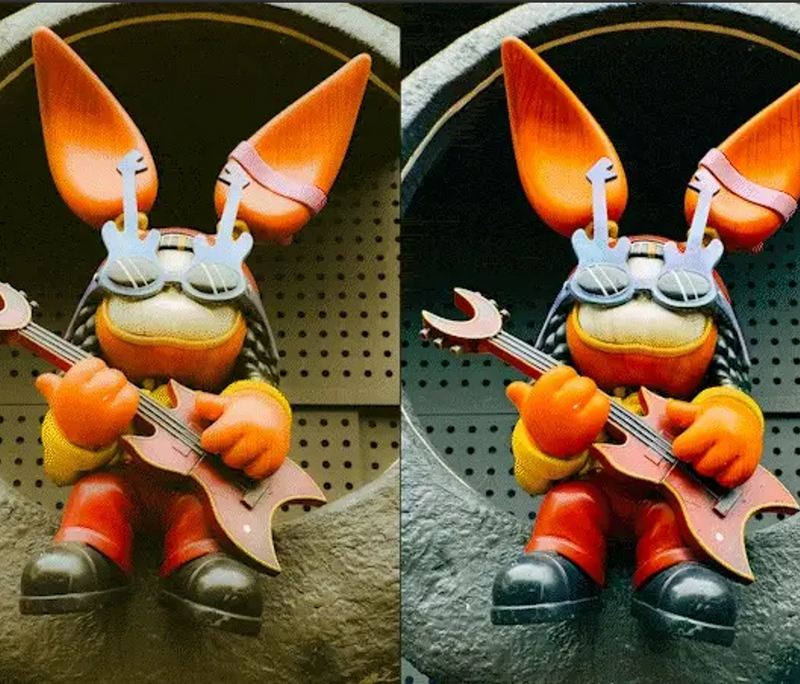
Shot on 2X Telephoto
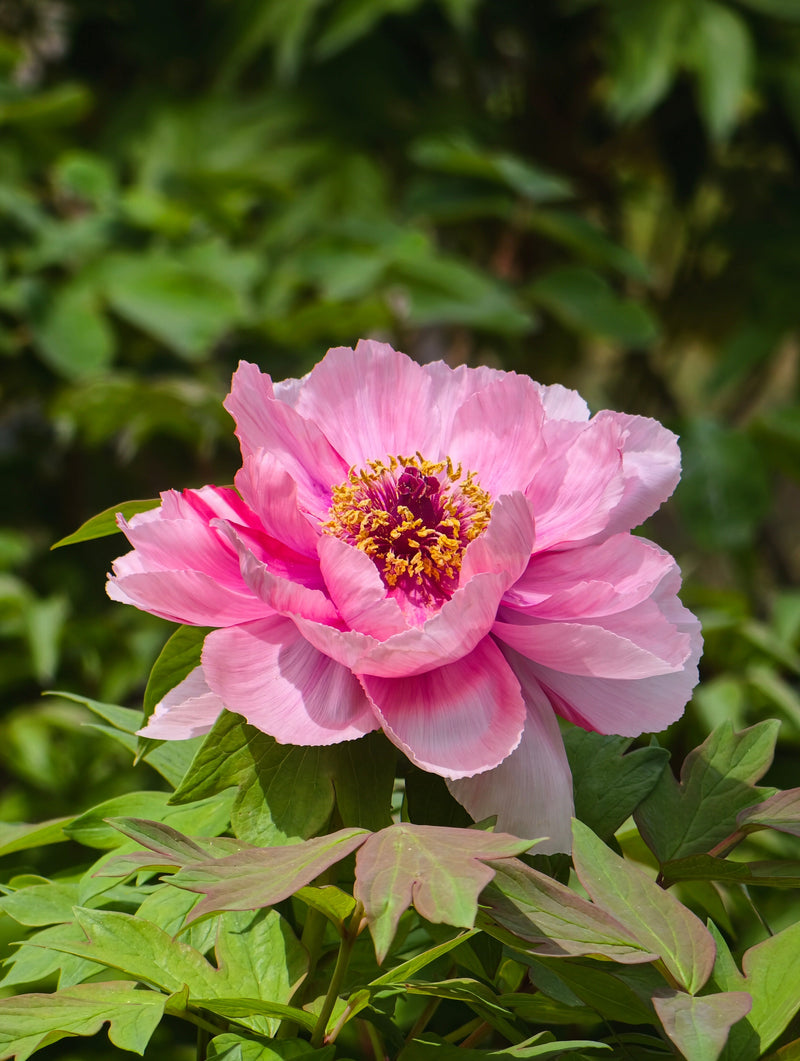



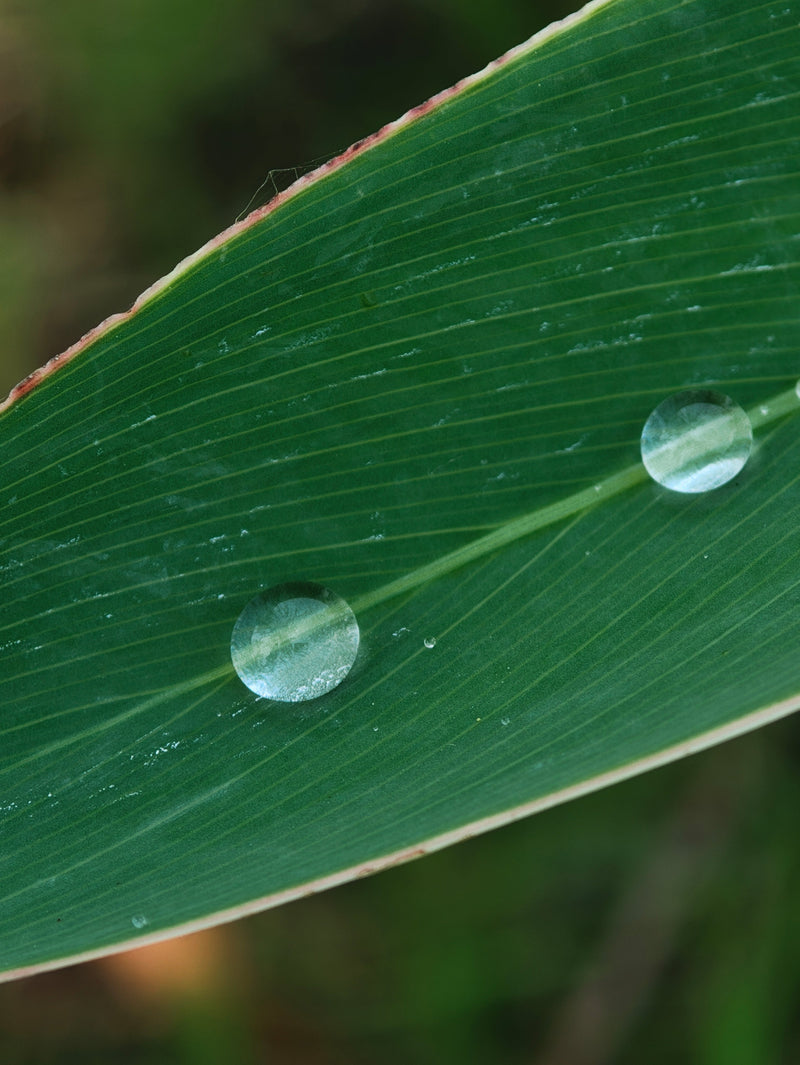
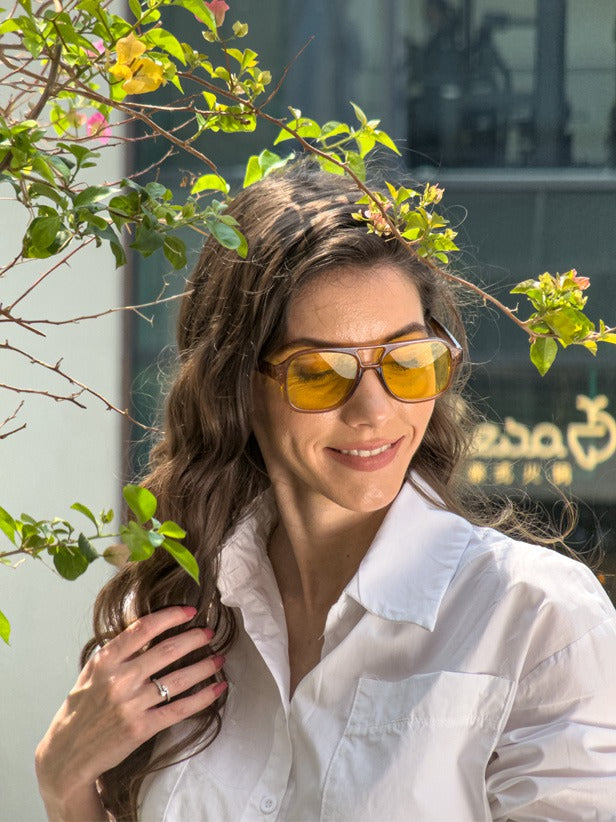
Shot on 2X Telephoto & Macro Lens Kit



Ready in Seconds
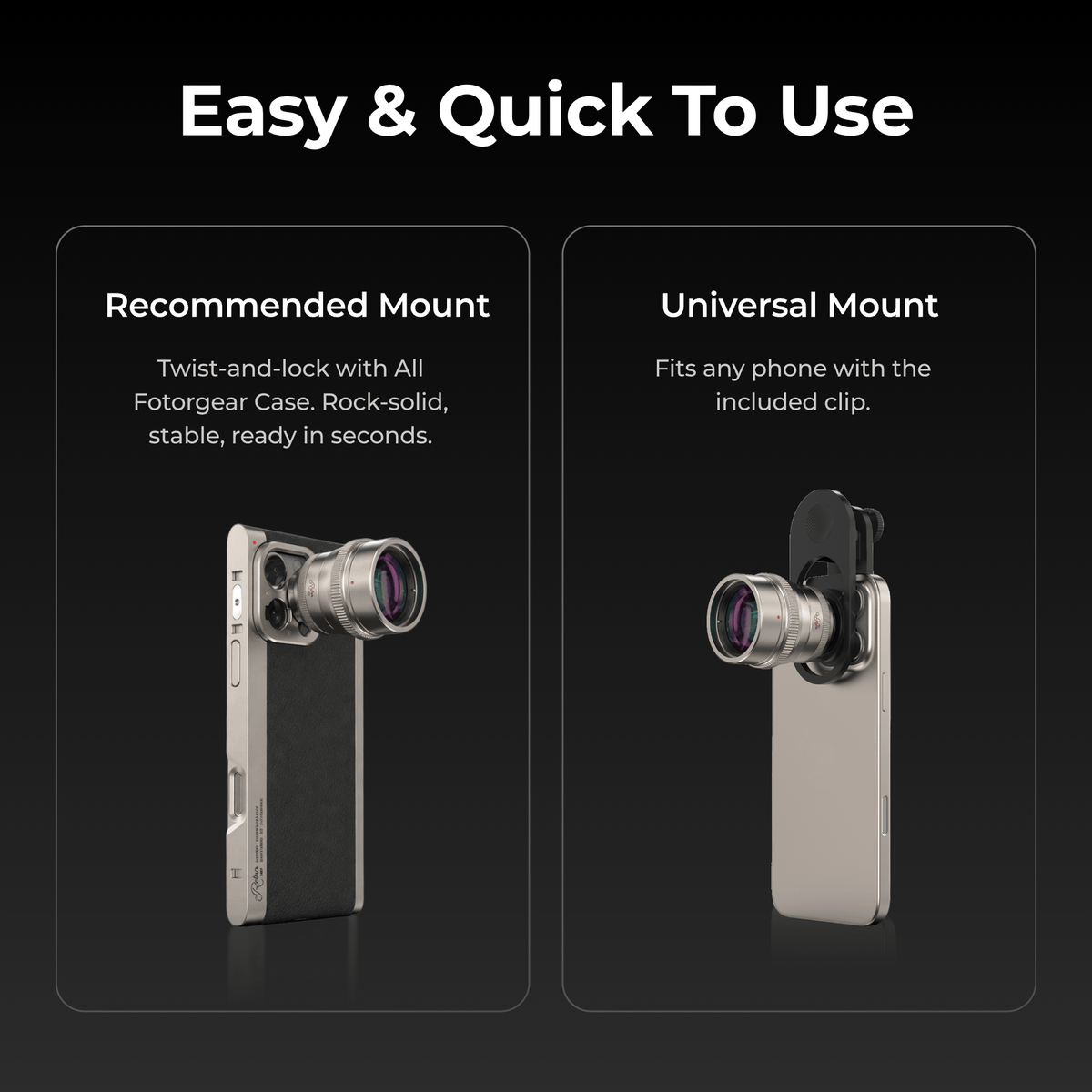
Twist. Lock. Shoot.
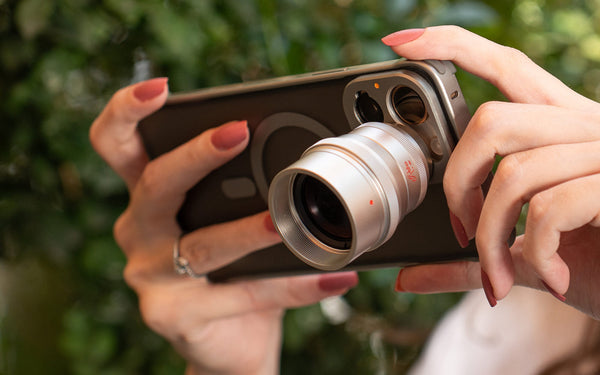
Attach your Fotorgear Case, then twist the lens on the phone's telephoto camera until it locks. Precision-aligned for maximum stability. One standard across every Fotorgear lens and accessory — ready for life as it happens
Shop the Collection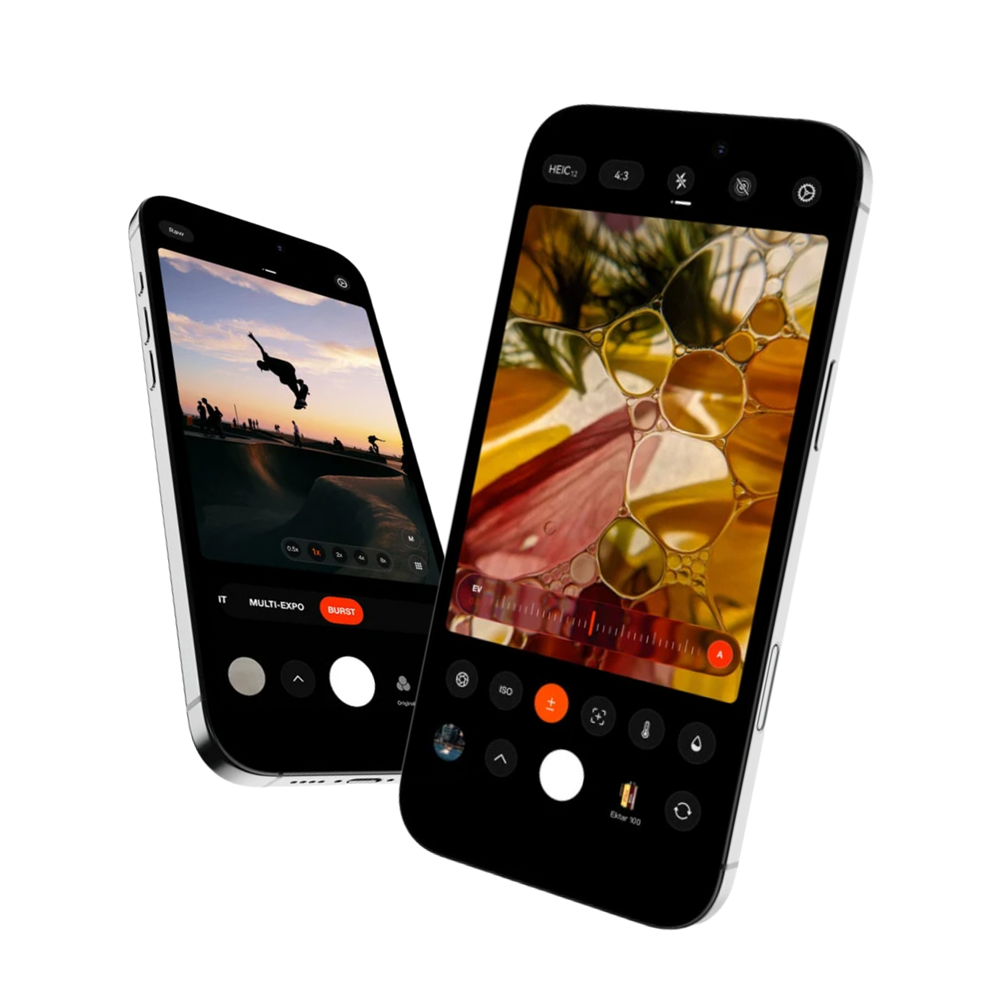

Fotorgear Camera App
Hardware is only half the story. The Fotorgear App unlocks the full potential of your Retro Photography Kit, turning your iPhone into a professional-grade cinema rig. From real-time lens stabilization to tactile physical controls, it's the software that makes every shot effortless.
EIS Handheld Stabilization
Electronic Image Stabilization reads your iPhone's gyroscope in real-time, canceling out hand tremors frame by frame. Even at extreme focal lengths, your footage stays fluid and tripod-smooth — without the tripod.
Pro Tools — Color, Depth & Precision
From manual shutter and ISO to anamorphic de-squeeze and depth control, the App puts cinema-grade tools in your pocket. Customize presets, shoot in RAW burst, and create with total creative freedom.
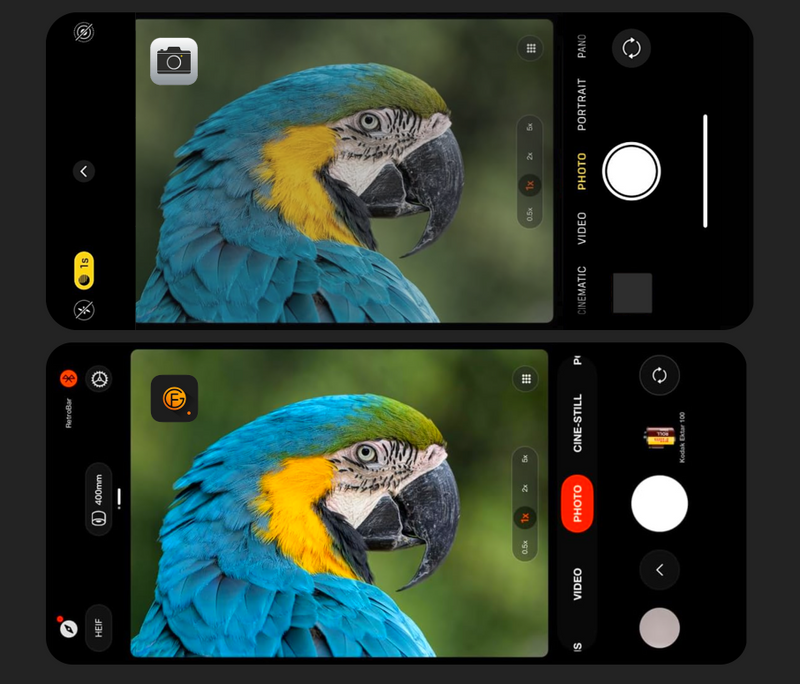
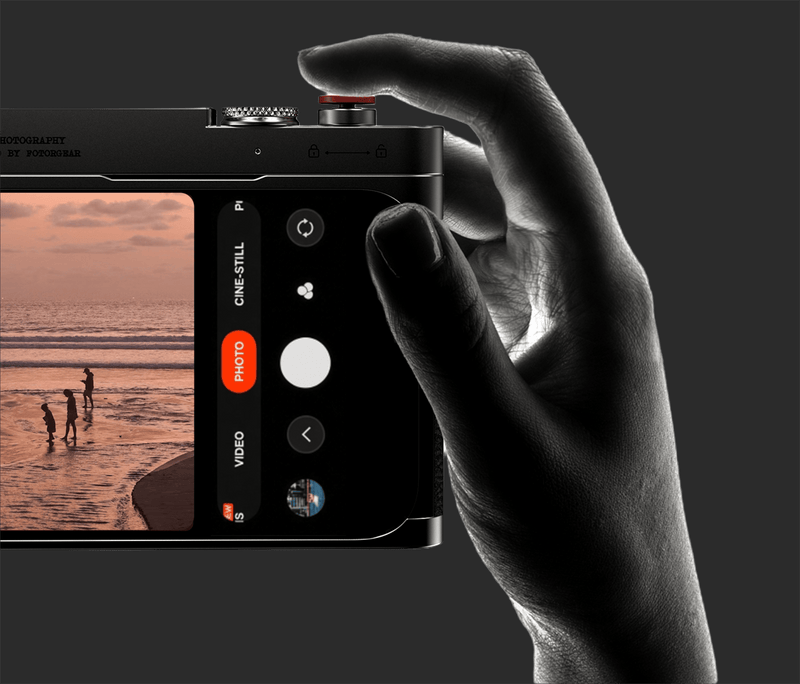
Works with the Native Camera App
Prefer the simplicity of the stock iOS camera? The Retro Bar works flawlessly with the native app right out of the box. No extra settings, no learning curve — just plug, pair, and shoot the way you always have, but with real tactile control.
Reviews

— ironkeyswood
I’ve always thought phone camera lenses were more hype than substance, but the FOTORGEAR Retro Case and lens kit surprised me right out of the box.
— el.nanachi
With its premium, high quality, and ergonomically controls, you can turn your iPhone into a camera with this Retro Photography Kit by Fotorgear.

— nastyaklever_

Blogs
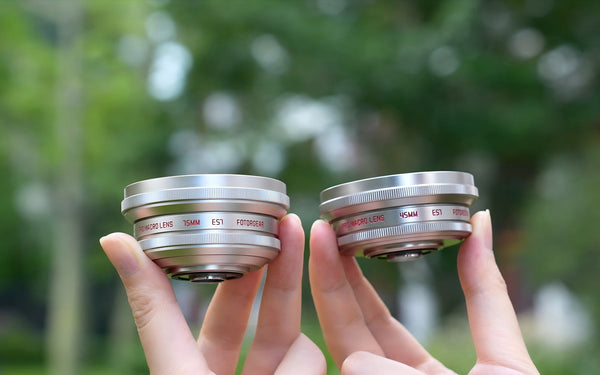
May 12, 2026
How to Choose Your Best Macro View: 45mm vs. 75mm
When it comes to mobile macro photography, choosing the right focal length is the secret to transforming a "good" shot into a professional masterpiece. At Fo...
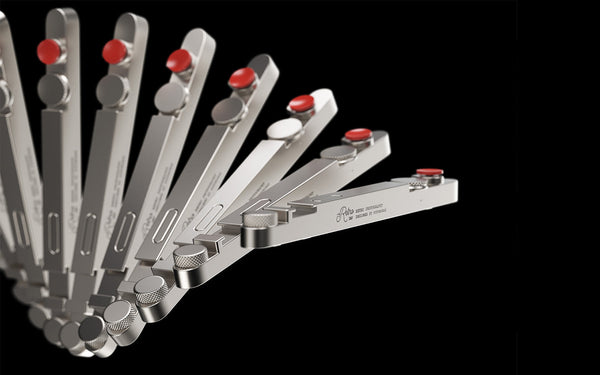
April 27, 2026
Retro Bar Bluetooth Connection Tips & FAQ
If you're setting up your Retro Photography Kit for iPhone for the first time, this guide will help you get your Retro Bar connected quickly and understand h...
Specifications


FAQs
The lens attaches to your phone's camera system and works with a wide range of smartphones. The T-Mount version is specifically designed for Fotorgear Retro Cases, which are available for iPhone and select Android flagship models. The universal clip version works with most smartphones on the market.
To be sure, check the product page for the complete compatibility list. If your phone's camera module is centered and not obstructed by an unusually thick case, the clip-on version should work without issues.
You can use both, but we strongly recommend using the Fotorgear app, which allows you to manually lock the telephoto lens.
The native camera may automatically switch to the main sensor in low-light conditions, which causes black edges or vignetting. The Fotorgear App locks your phone to the telephoto lens, ensuring the external lens works properly at all times.
It depends. The Retro Series lenses come with a universal lens clip that allows you to attach the lens directly to almost any phone, regardless of the case you're using. This provides maximum flexibility — you don't need to remove your everyday case just to shoot.
However, if you want the most stable and precisely aligned connection, the T-Mount system paired with a Fotorgear Retro Case is the better choice. The lens clicks directly into the case's built-in mount, eliminating any guesswork around alignment and providing a rock-solid foundation for shooting.
It depends on your phone's native telephoto capability. If your phone has a 5X optical zoom, such as the iPhone Pro Max or Samsung Ultra series, attaching the 2X lens gives you 10X optical zoom. If your phone has a 3X telephoto, such as the standard iPhone Pro, it gives you 6X optical zoom. This is optical magnification, not digital cropping, so image quality remains sharp and clear.
Screw the macro add-on onto the front of the telephoto lens. With a single macro lens, you can focus from approximately 40cm, ideal for flowers, jewelry, and everyday close-ups. With both macro lenses stacked, you can focus from approximately 20cm, perfect for capturing detailed textures like flower stamens or insect eyes.
You may also like